Marked Points
ES300_Navi_U (L/O 0208)
67
2003 ES300 Navigation from Aug. ’02 Prod. (OM33592U)
(b) Editing marked points
Once a marked point is registered, you can
edit the icon, name or telephone number.
1. Touch the
“MENU” tab on the screen
to display the “Menu” screen and touch
the
“Marked points” switch.
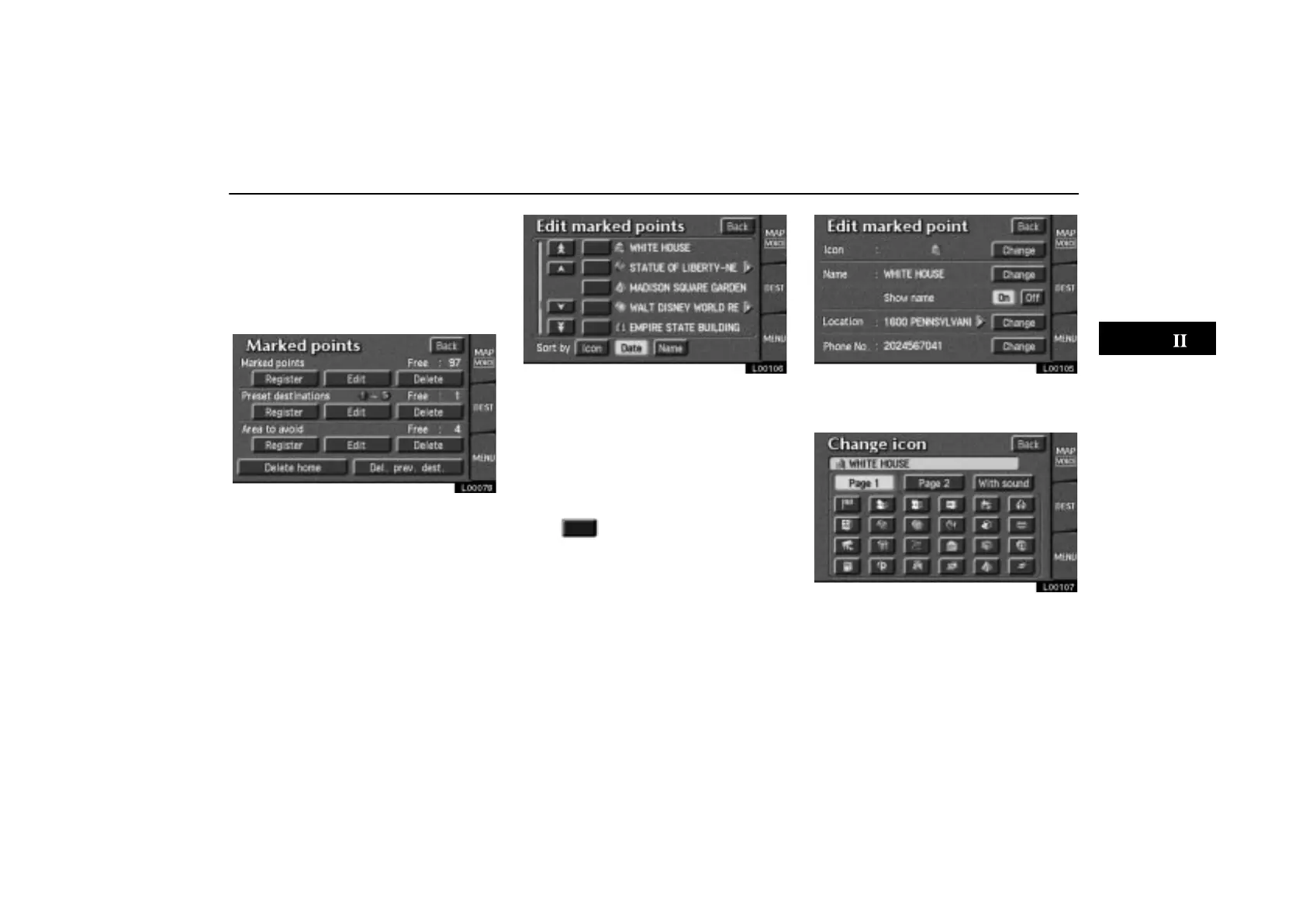
L00078
2. Touch the “Edit” switch under
“Marked points”.
L00106
The screen lists the marked points.
Sort by Icon: Touch this switch to list the
marked points in order of the type of symbol.
Sort by Date: Touch this switch to list the
marked points in order of the registered date.
Sort by Name: Touch this switch to list the
marked points in alphabetical order.
Touch
of the desired marked point to
display the edit marked point screen.
L00105
Touch the “Change” switch to edit.
CHANGING THE ICON
L00107
Touch your desired icon.
Page 1 and page 2: You can select one of
46 icons.



 To Next Page