Maintenance Information Dealer Setting
ES300_Navi_U (L/O 0208)
86
2003 ES300 Navigation from Aug. ’02 Prod. (OM33592U)
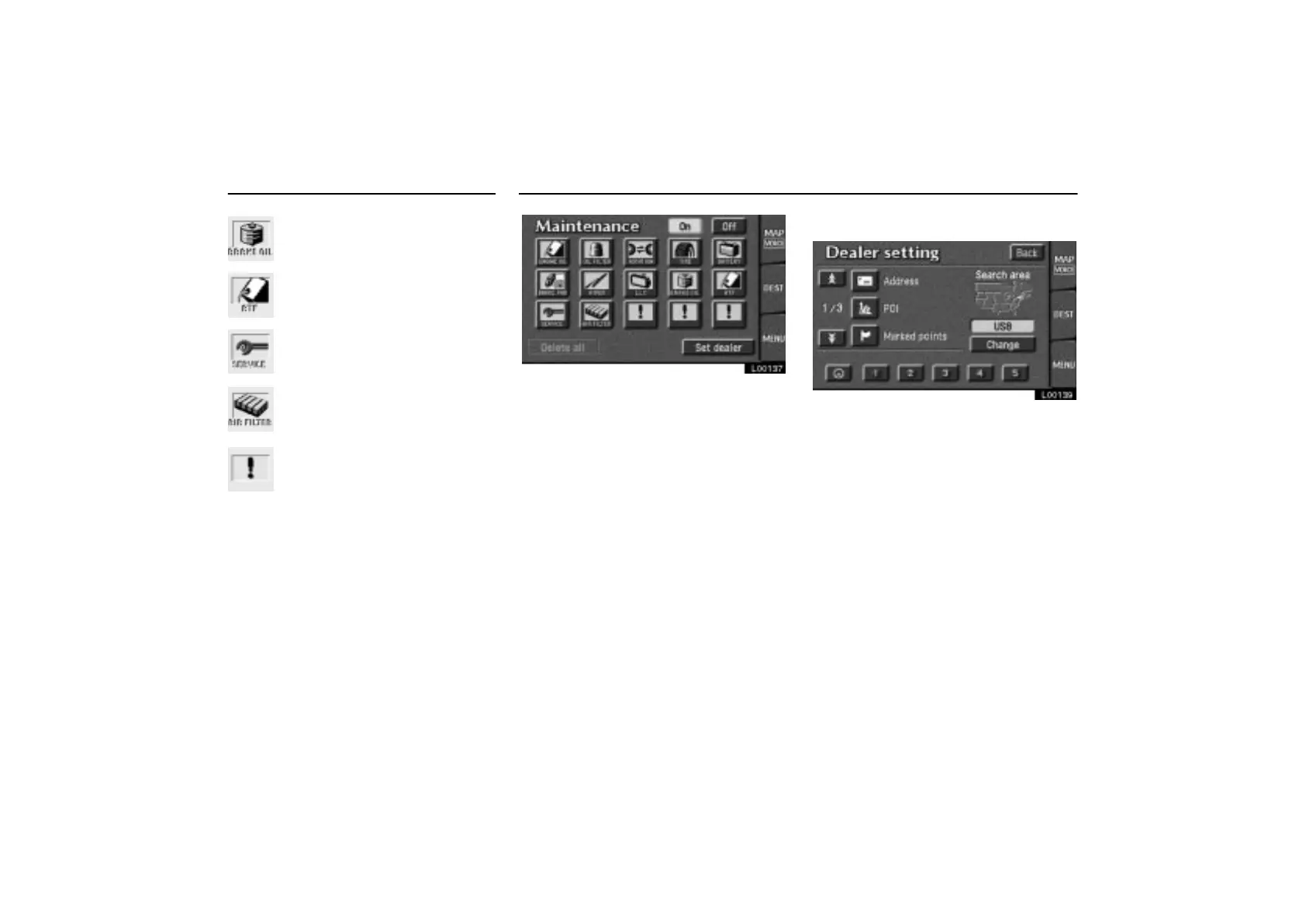
Replace brake fluid
Replace ATF
Scheduled maintenance
Replace air filter
Personal
L00137
You can register your dealer’s name and
address. Touch the
“Set dealer”
switch on the Maintenance screen.
(a) Registering dealer
L00139
1. Enter your dealer’s location address in
the same way as you input any destina-
tion. (See pages 8 through 25.)



 To Next Page