Setting and Deleting Destination
ES300_Navi_U (L/O 0208)
28
2003 ES300 Navigation from Aug. ’02 Prod. (OM33592U)
4. Input an additional destination in the
same way as the destination input. (See
page 26.)
L00055
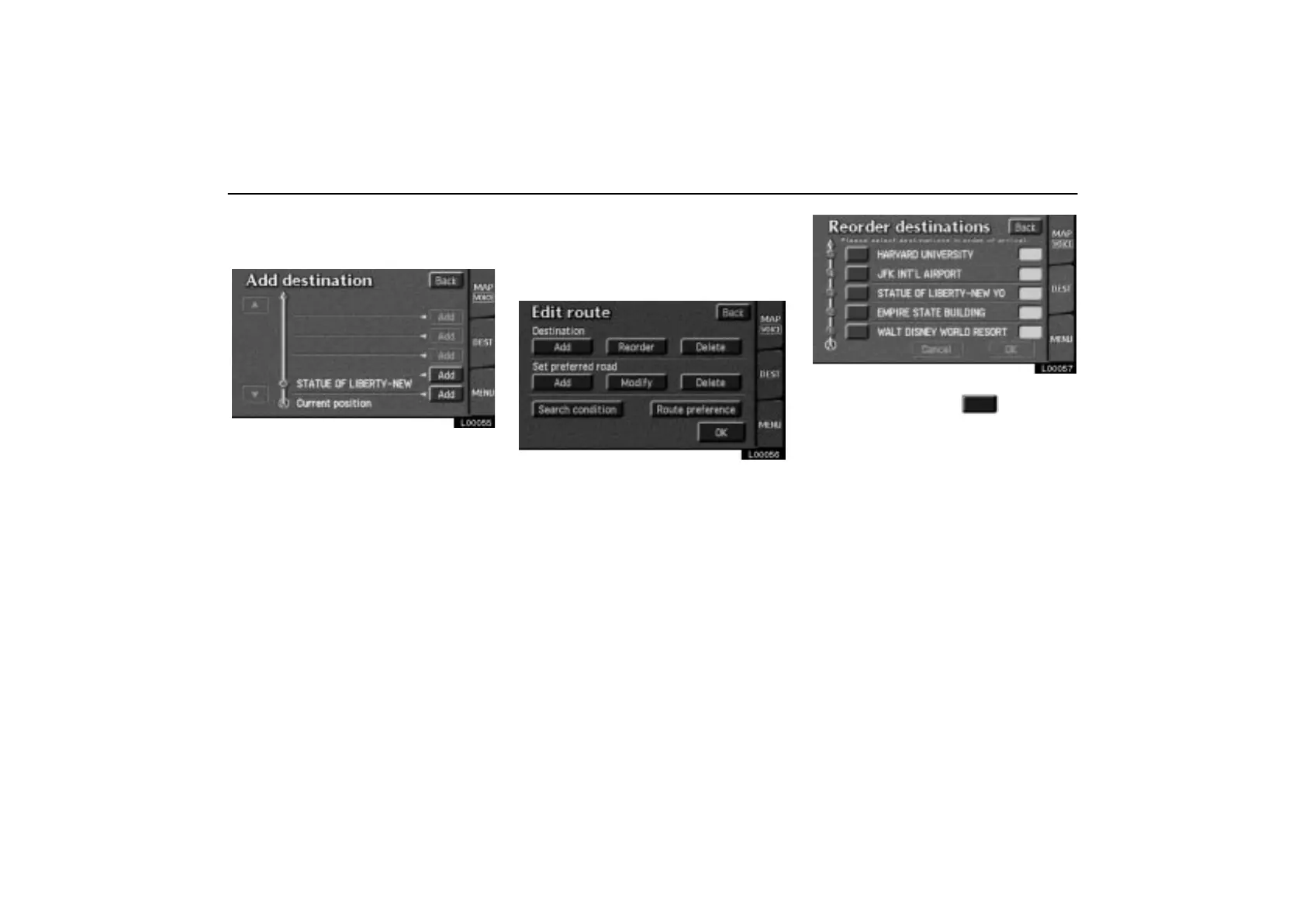
5. The add destination screen appears.
Touch the
“Add” switch that you want to
add a destination.
(c) Relocating destinations
1. Touch the “MENU” tab on the screen
to display the “Menu” screen and touch
the
“Edit route” switch.
L00056
2. Touch the “Reorder” switch under
“Destination”.
L00057
3. Select the destinations in the order of
arrival by touching the
switch.
After you finished selecting the destinations,
touch the
“OK” switch. The previous
screen returns.



 To Next Page