Area to Avoid
ES300_Navi_U (L/O 0208)
72
2003 ES300 Navigation from Aug. ’02 Prod. (OM33592U)
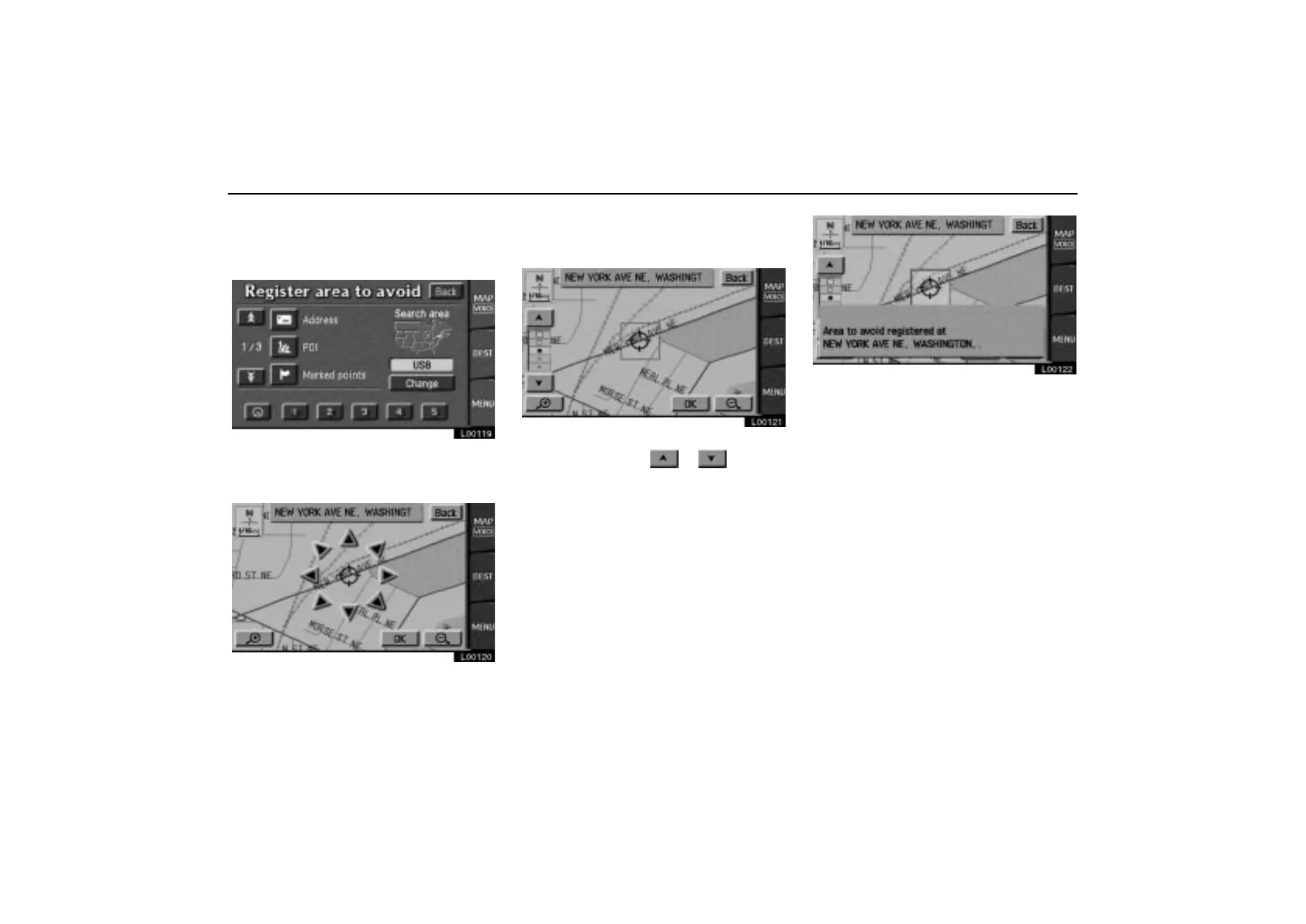
(a) Registering area to avoid
1. Touch the “Register” switch under
“Area to avoid”.
L00119
2. Find the area to avoid in the same way
as you find any destination. (See pages
8 through 25.)
L00120
3. Touch the “OK” switch when the cur-
sor is at the center of the area that you
want to avoid.
L00121
4. Depending on the contents to be
edited, touch either
or switch.
When you touch the
“OK” switch, the fol-
lowing message appears.
L00122
After a few seconds, the “Marked points”
screen returns.



 To Next Page