Calendar with MemoCalendar with Memo
ES300_Navi_U (L/O 0208)
91
2003 ES300 Navigation from Aug. ’02 Prod. (OM33592U)
(b) Adding a memo
L00186L00186
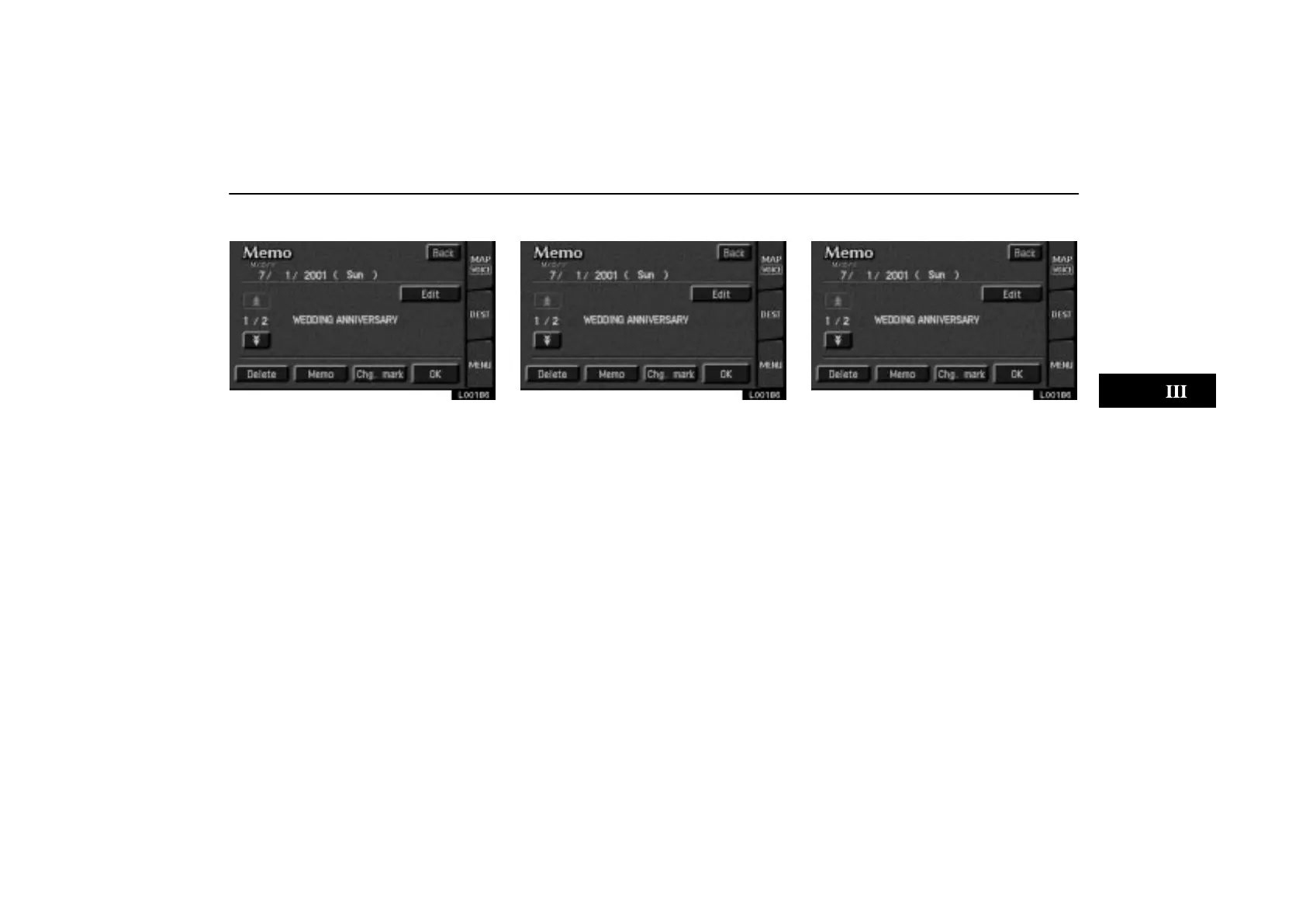
When you want to add a memo, touch di-
rectly on the date you want to add the
memo.
The “Memo” screen appears on the dis-
play. If touching
“Memo” switch, the
memo input screen is displayed. (See
page 89 for inputting a memo.)
You can input up to three memos a day.
(c) Deleting a memo
L00186
Touch the date for which you already in-
put the memo. Display the memo you
want to delete and then touch the
“De-
lete”
switch. A message appears on the
display. To delete, touch the
“Yes”
switch. If not, touch the “No” switch.
(d) Editing a memo
L00186
If you want to edit the memo, touch the
date. Touching the
“Edit” switch will
display the “Memo edit” screen. (See
page 89 for the details.)



 To Next Page