Registering Preset Destinations Detour Setting
ES300_Navi_U (L/O 0208)
43
2003 ES300 Navigation from Aug. ’02 Prod. (OM33592U)
3. Select the preset destination that you
want to delete and touch the
switch.
If you want to delete all the preset des-
tinations, touch the “Delete all” switch.
Messages appear depending on the type of
deletion. If you want to delete, touch the
“Yes” switch. To cancel the deletion, touch
the
“No” switch.
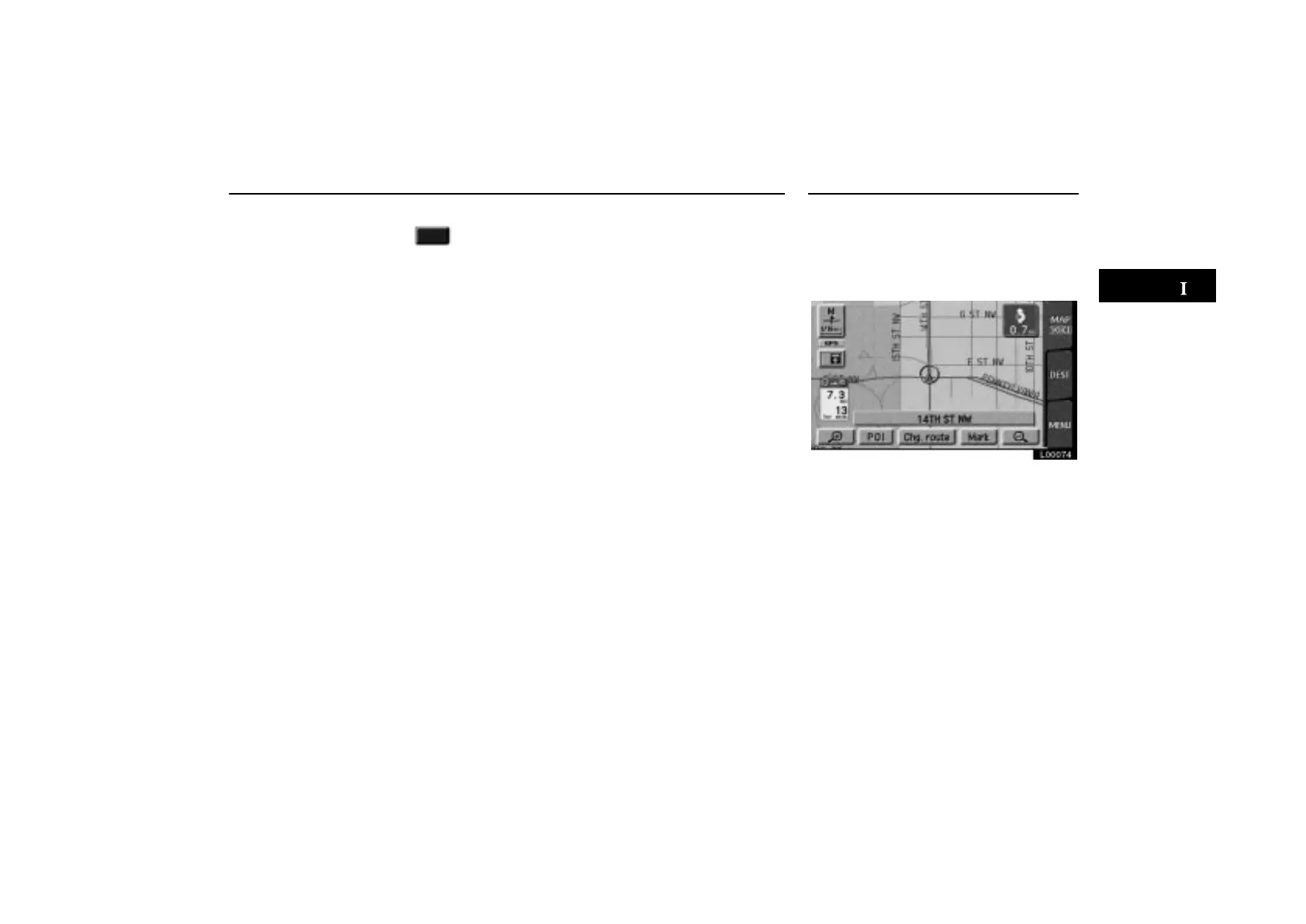
When you are driving while the route
guidance is operating, you can change
the route to detour around a section of
the route where a delay is caused by road
repairs, an accident, etc.
L00074
Touch the “Chg. route” switch if you
encounter a reason to divert from the se-
lected route.



 To Next Page