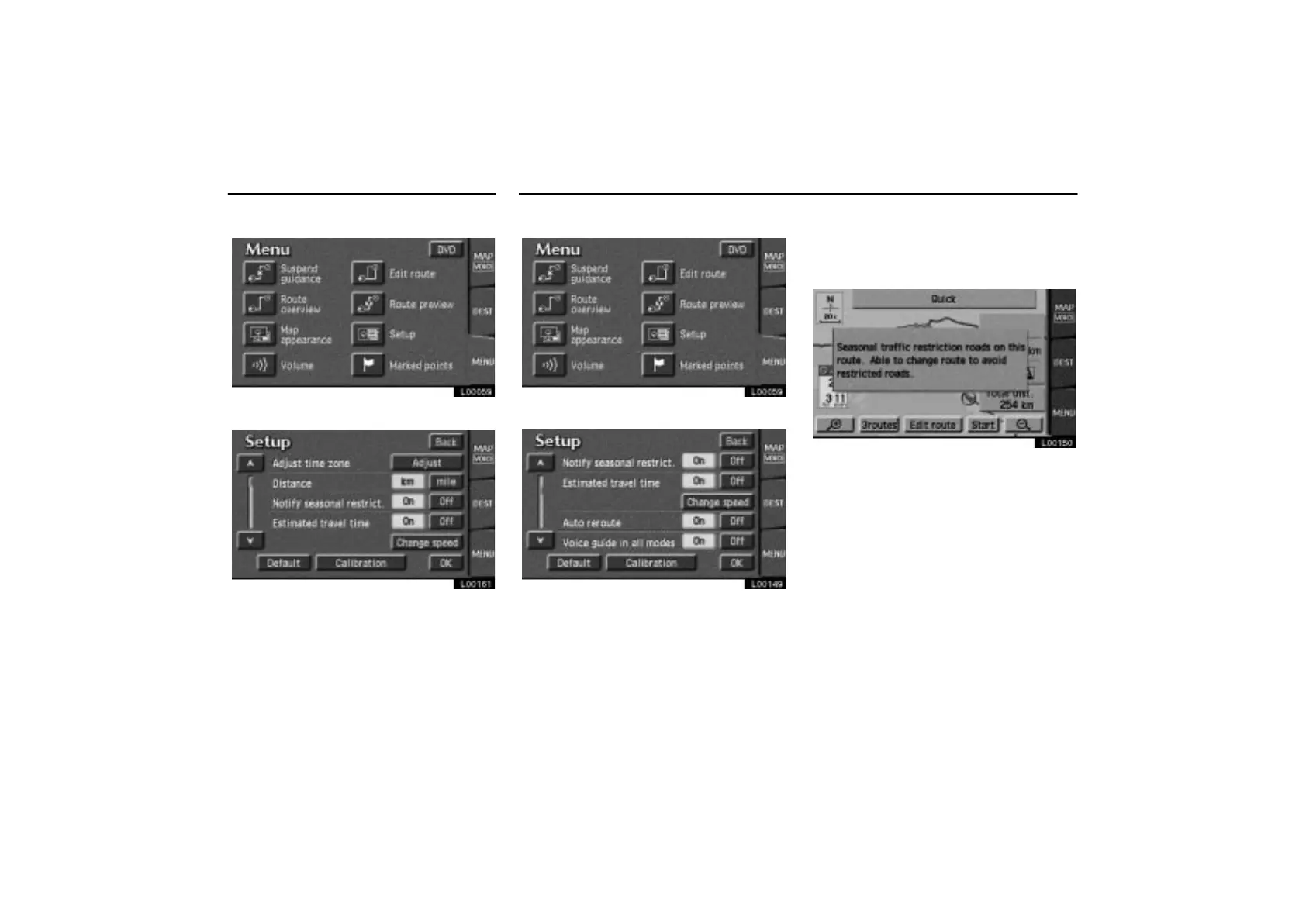
Distance Notify Seasonal Restrict
ES300_Navi_U (L/O 0208)
82
2003 ES300 Navigation from Aug. ’02 Prod. (OM33592U)
1. Touch the “MENU” tab on the screen.
L00059
2. Touch the “Setup” switch.
L00161
3. Touch “km” or “mile” to select your
desired units.
4. Touch the
“OK” switch.
1. Touch the
“MENU” tab on the screen.
L00059
2. Touch the “Setup” switch.
L00149
3. Touch the “On” switch of the “Notify
seasonal restrict”. Touch the
“OK”
switch. The screen returns to the current
position map.
L00150
The restricted road icon and message will
appear on the screen.



 To Next Page