Setting and Deleting Preferred Road
ES300_Navi_U (L/O 0208)
30
2003 ES300 Navigation from Aug. ’02 Prod. (OM33592U)
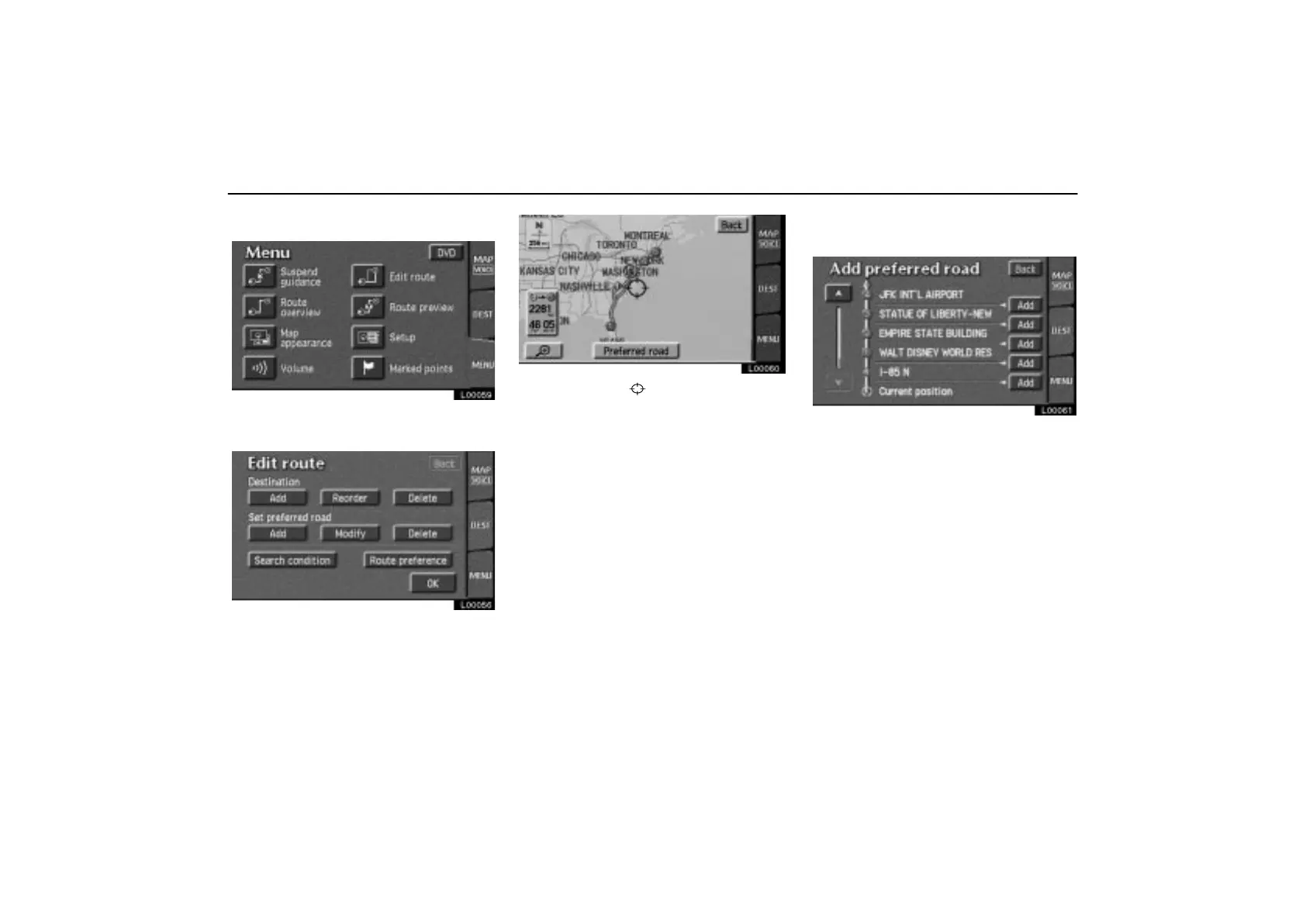
(a) Adding preferred road
L00059
Touch the “Edit route” switch on the
“Menu” screen.
L00056
Touch the “Add” switch under “Set pre-
ferred road”. The following screen ap-
pears.
L00060
Move the cursor to your desired loca-
tion and touch the
“Preferred road”
switch.
Messages appear to confirm your request on
the screen. Touch the
“Enter” switch to
register the road.
Touch the
“Next” switch to change the
road type.
L00061
The “Add preferred road” screen ap-
pears. Touch the
“Add” switch where
you want to add a preferred road.



 To Next Page