Destination Input by POI
ES300_Navi_U (L/O 0208)
14
2003 ES300 Navigation from Aug. ’02 Prod. (OM33592U)
L00030
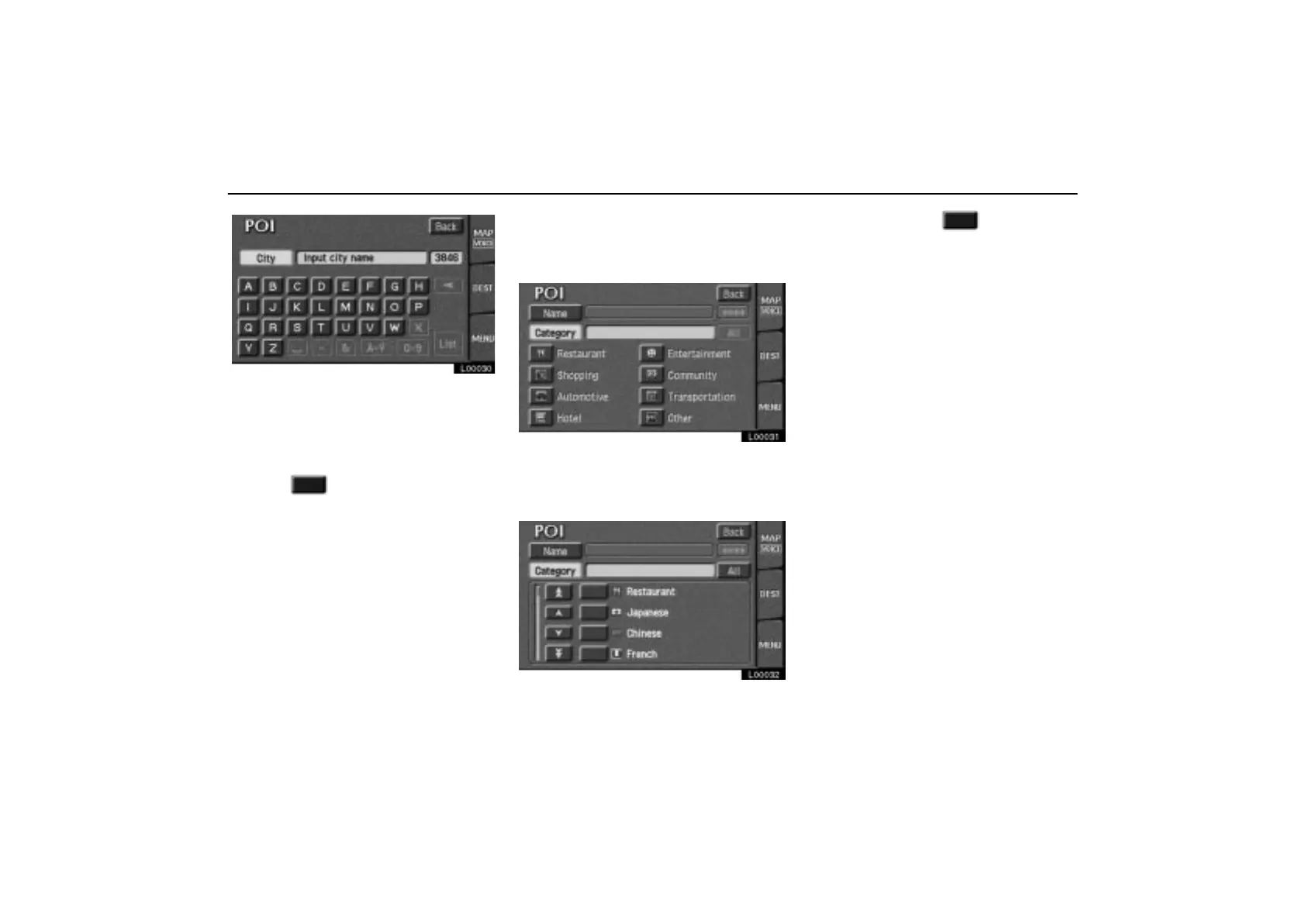
Input the city name.
If the number of sites becomes 4 or less, or
if you touch the
“List” switch on the screen,
the screen changes and displays the selec-
tion list.
Touch the of the desired city name.
After entering the city name, input the
name of the POI.
(c) Selecting from the categories
Touch the “Category” switch on the
“POI” screen.
L00031
The categories are shown on the screen.
When you touch the symbol switch of
your desired category, more detailed
categories are shown.
L00032
When you touch the of your desired
category, the screen changes and dis-
plays the menu to input a name.



 To Next Page