Destination Input by POI
ES300_Navi_U (L/O 0208)
15
2003 ES300 Navigation from Aug. ’02 Prod. (OM33592U)
L00033
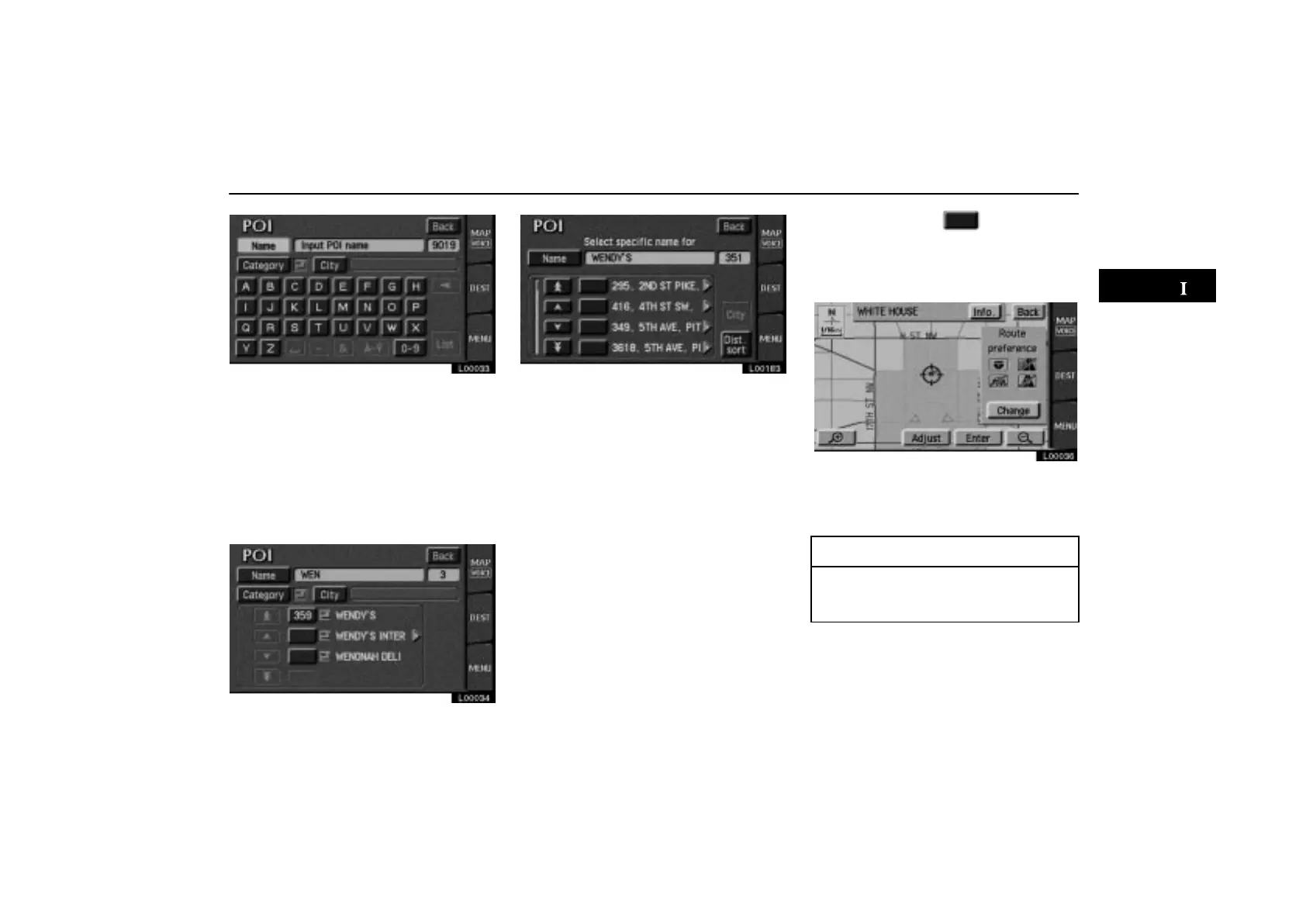
Once you have selected a category, you can
touch letters directly on the screen to input a
name. To input numerals, touch the
“0–9”
switch to display the screen for numeral in-
put.
If the number of sites becomes 4 or less, or
if you touch the
“List” switch at the bottom
right of the screen, the screen changes and
displays a list of sites.
L00034
L00183
If you input the name of a specific point of in-
terest and there are more than two sites with
the same name, the
“Dist. sort” switch
will be shown. Touch the
“Dist. sort”
switch on the screen to display listing of all
items based on the distance from your cur-
rent location.
When you touch the
of your desired
item, the screen changes and displays
the map location of the selected destina-
tion and the route preference. (See “(a)
Entering destination” on page 26.)
L00036
Touch the “Info.” switch on the screen to
display the selected destination name, ad-
dress and telephone number.
INFORMATION
The desired point of interest can be dis-
played on the map screen. (For details,
see page 45.)



 To Next Page