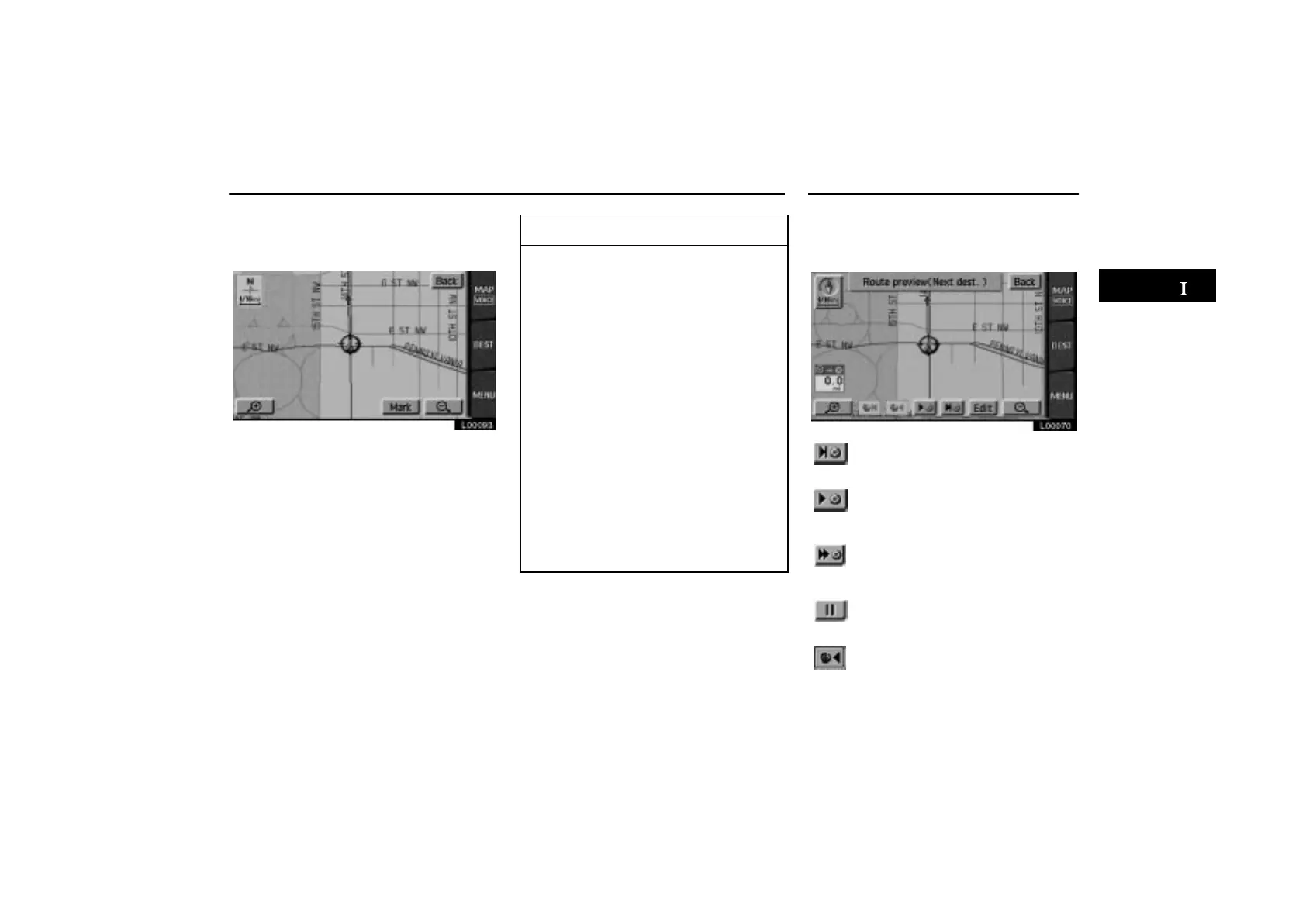
Route Guidance Screen Route Preview
ES300_Navi_U (L/O 0208)
35
2003 ES300 Navigation from Aug. ’02 Prod. (OM33592U)
Touch the “Map” switch of your desired
point. The point which you choose is dis-
played on the map screen.
L00093
INFORMATION
The current vehicle position mark
appears at the bottom of the screen
next to the name of the street you are
driving on. The mark does not move.
If you leave the guidance route, the
name of the street you are on is not
shown on the list next to the current
vehicle position mark.
If the road type you are on changes
between a highway, a main street or
a residential street (at an inter-
change or fork), it will appear on the
turn list.
If a long route has been selected, it
may take a long time to display the
turn list.
Touch the
“MAP/VOICE”
tab on
the screen to return to the map dis-
play with a route guidance.
Touch the “Route preview” switch on
the “Menu” screen. The “Route preview”
screen appears.
L00070
To indicate the next destination
or selected POI
To preview the route to the nex
destination or selected POI
To preview the route to the nex
destination in fast–forwar
mode
To stop the preview
To review the route to the cur
rent position



 To Next Page