Area to Avoid
ES300_Navi_U (L/O 0208)
74
2003 ES300 Navigation from Aug. ’02 Prod. (OM33592U)
(c) Deleting area to avoid
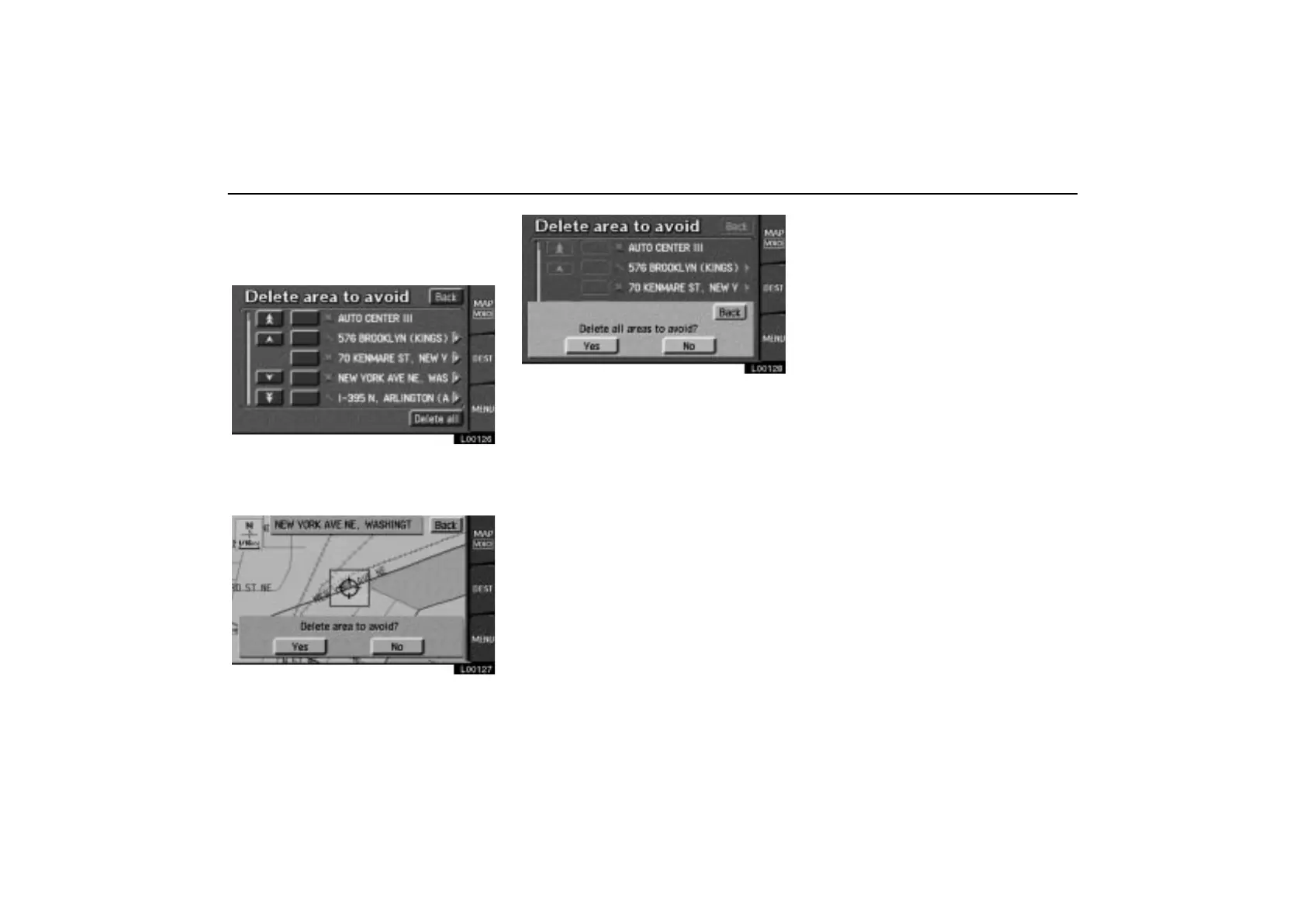
1. Touch the “Delete” switch to display
the “Delete area to avoid” screen.
L00126
2. Select the area you want to delete.
Delete all: All the areas to avoid registered
in the system are deleted.
L00127
L00128
3. Either of the above messages appears.
To delete the area(s), touch the
“Yes”
switch.
If you want to try again or cancel the deletion,
touch the
“No” switch. The previous
screen will return.



 To Next Page