Destination Input by PREVIOUS STARTING POINT Destination Input by MAP
ES300_Navi_U (L/O 0208)
25
2003 ES300 Navigation from Aug. ’02 Prod. (OM33592U)
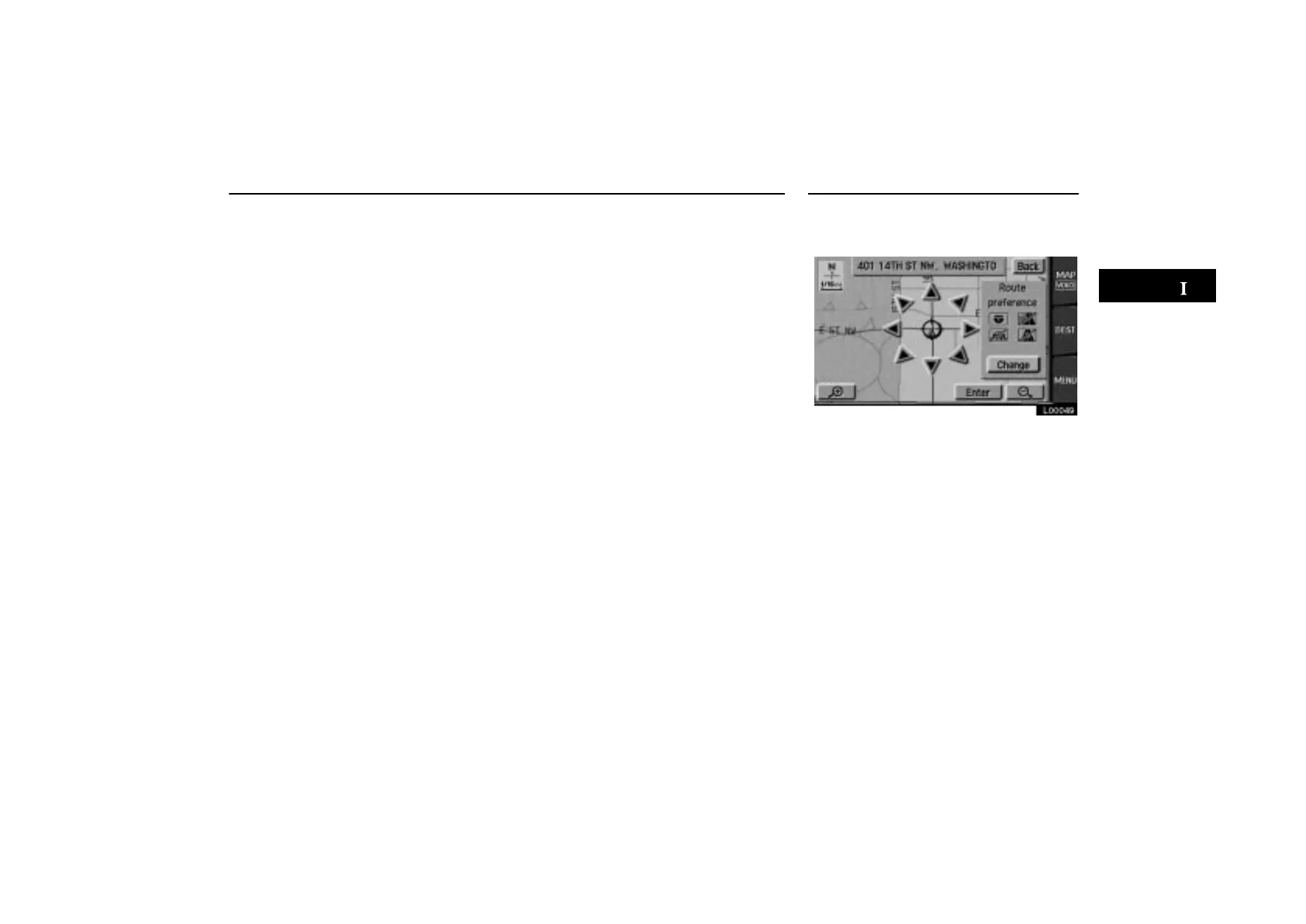
Touch the “Previous starting point”
switch on the “Destination” screen.
The screen changes and displays the
map location of the previous starting
point and the route preference. (See “(a)
Entering destination” on page 26.)
If you have not used the navigation yet, the
“Previous starting point” switch is
dimmed.
Touch the “Map” switch on the “Des-
tination” screen.
L00049
The screen changes and displays the
map location that was previously dis-
played just before the destination input
operation and route preference. (See “(a)
Entering destination” on page 26.)



 To Next Page