Screen Scrolling Orientation of the Map
ES300_Navi_U (L/O 0208)
49
2003 ES300 Navigation from Aug. ’02 Prod. (OM33592U)
L00099
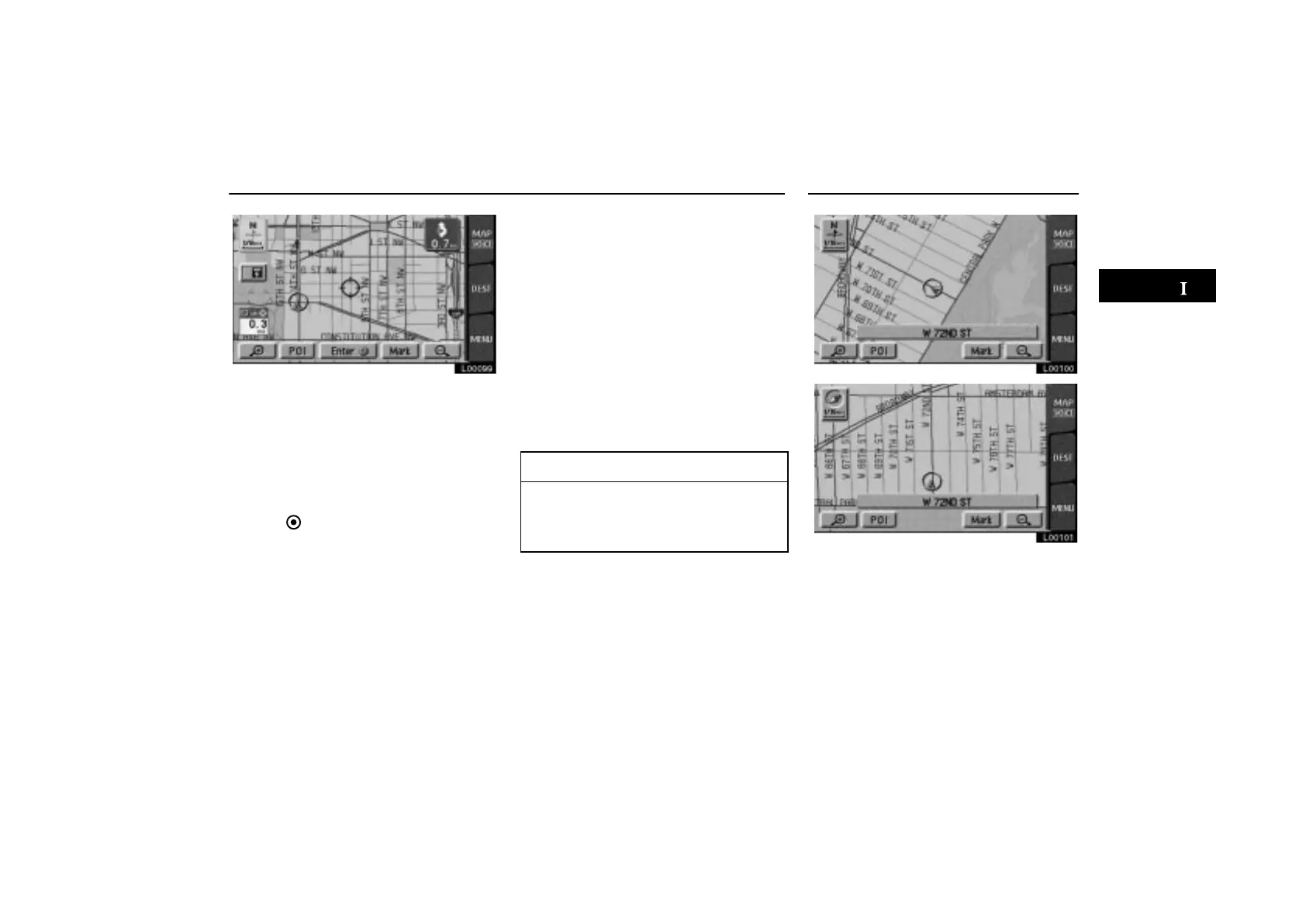
If you wish to look at a different point on the
map other than your current vehicle position,
you can bring the desired point to the center
of the screen by using the scroll feature.
Touch any point on the screen, and that point
moves to the center of the screen and is
shown by the cursor mark . You can then set
this place as a destination. Touch the
“Enter ” switch on the screen.
If a destination is already registered, you can
add the new location as another destination.
If you continue to hold your finger on the
screen, the map will continue scrolling in that
direction until you lift your finger.
If you touch switches such as
“Mark”,
“POI”, etc., the screen does not scroll and
the selected function operates.
After you scroll the screen, the map remains
centered at the selected location until you
activate another function. The current ve-
hicle position mark will continue to move
along your actual route and may move off the
screen. When you touch the
“MAP/
VOICE”
tab on the screen, the current ve-
hicle position mark returns to the center of
the screen and the map moves as you pro-
ceed on your route.
INFORMATION
If you enter a destination using the
screen scrolling function, the road
nearest to the point you touched is set
as the destination.
L00100
L00101



 To Next Page