Setting and Deleting Destination
ES300_Navi_U (L/O 0208)
29
2003 ES300 Navigation from Aug. ’02 Prod. (OM33592U)
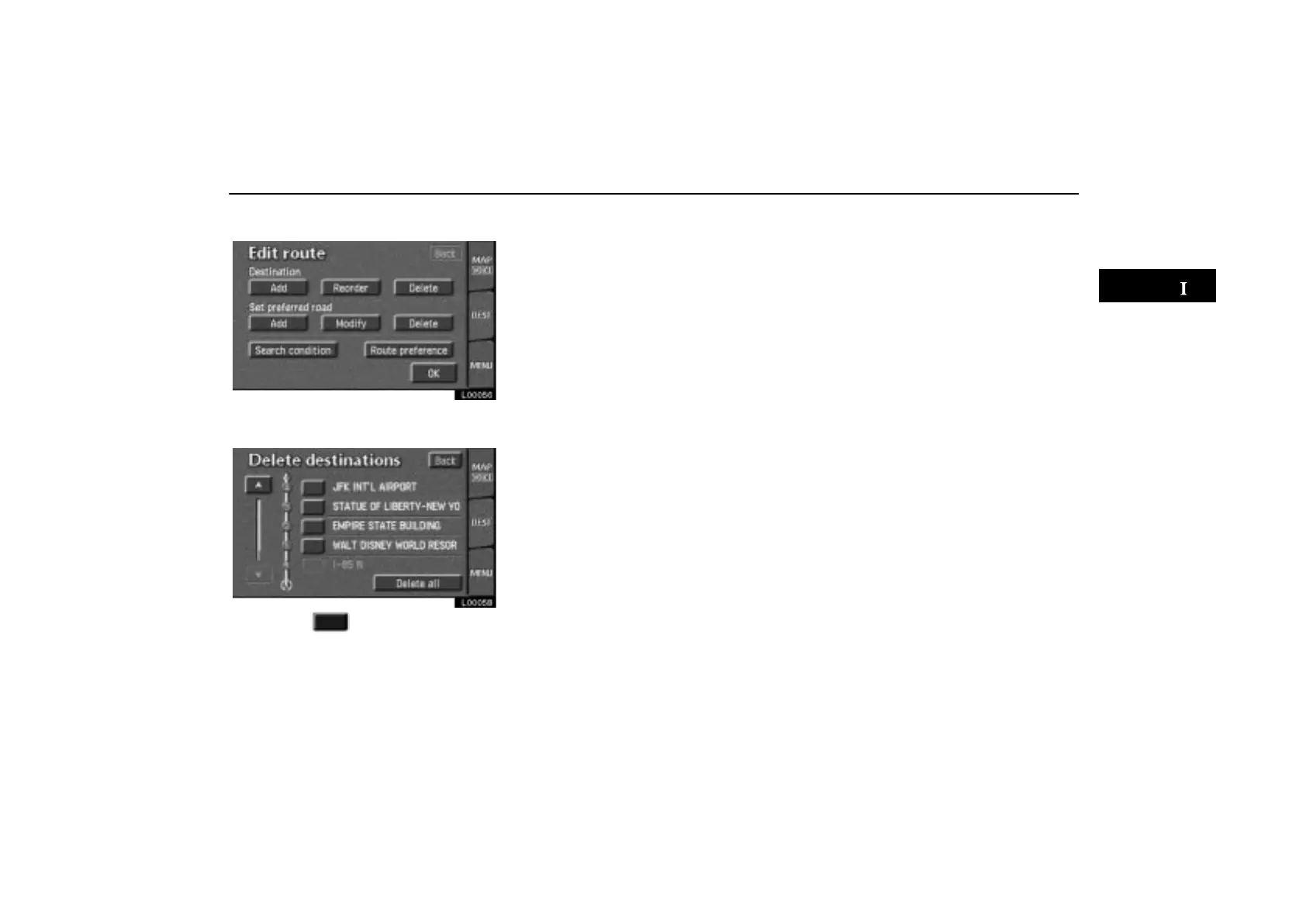
(d) Deleting destination
L00056
1. Touch the “Delete” switch under
“Destination”.
L00058
2. Touch the switch next to the des-
tination where you want to delete. Touch
the
“Delete all” switch if you want to
delete all destinations.
3. A message appears to confirm your re-
quest to delete. To delete the destina-
tion(s), touch the
“Yes” switch.
If you touch the “Yes” switch, the data can-
not be recovered.
If you touch the
“No” switch, the previous
screen will return.



 To Next Page