Marked Points
ES300_Navi_U (L/O 0208)
66
2003 ES300 Navigation from Aug. ’02 Prod. (OM33592U)
You can register and keep your own
marked points of interest list (like restau-
rants, sports facilities, etc.) and use the
marked points to input a destination.
(a) Registering marked points
L00059
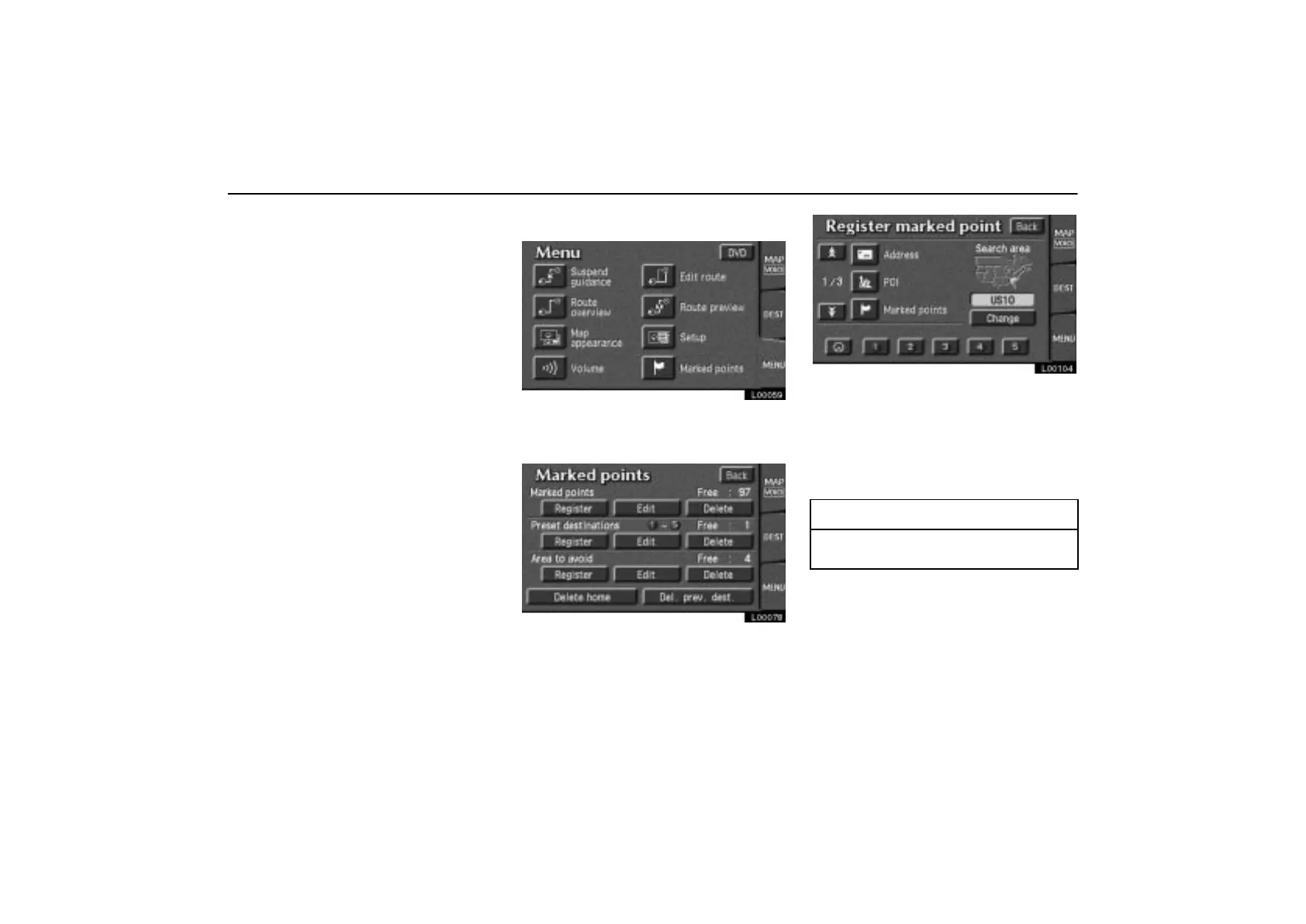
1. Touch the “MENU” tab on the screen
to display the “Menu” screen and touch
the
“Marked points” switch.
L00078
2. Touch the “Register” switch under
“Marked points”.
L00104
A screen similar to that for destination input
appears. Input the address of the marked
point in the same way as any destination in-
put. See pages 8 through 25.
3. After you finish registering the marked
point, touch the
“Back” switch.
INFORMATION
Up to 100 marked points can be regis-
tered.



 To Next Page