Map Color Auto Reroute
ES300_Navi_U (L/O 0208)
79
2003 ES300 Navigation from Aug. ’02 Prod. (OM33592U)
Map color list
Switch NO. Map color
“Auto”
mode
1
Green Mar.–May
2
Blue Jun.–Aug.
3
Gray Sep.–Nov.
4
Beige Dec.–Feb.
When the auto reroute feature is turned
on, the system will automatically search
for a new route to the destination if you
leave the guidance route. This feature
does not operate while you are driving on
roads where the guidance is not avail-
able.
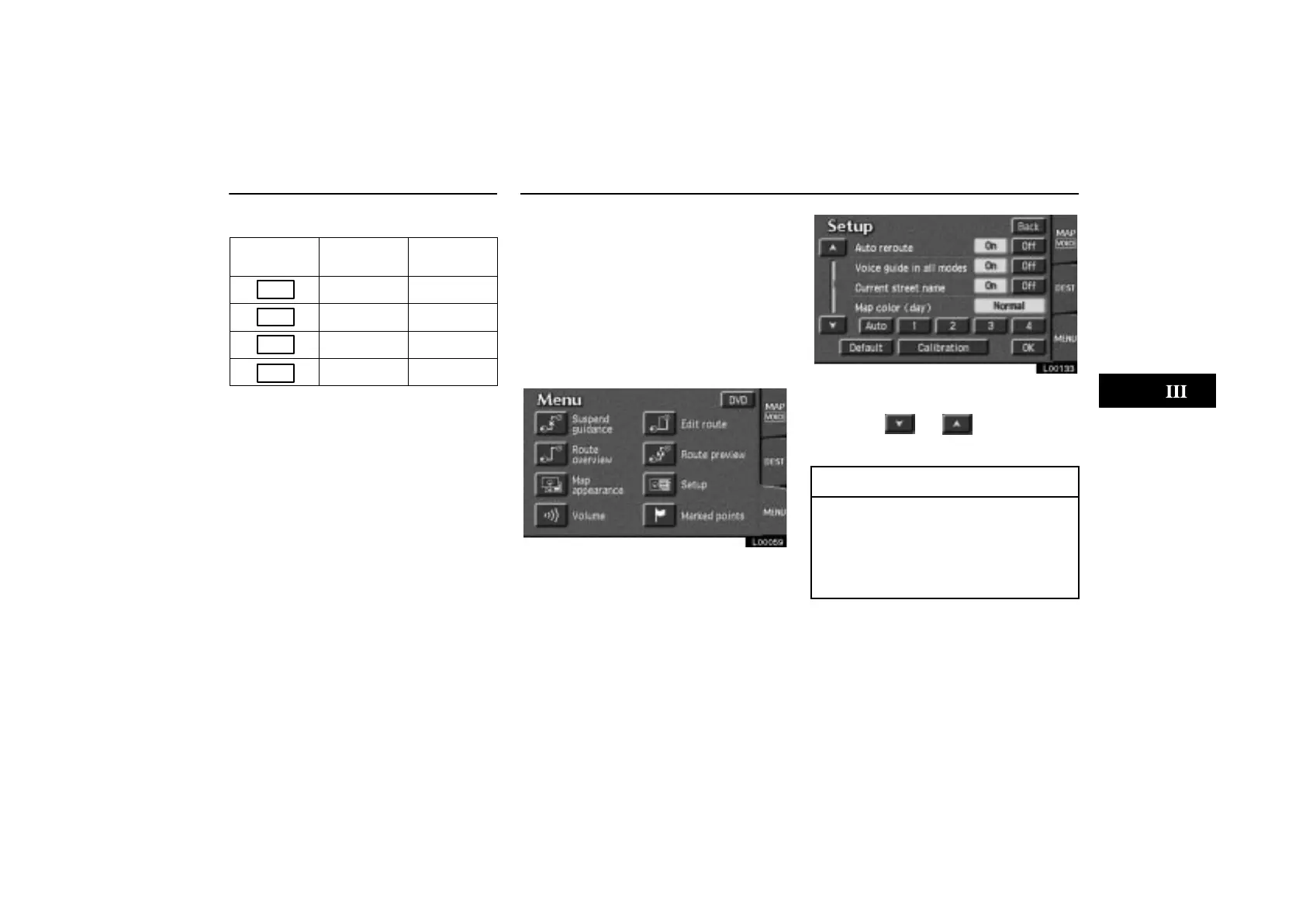
1. Touch the
“MENU” tab on the screen
to display the “Menu” screen, and touch
the
“Setup” switch.
L00059
L00133
2. Touch the “On” switch of “Auto re-
route”. If you can not find the item on the
list, touch or to scroll up or
down the list.
INFORMATION
If your vehicle leaves the guidance
route, the system searches for a new
route to the destination. The new route
may or may not take you back to the
previous route depending on how far
you are off the original guidance route.



 To Next Page