Current Street Name Maintenance Information
ES300_Navi_U (L/O 0208)
84
2003 ES300 Navigation from Aug. ’02 Prod. (OM33592U)
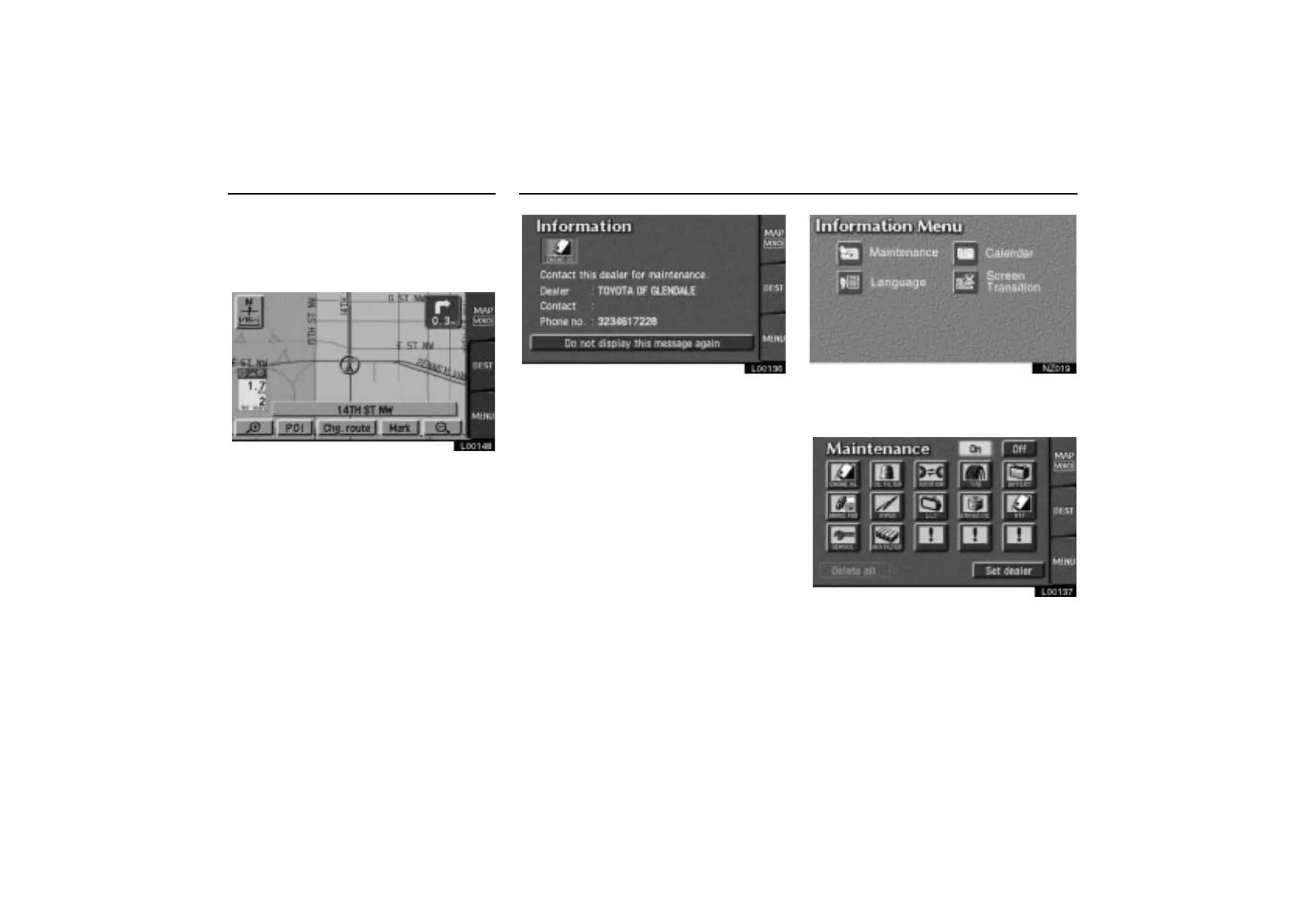
3. Touch the “On” switch on the right of
“Current street name”.
The current street name appears on the map
screen.
L00148
L00136
This system has a function which informs
you of the time to replace certain parts or
components as well as other information
shown on the screen. (See
“INFORMATION ITEMS” on page 85.)
When the system begins operating after
reaching either the Information Item’s
date or driving distance, the
“Information” screen will be displayed.
To avoid seeing the “Information” screen
again, touch the
“Do not display this
message again”
switch.
NZ019
1. Push the “INFO” button to display
the Information Menu screen, and then
touch the
“Maintenance” switch.
L00137
2. Touch your desired icon and input the
conditions.



 To Next Page