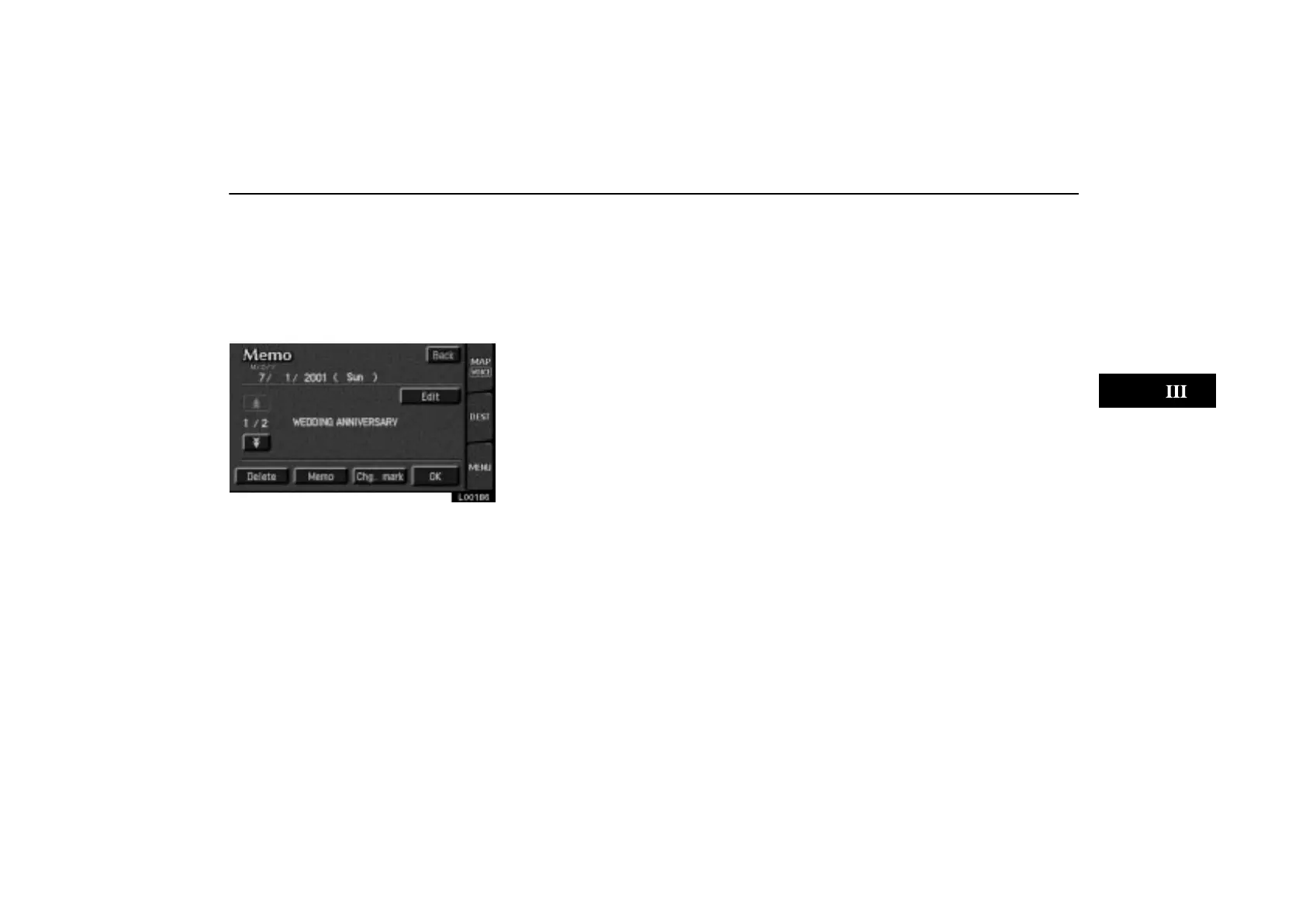
Calendar with Memo
ES300_Navi_U (L/O 0208)
93
2003 ES300 Navigation from Aug. ’02 Prod. (OM33592U)
If you want to remove all of the date
colors you input, touch the
“Remove
color of date”
switch. A message
appears on the display. To remove the
colors, touch the
“Yes” switch. To allow
the colors to remain, touch the
“No”
switch.
L00186
To edit: Touch the “Edit” switch. (See
page 91 for details.)
To delete: Touch the
“Delete” switch.
(See page 91 for details.)


 To Next Page