We can reduce the humidity of the hydroponic facility by turning
on the vent fan. But if the outdoor temperature is low or the
outside humidity is high we disable the fan. In this case we may
switch on the dehumidifier.
Low Outside Temperature Threshold is the temperature below
which the vent fan will be off.
Outside humidity override has two options On/Off and Offset.
On/Off is where it enables or disables this option. Offset option
allows you to input the minimum amount of humidity. Let say if the
inside humidity is 70% and offset is 10% then the humidity
override takes place when the outside humidity is greater than
60%
On Time is time that the humidity override is enabled after which
it switches back to temperature set point control for the designated
Off Time.
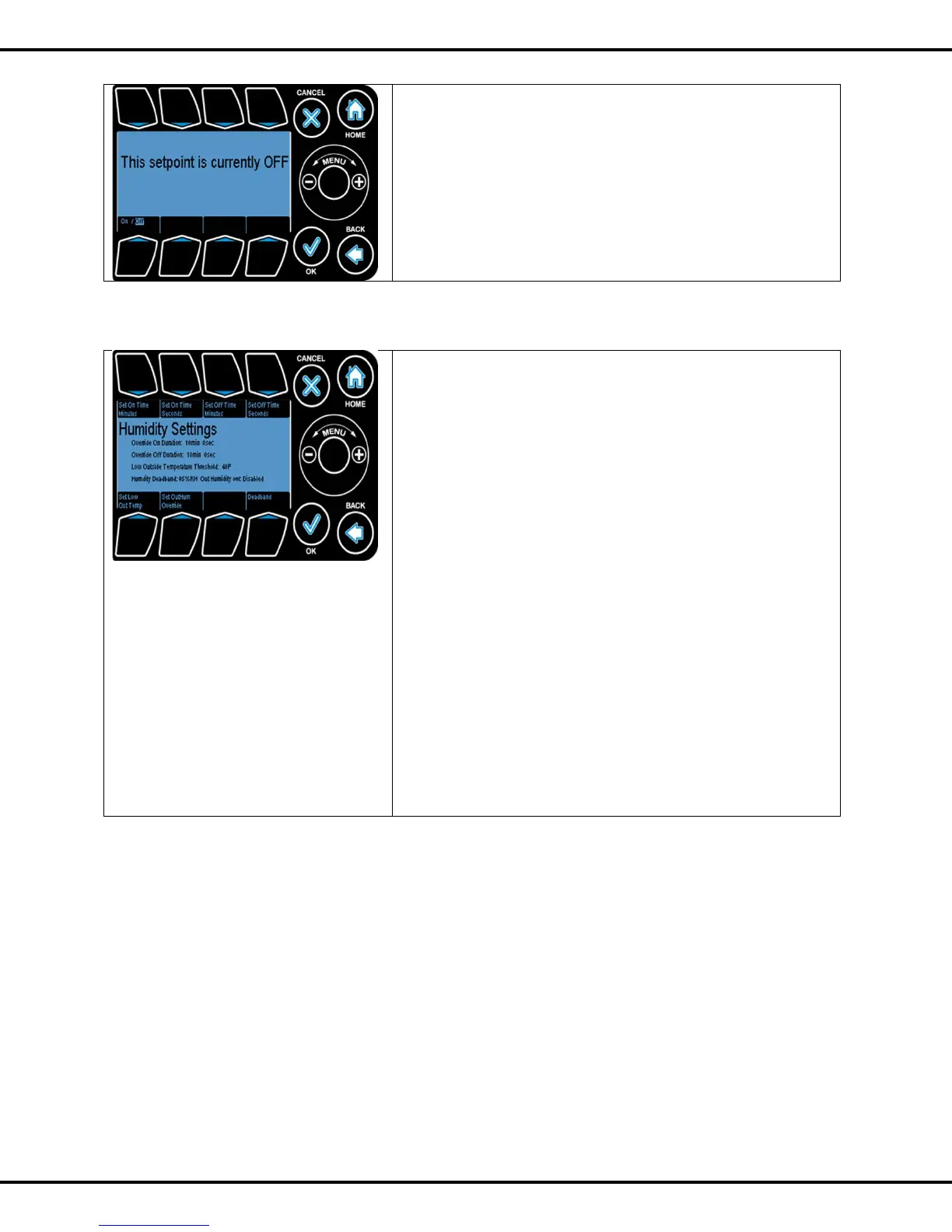
Press #1,2 to change On Time minutes and seconds
Press #3,4 to change Off Time minutes and seconds
Press #5 to change Outside Temperature Threshold
Press #6 to change Outside Humidity Override
Press #8 to change Deadband



 To Next Page