960-0001-20 iGrowSeries 100 Installation and User Manual 15
Programming
Before You Begin
Before the iPonic 600™ is programmed, it is recommended that the following steps are followed:
Hardware is properly installed and tested with manual switches.
All internal switches have been restored back to the OFF state.
All the templates from Chapter 3: Control Strategies that are relevant to your application are understood
and are completely filled out.
You can upgrade your controller to the latest firmware by going to iponic.link4corp.com. Follow the
provided instruction to upgrade your controller.
iPonic 600™ Main Status Screens
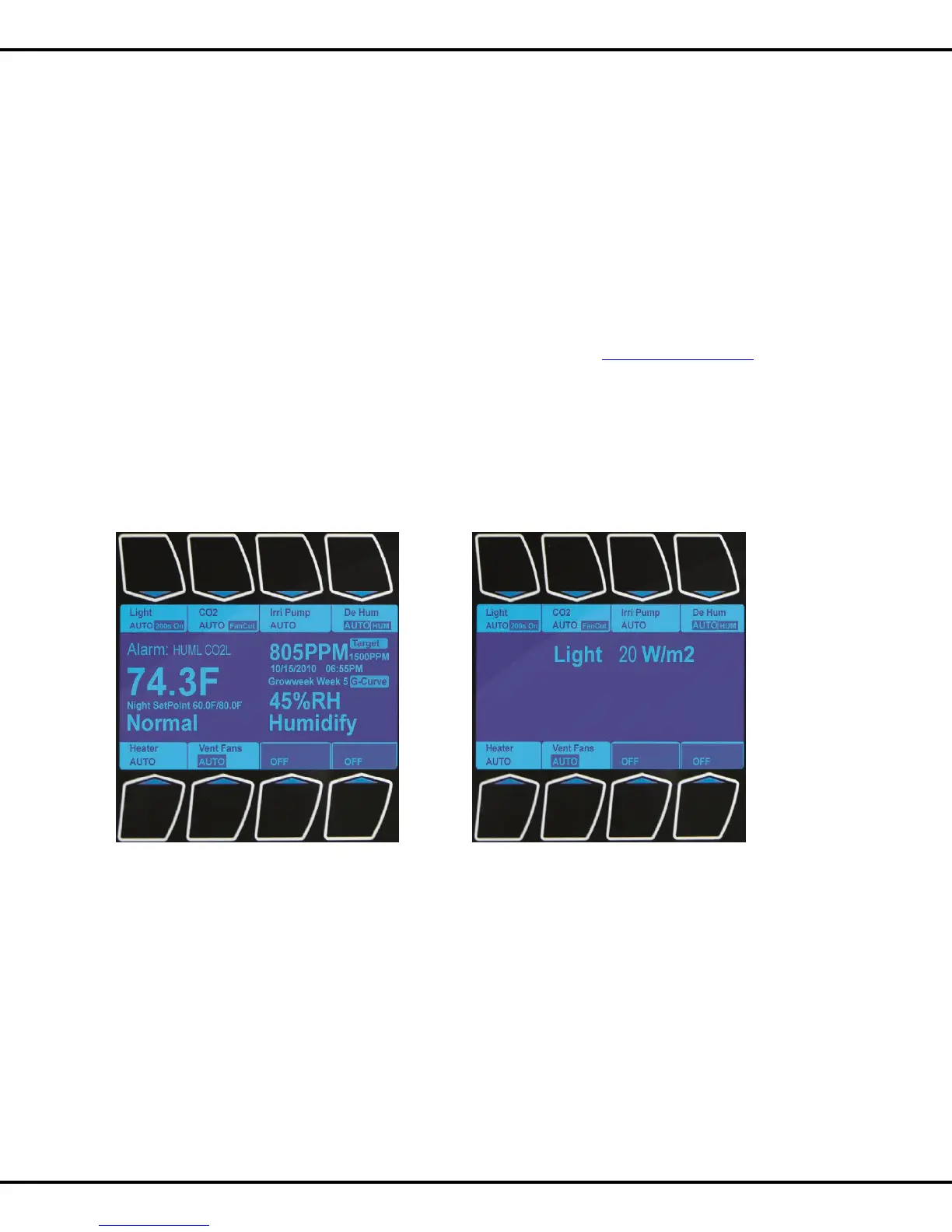
These are the status screens that you will see when you first power up the system. Pressing the HOME button
will let you toggle between the two screens.
Navigation
The following figures are designed to explain the features of these status screens.
Please review carefully.



 To Next Page