Self Test Time: The time interval between planned sensor
tests.
Set Retest Time: The delay after which a test should repeat
once a previous test has failed. Button #4 is used to go to this
option.
Set Temp Difference: Temperature difference which should
be seen when the test is in progress. Button #5 is used to go
to this option.
Set Self Test Time Min Value: Adjusts the time period in
minutes.
Set Self Test Time Hrs Value: Adjusts the time period in
hours. Buttons #2 & #3 are used to go to the corresponding
option. Wheel can be used to increase or decrease the
values.
Note: In the event that a sensor failsthe test and no backup
sensor is in place, significant crop damage can occur. It is the
responsibility of the end user to maintain sensors in good
working order.
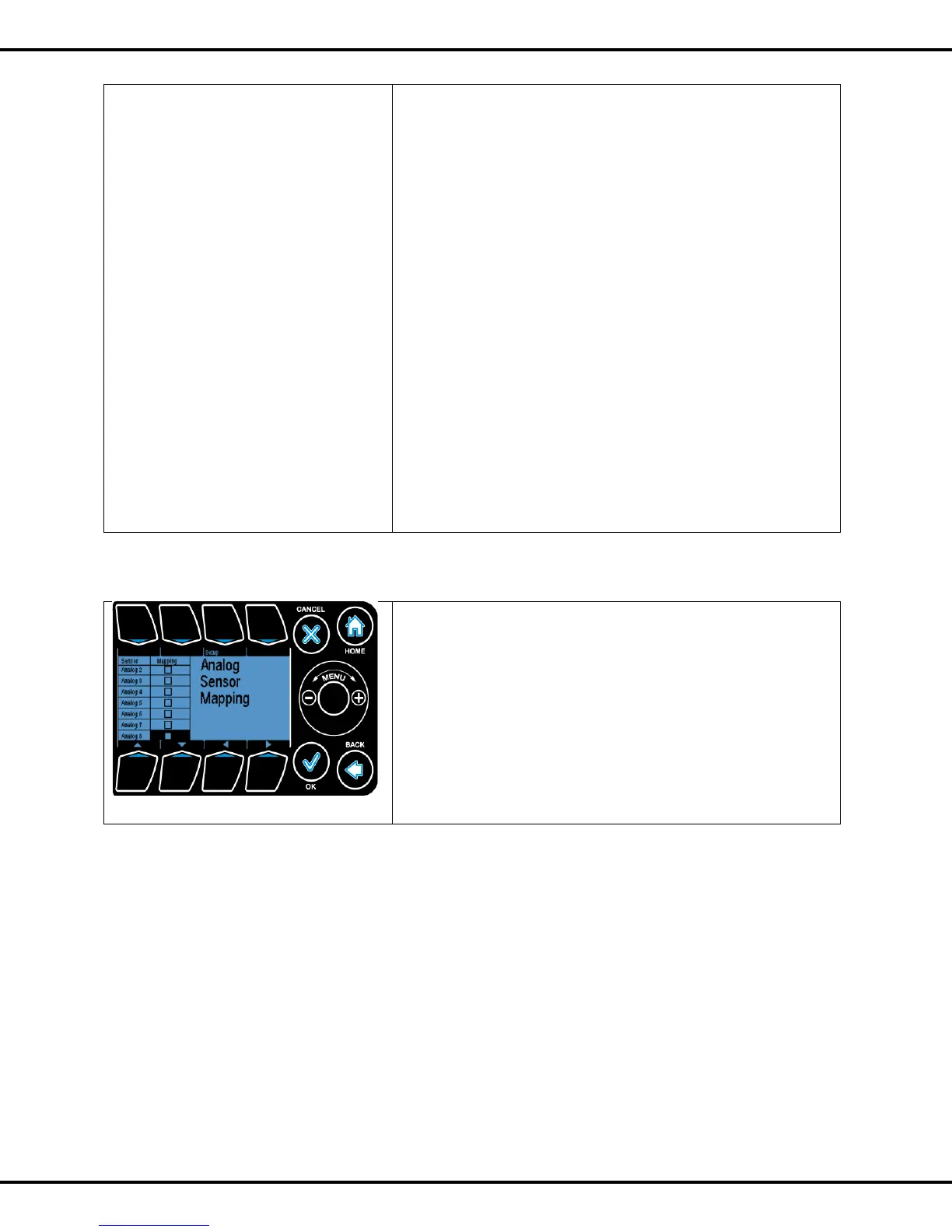
This section enables the user to average the data from
separate analog sensors.
This is useful in situations where the user needs to take
temperature data from multiple locations in a zone and
average them to form an accurate temperature reading for the
entire zone.
Use the Arrows and Wheel to navigate to a desired analog
sensor and map it to be averaged using the Enable/ Disable
toggle or the OK button.



 To Next Page