960-0001-20 iGrowSeries 100 Installation and User Manual 53
4.9 Communication Setup
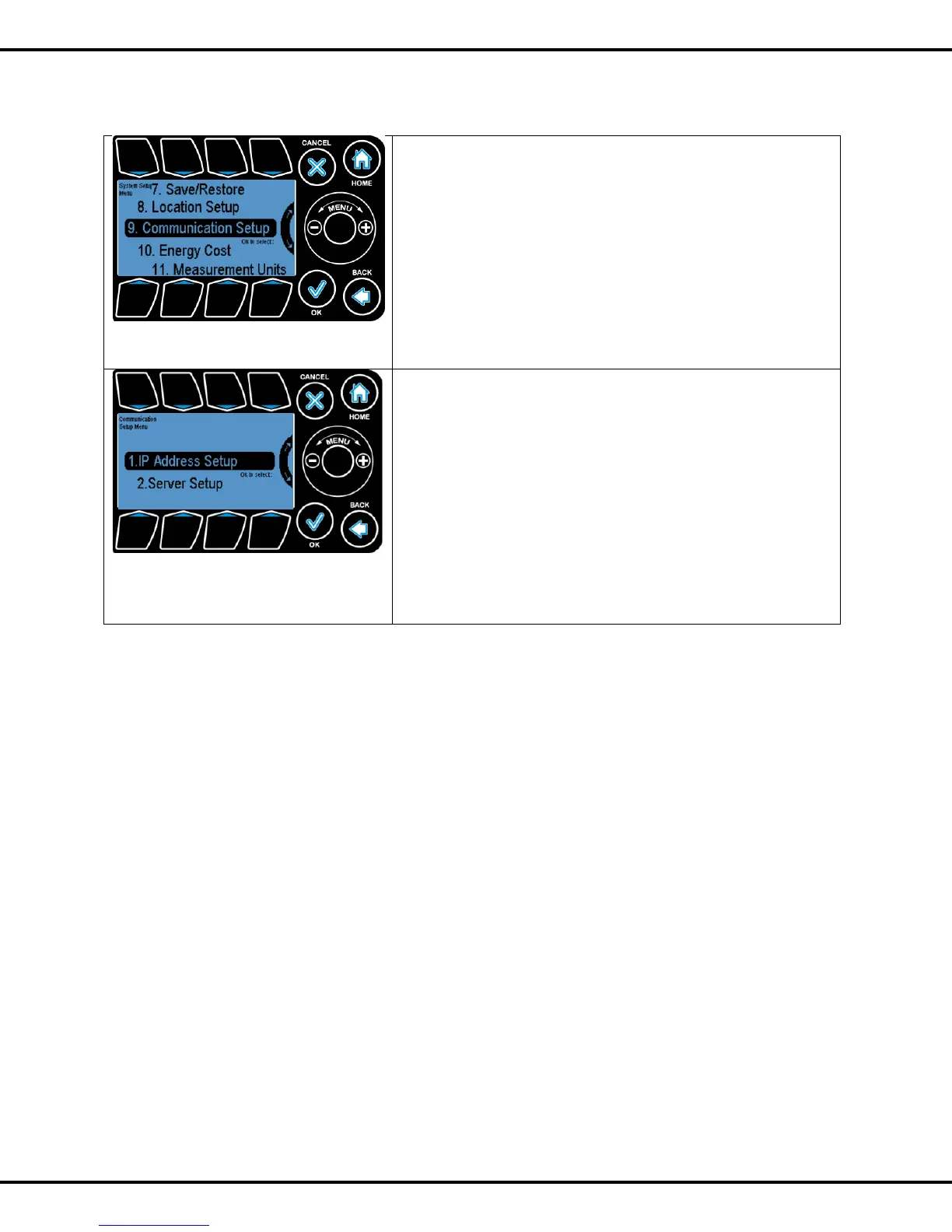
The Communication Setup screen can be accessed by
navigating appropriate line in the System Setup
Menu.
Communication setup menu can be found under system setup
menu
Wheel or Button #7 can be used to go to highlight this option
and OK to select this option
IP Address Setup: Allows the user to configure the network
settings to enable the unit for web access
Server Setup: This options allows the user to set the sever to
link4corporation cloud.
Buttons #1, #2 or Wheel can be used to highlight the option
and OK is used to select the option
Please refer to iPonic communication user manual for more
information



 To Next Page