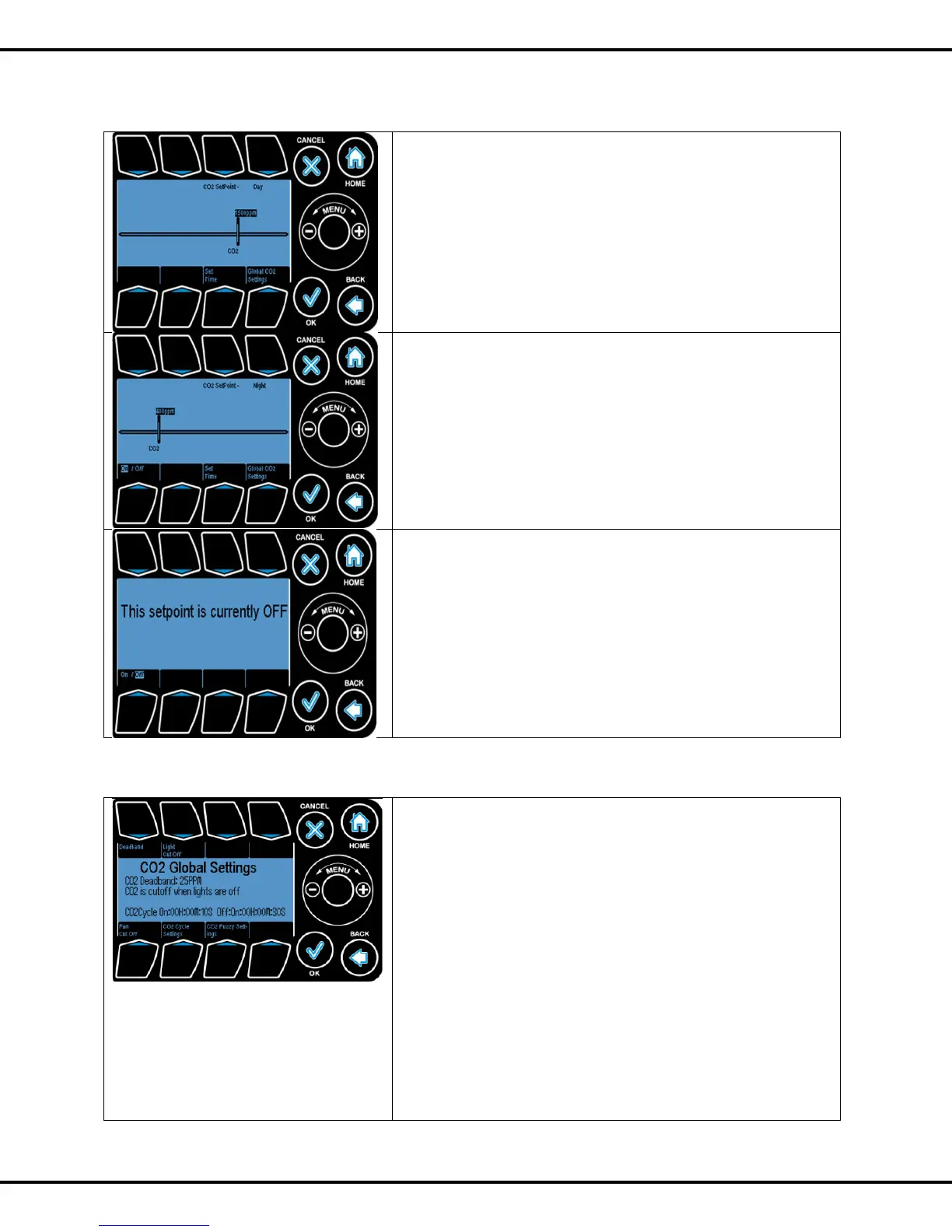
The CO2 setpoint is the threshold below which the CO2
injection will be enabled. Use the wheel to increase or
decrease the setpoint value.
Press #7 to set the Day and Night start times.
Press #8 to go to the Global CO2 settings screen.
If the Night CO2 setpoint is ON, then you will see this screen.
Press #5 to toggle between enabling the Night CO2 setpoint
or disabling it.
The night threshold functions the same as the day setpoint
described above.
DeadBand: This is the number of PPM that the CO2 must
drop below the Setpoint before CO2 injection is resumed.
Press #1 to set the CO2 deadband
There are a few conditions that will override the CO2 injection
process:
CO2 cut off: If enabled, the controller will not inject CO2 into
the grow room if the lights are turned off. There are two ways
that the controller determines whether or not the lights are off:
a. Using the "light controls". In this case, the controller is
controlling the lights. So whenever the lights output (usually
#1) are off, the CO2 injection process stops.
b. Using the light sensor/meter. In this case, the controller
is probably not controlling the lights. The controller will use
the light sensor on the sensor module to detect if the lights are
off or not. It has two parameters: light threshold and



 To Next Page