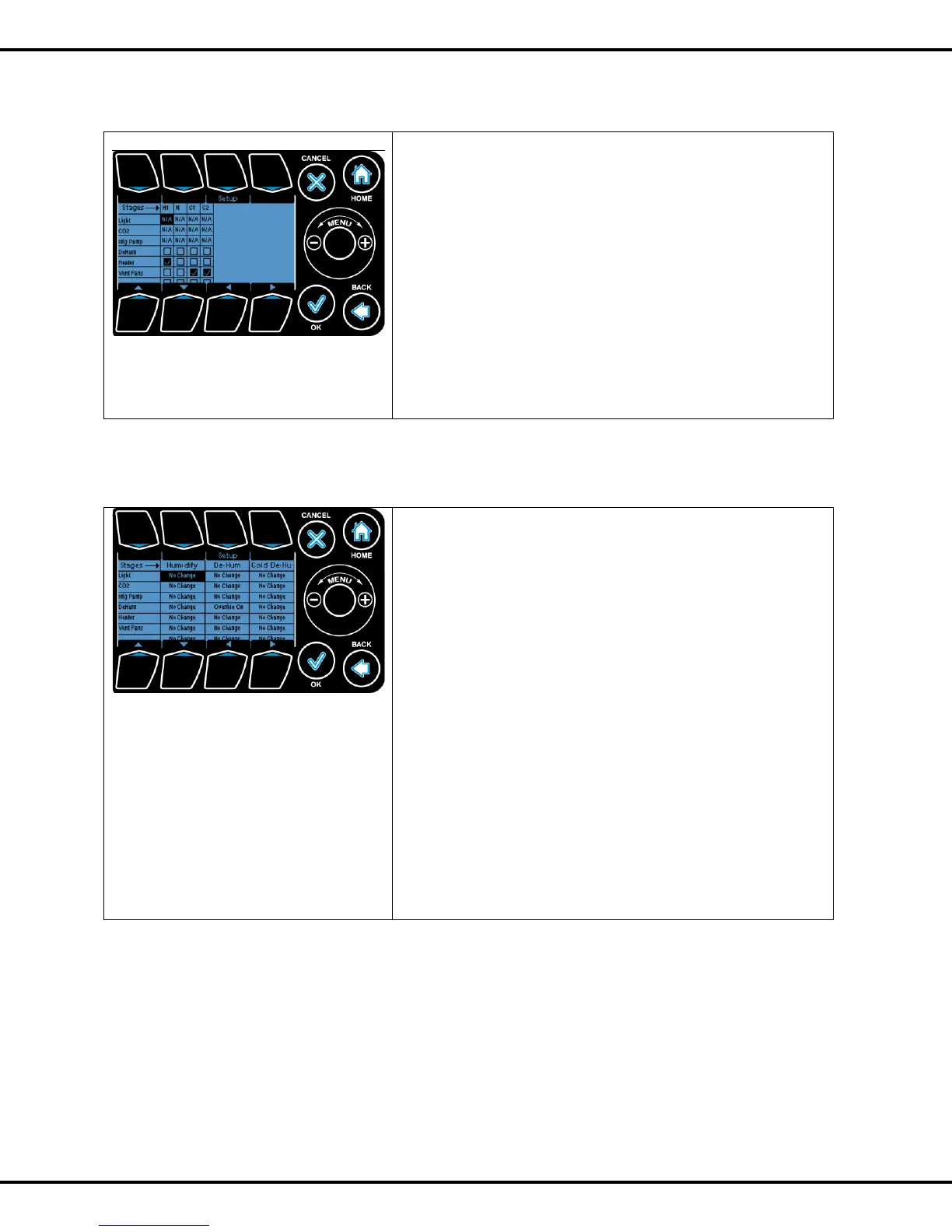
Here you can quickly set the temperature stage options for
every piece of equipment.
The arrows are used for moving the highlight cell to the
desired stage. The Setup and OK buttons are used to select
or deselect the highlighted stage for a device.
For On/Off device types all stages are active i.e. they can
selected or deselected. For Vents, the heating stages H2 and
H1 are not applicable and the desired percentage of the vent
position is set using the wheel.
Note: For dual channel devices (vents/curtains) the second
channel is disabled.
When choosing to assign individual equipment to a humidity
stage the following screen is shown.
The arrows are used for moving the highlight and the
On/Off/Non Effective button is used to select or deselect a
given stage for a device.
Note: If the channel is mapped to a Vent or a Curtain, Button
#1 change contextually.
Humidify: is engaged when the humidity value is below the
Humidify (Low humidity)setpoint value.
Dehumidify: is engaged when the humidity value goes above
the Dehumidify (High Humidity) setpoint value.
Cold De-humidify: is engaged when the outside temperature
goes below the threshold value set in advanced screen.
Note: Curtains and Vents are adjusted incrementally (%)
using the scroll wheel.



 To Next Page