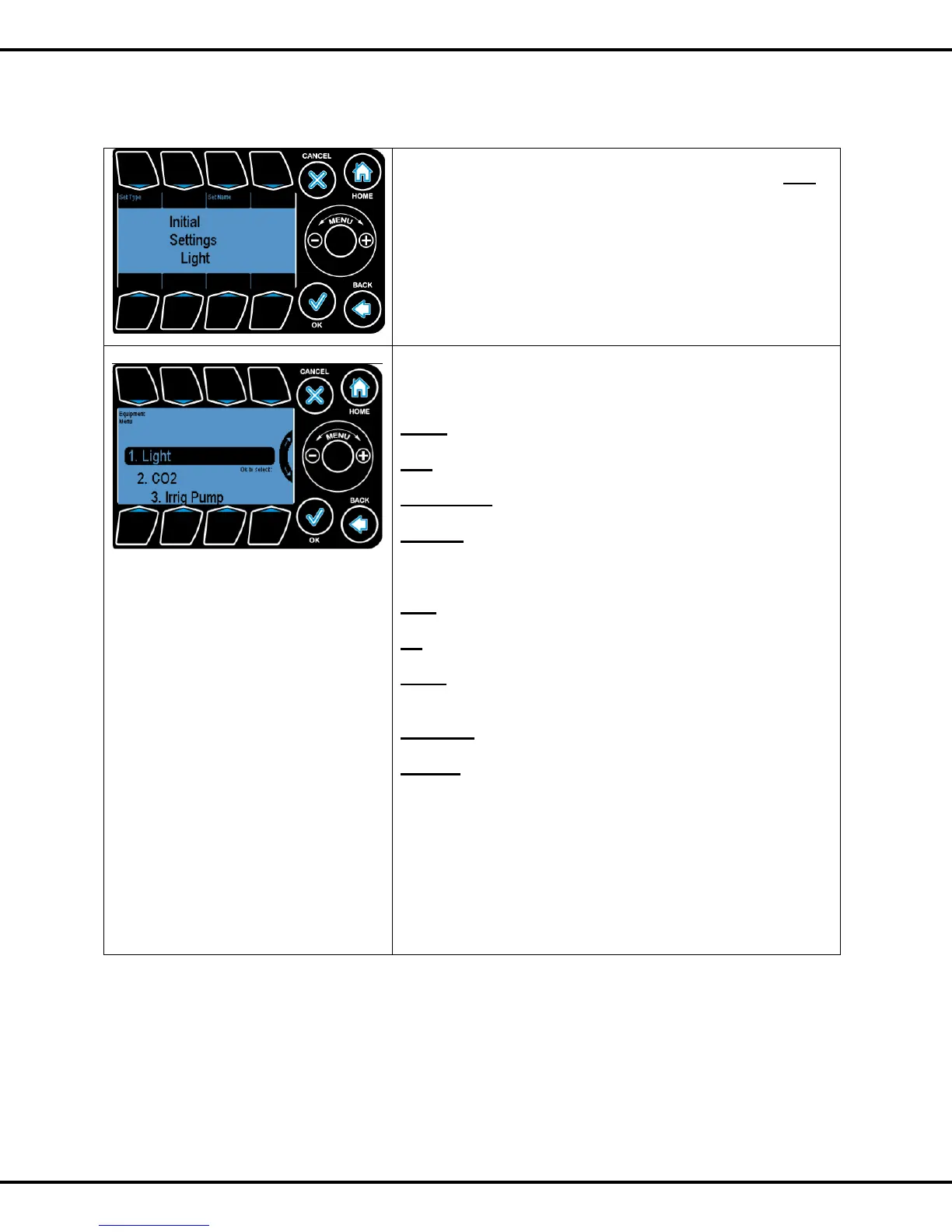
Before equipment can be utilized the proper equipment type
must be defined. Press #1 to go to further screens.
You can assign a name to the equipment by pressing on #3.
This name will be displayed at the MAIN status screen.
Please refer to Page No: 41 to change time
There are 9 equipment types you can choose from for your
particular output.:
LIGHT refers to grow lights
CO2 refers to CO2 pump
IRRIGATION refers to irrigation valves
ON/OFF Refers to any piece of equipment that turns on and
off in each of the heating/cooling/dehum stages. For example,
heater, fan, cool pad, pump, etc.
FAN refers to the “Vent Fan” or Ventilation Fan
AC refers to air conditioning equipment
VENT Refers to a proportionally controlled ventilation
equipment, e.g. side wall, ridge vent.
CURTAIN Refers to a shading system.
ALARM Use the alarm output to turn an output on depending
upon crossing a temperature level. This is normally
connected to a telephone dialer such as the Sensaphone.
To highlight the sub options use Wheel or Buttons #1 - #8
corresponding to the options and OK to select the options
By default all equipment are marked as On/Off device. If a
type that has already been chosen (i.e. surrounded by
parenthesis) is selected again, we get this prompt.



 To Next Page