20 iGrowSeries 100 Installation Manual 960-0001-20
Programming Screens
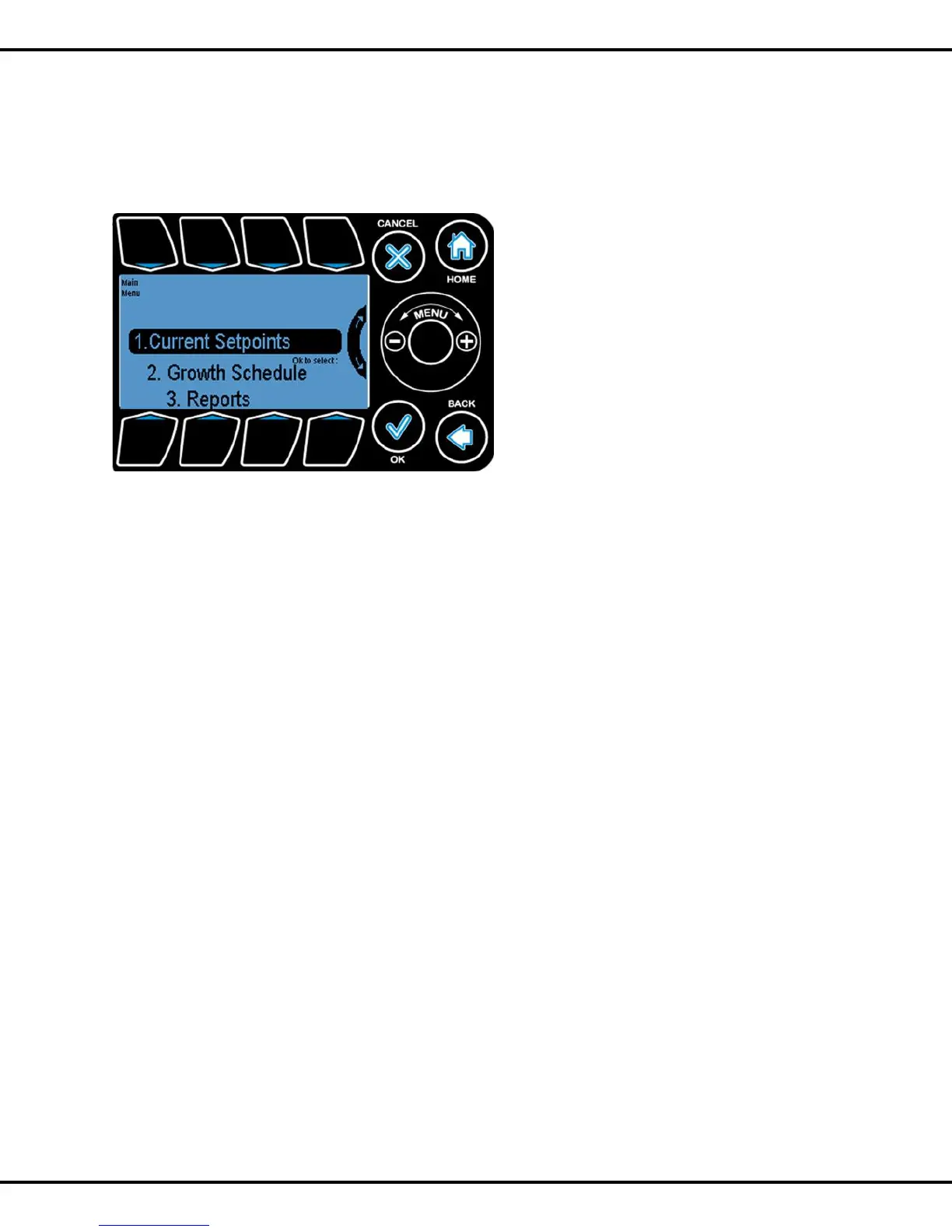
Once the WHEEL or the OK button is activated, the following six choices will be displayed. This is the main
menu for the program.
These are the six main programming and report areas:.
1. Current Setpoints - this is where the user can program the temperature and
humidity setpoints and the CO2 and light targets.
2. Growth Schedule - if you are using the growth schedules, this is where you
program the vegetative and flowering phases and other related parameters.
3. Reports - a variety of sensor data can be graphed and viewed here.
4. System Setup - initial and advance programming parameters are set here
5. Save/Restore – here is where you can save your program to a file and restore it
at a later date.
6. Stages- this takes you to a matrix where you can set the state for each piece of
equipment for the temperature and humidity stages.
The following pages describe the programming for each of the above six sections.



 To Next Page