960-0001-20 iGrowSeries 100 Installation and User Manual 35
4.1 Equipment Setup
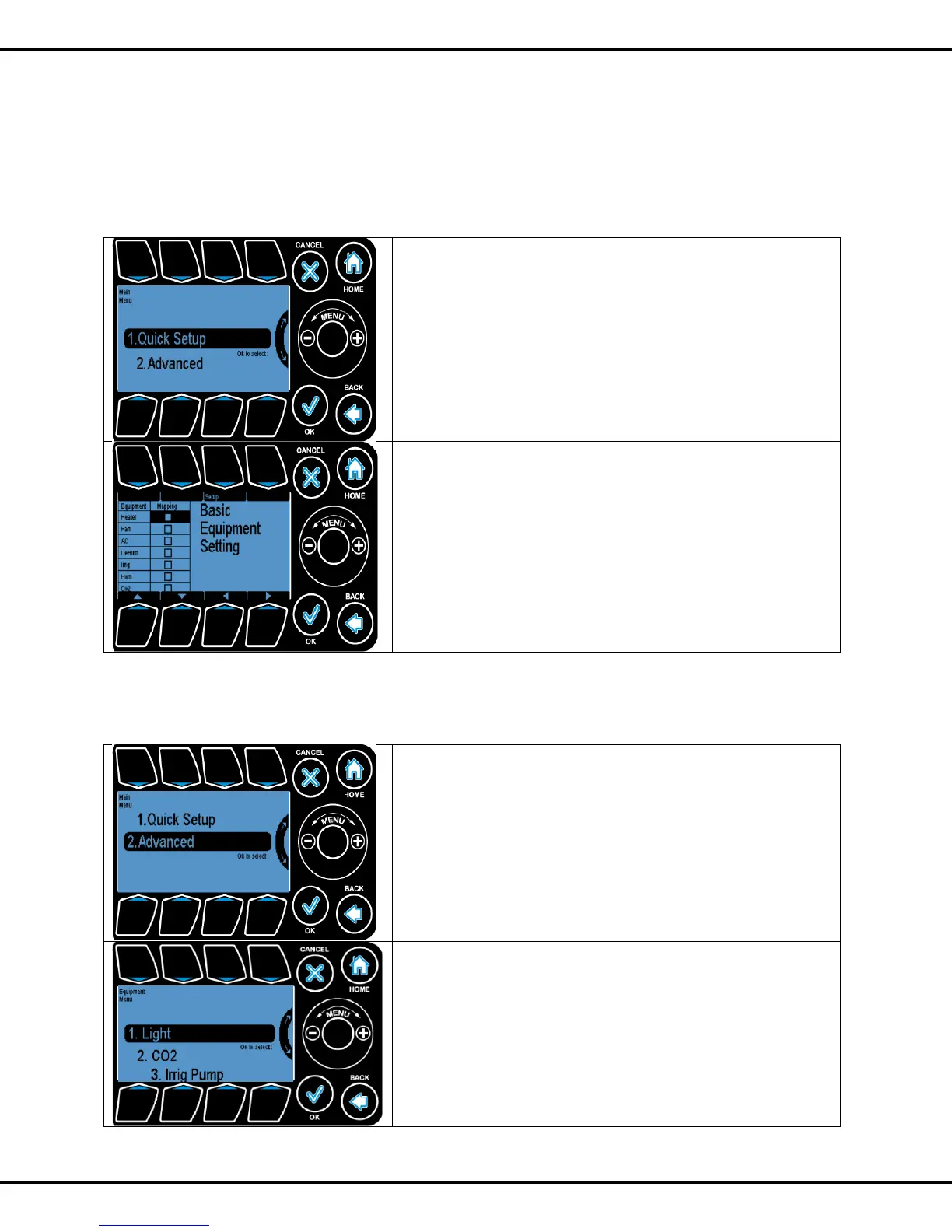
In Equipment setup you have two options to choose from- Quick Setup and Advanced. For most grow
room applications, Quick Setup will be sufficient. The Advanced option lets the user customize the
equipment types, the outputs to which they are connected and the names displayed.
4.1.1 Quick Setup
In this screen you can select the equipment that will control
your Growth Room and the setup is automatically run by your
iPonic.
The equipment to be controlled is noted by a check mark.
This selection is made by pressing #3
4.1.2 Advanced
In the advanced setting you can program equipment
individually. All subsequent screens are applicable to the selected
equipment only.
In advanced setting you have different channels to choose
from.
Press on the respective number to further advance into the
screen



 To Next Page