EasyManua.ls Logo

Link4 iPonic 600 - 4 System Setup

Link4 iPonic 600
72 pages
Print Icon
To Next Page IconTo Next Page
To Previous Page IconTo Previous Page
Loading...
34 iGrowSeries 100 Installation Manual 960-0001-20
4.0 SYSTEM SETUP
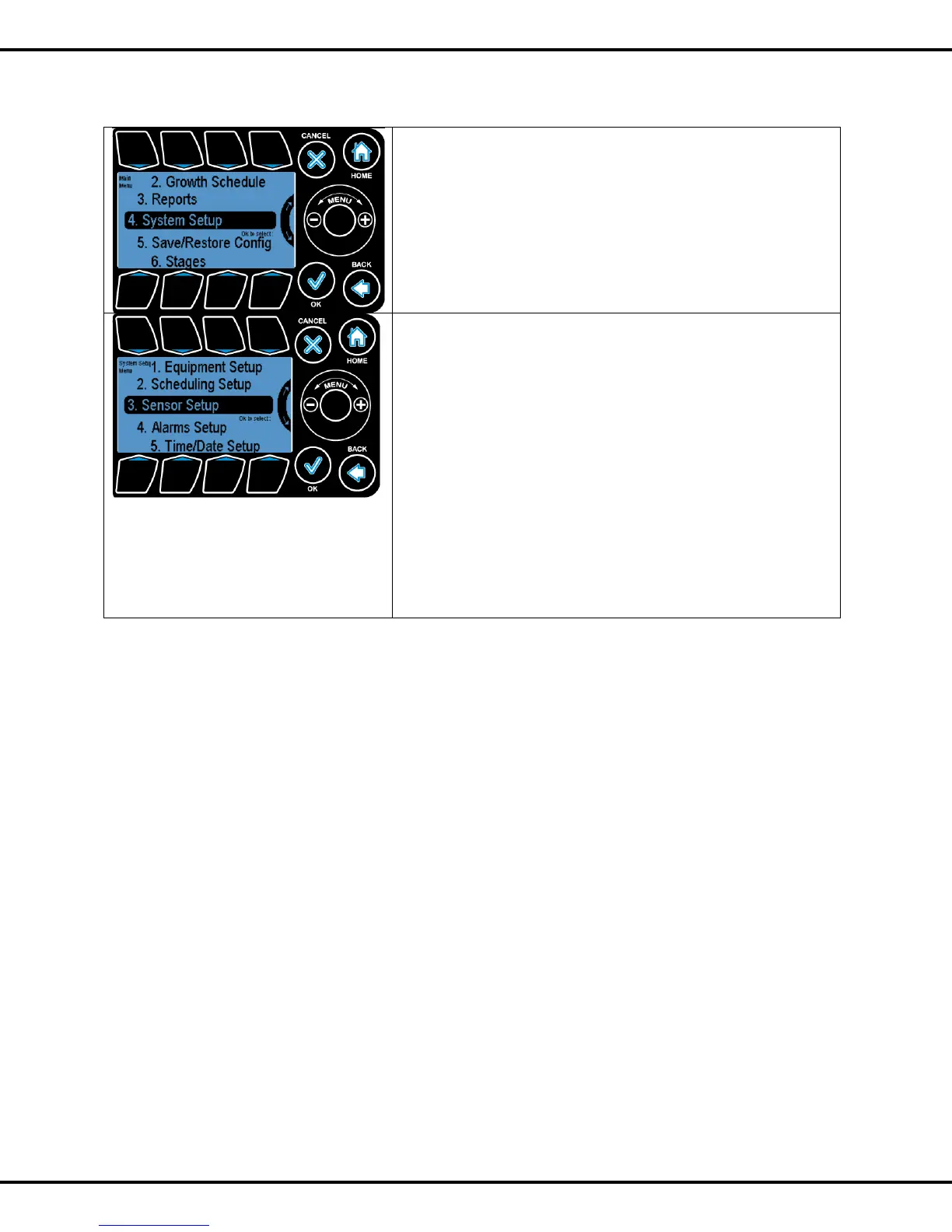
The fourth option in the menu selection System Setup is
where the user can set up the equipment at installation time, as
well as other miscellaneous operations.
Pressing OK or Button #3 will let the user to go to system setup
submenu
The subsections under the system
setup are :
1. Equipment Setup
2. Scheduling Setup
3. Sensor Setup
4. Alarm Setup
5. Time/Date Setup
6. Advanced Setup
7. Save/Restore
8. Location Setup
9. Communication Setup
10. Measurement Units
To highlight the sub options Wheel or Buttons #1 - #8 can be
used to go to the corresponding options. Pressing OK will let user
select the options