LS SERIES SERVICE MANUAL
ISSUE 4.0 NEXYGEN PLUS 3 DIAGNOSTICS 10
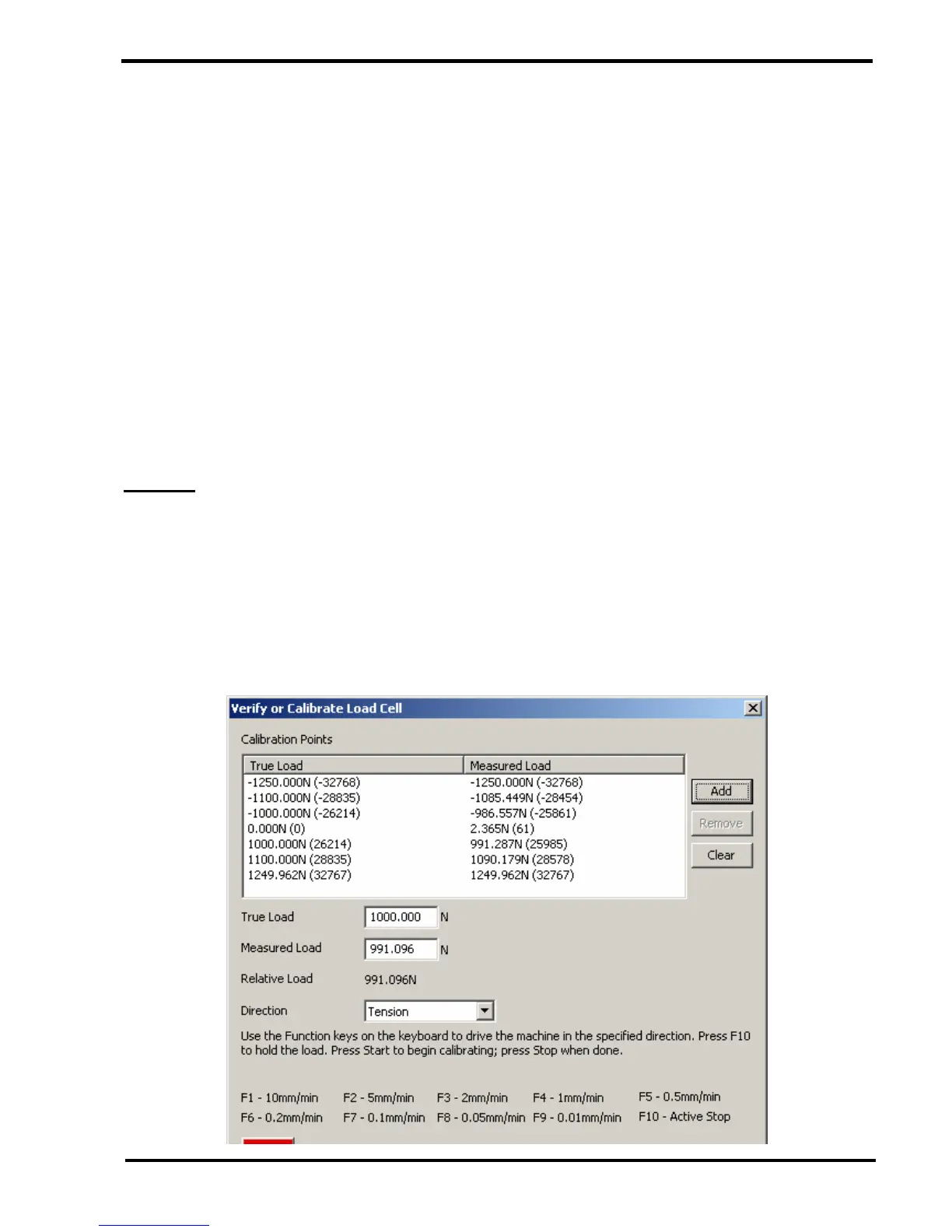
28 If a calibration point or points were entered, then these need to be stored into the loadcell
EEPROM
Click on the SAVE POINTS button then click on the CLOSE button
Calibration data points are now stored into the loadcell EEPROM so all load values will
now be corrected.
Re-enter the calibration screen then repeat the load applications to VERIFY the load
readings.
29 The loadcell can be calibrated in the compression mode by following the same procedure
except that COMPRESSION is selected in the DIRECTION drop down box.
NOTES:-
1 Although the loadcell overload circuit WILL protect the loadcell, it is advised that
the machine is NOT left RUNNING UNATTENDED during calibration.
2 A single calibration point may be deleted by selecting it in the list then clicking on the
REMOVE button at the right hand side of the screen.
3 All previous calibration points may be removed clicking on the CLEAR button at the right
hand side of the screen.



 To Next Page