18 User Manual
The key
Press 'MOB' to set MOB (Man OverBoard). When MOB is activated, press
'MOB' to delete it.
The key
Press 'CLEAR' to exit from menu or to leave a menu without making changes.
In Basic Mode deletes the A, B, C, D points, the User Point (Mark, Event, Waypoint),
the MOB, the Target identified by the cursor.
The key
Press 'ENTER' to select the desired option, to confirm selection; in Basic
Mode places A, B, C, D points on the cursor coordinates, in Advanced Mode creates
Objects (Mark,, Event, Waypoint, A-B-C-D).
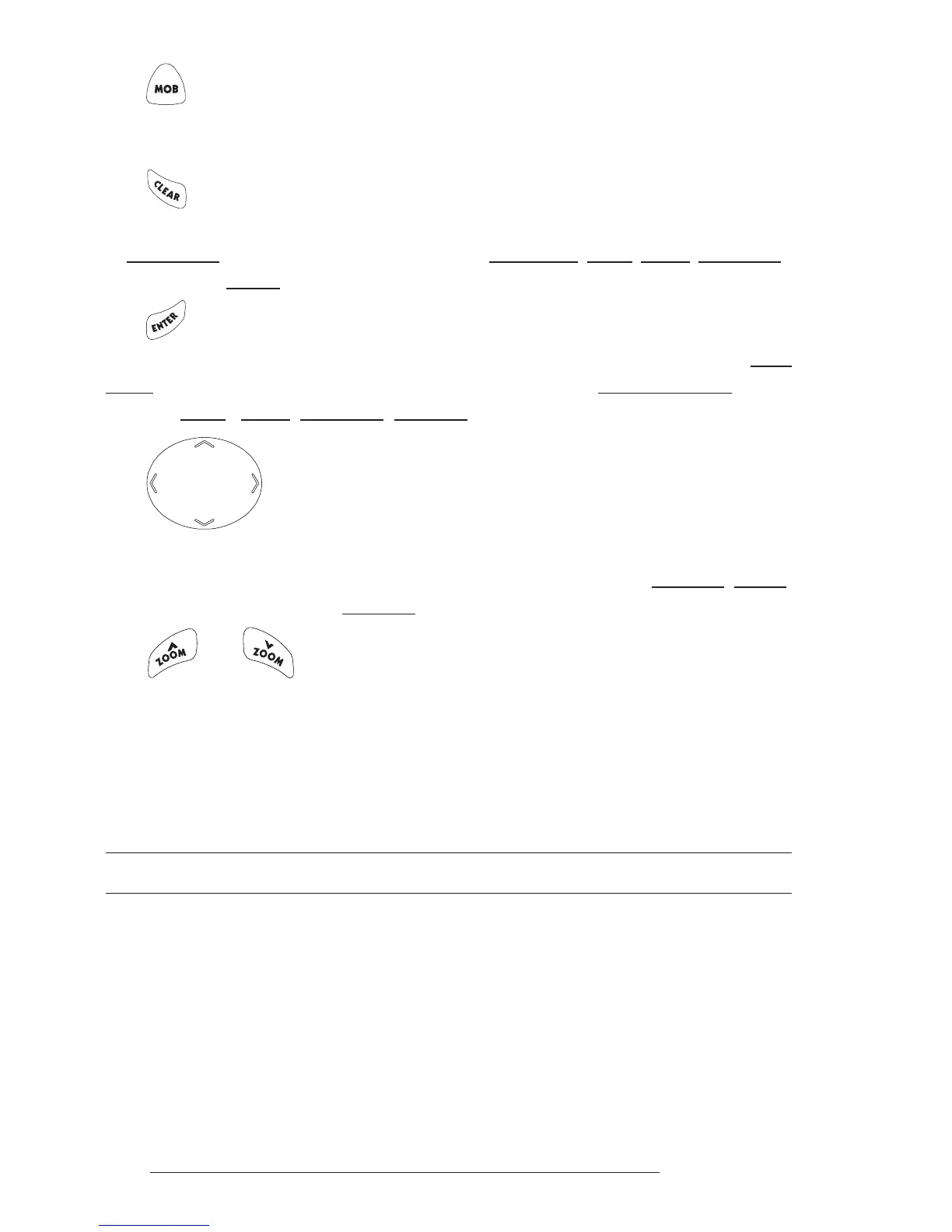
The cursor key
The cursor key moves the cursor about on the display screen, quickly and
accurately. It also scrolls the desired option in the menu page(s). If in Navigate (Home)
mode, it allows to exit from Navigate mode.
The and keys
Press 'ZOOM IN' shows more details of a smaller area, by changing the
chart scale and zooming in on your display. Press 'ZOOM OUT' to operate simi-
larly to the 'ZOOM IN', except in reverse, changing the scale and showing a wider,
otherwise less detailed view.
2.2 TURNING THE CHARTPLOTTER ON AND OFF
Before powering On the chartplotter, check for the correct voltage (10-35
volt dc, see Par. 6.3) and the correct connections with the positioning instrument
(see Par. 2.5).
2.2.1 TURNING ON
Press and hold the right side of 'POWER' for 1 second. The chartplotter



 To Next Page