72 User Manual
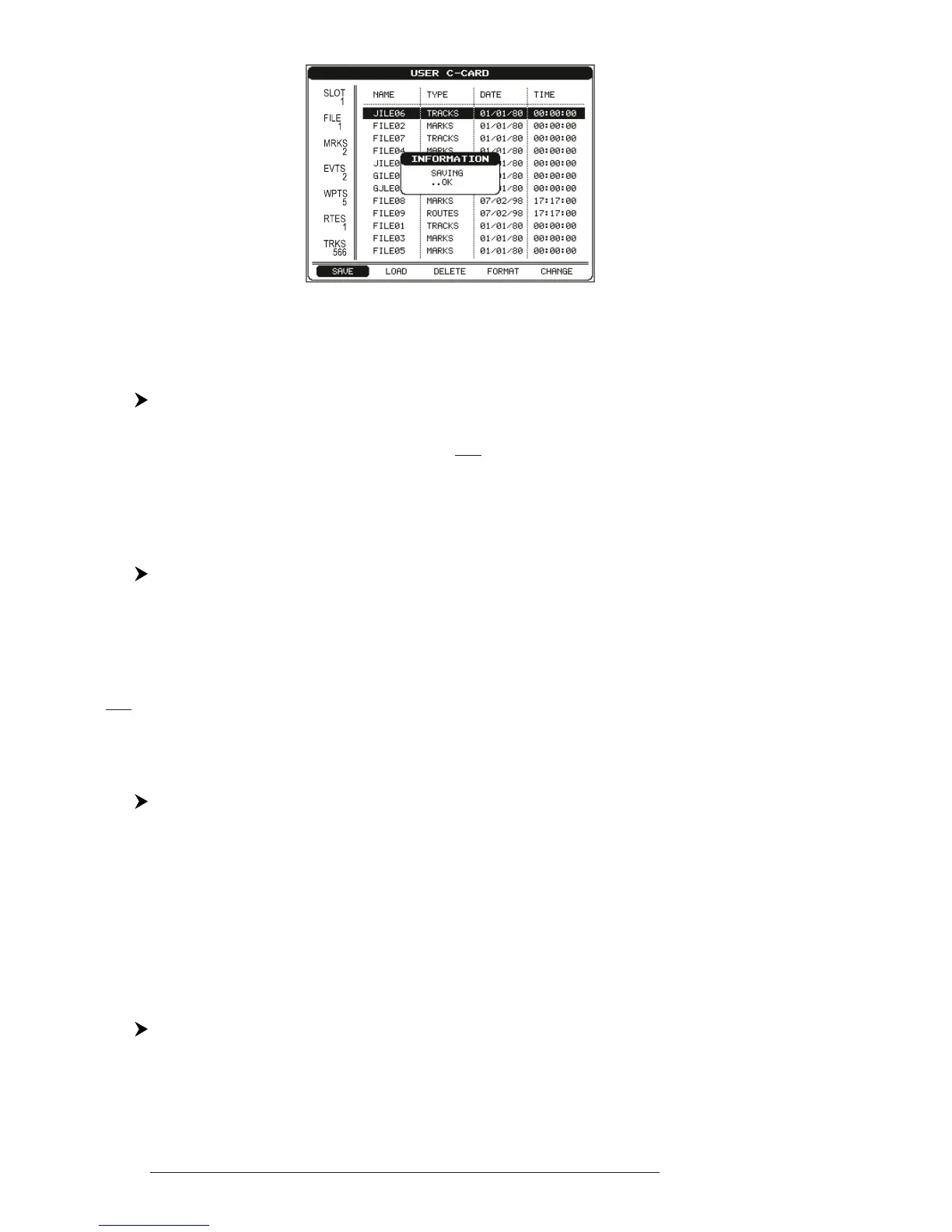
Fig. 4.5.1a - Save File function (II)
4.5.2 LOADING FILE
'MENU' + "ADVANCED SETTINGS" + 'ENTER' + "USER C-CARD" + 'ENTER'
+ "LOAD" + 'ENTER'
Before pressing 'ENTER', choose file name in the list shown on the screen
using the cursor key.
4.5.3 DELETING FILE
'MENU' + "ADVANCED SETTINGS" + 'ENTER' + "USER C-CARD" + 'ENTER'
+ "DELETE" + 'ENTER'
A warning window is shown, select "YES" and press 'ENTER' to confirm
deletion (select "NO" otherwise). This operation remove old or unnecessary files to
clean up your User C-CARD. Remember that this option permanently erases the
file.
4.5.4 FORMATTING USER C-CARD
'MENU' + "ADVANCED SETTINGS" + 'ENTER' + "USER C-CARD" + 'ENTER'
+ "FORMAT" + 'ENTER'
A warning window is shown, select "YES" and press 'ENTER' to con-
firm the formatting (select "NO" otherwise). The format of User C-CARD
must be done before using a new User C-CARD: this operation prepares the
User C-CARD to receive and store information.
4.5.5 CHANGING USER C-CARD
'MENU' + "ADVANCED SETTINGS" + 'ENTER' + "USER C-CARD" + 'ENTER'
+ "CHANGE" + 'ENTER'
Allows to change the User C-CARD.



 To Next Page