35
User Manual
to the selected time, in the previous example every two minutes.
'MENU' + "BASIC SETTINGS" + 'ENTER' +"C- VOICE" + 'ENTER' + "NAVIGA-
TION" + 'ENTER'
3.2.9.2 Echosounder
Enables (On) or disables (Off) the Echosounder Voice mode. If it is On, the
Depth message is spoken. The message is spoken if a valid depth data is received by
the chartplotter or if it is in Simulation mode. The default setting is Off.
'MENU' + "BASIC SETTINGS" + 'ENTER' + "C- VOICE" + 'ENTER' +
"ECHOSOUNDER" + 'ENTER'
3.2.9.3 Output Port
Selects the Output Port for the Voice function. The default setting is Port 1.
'MENU' + "BASIC SETTINGS" + 'ENTER' + "C- VOICE" + 'ENTER' + "OUTPUT
PORT" + 'ENTER'
3.3 A-B-C-D FUNCTION
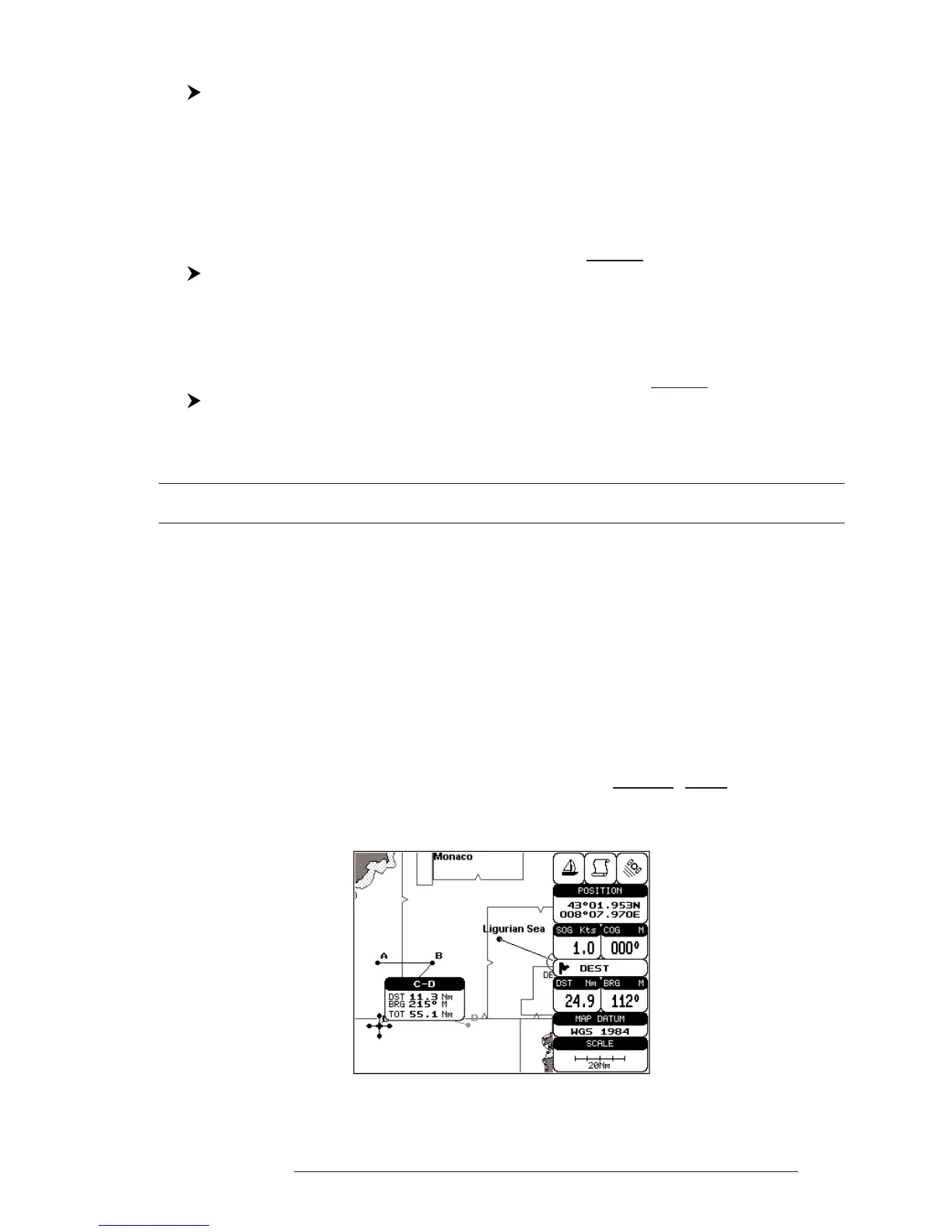
The A-B-C-D function allows you to create the A, B, C, D points and to
delete them.
3.3.1 INSERTING THE A-B-C-D POINTS
Place the cursor on the desired position and press 'ENTER': on the screen
the A point and an information window on A appear. Move the cursor and press
'ENTER' again: the B point appears, connected to A with a straight segment; an
information window on A-B segment (distance (DST), bearing (BRG) and total dis-
tance from the first point) appears. Moving the cursor and pressing 'ENTER' places
the C and D points:
Fig. 3.2.1 - A-B-C-D points



 To Next Page