51
User Manual
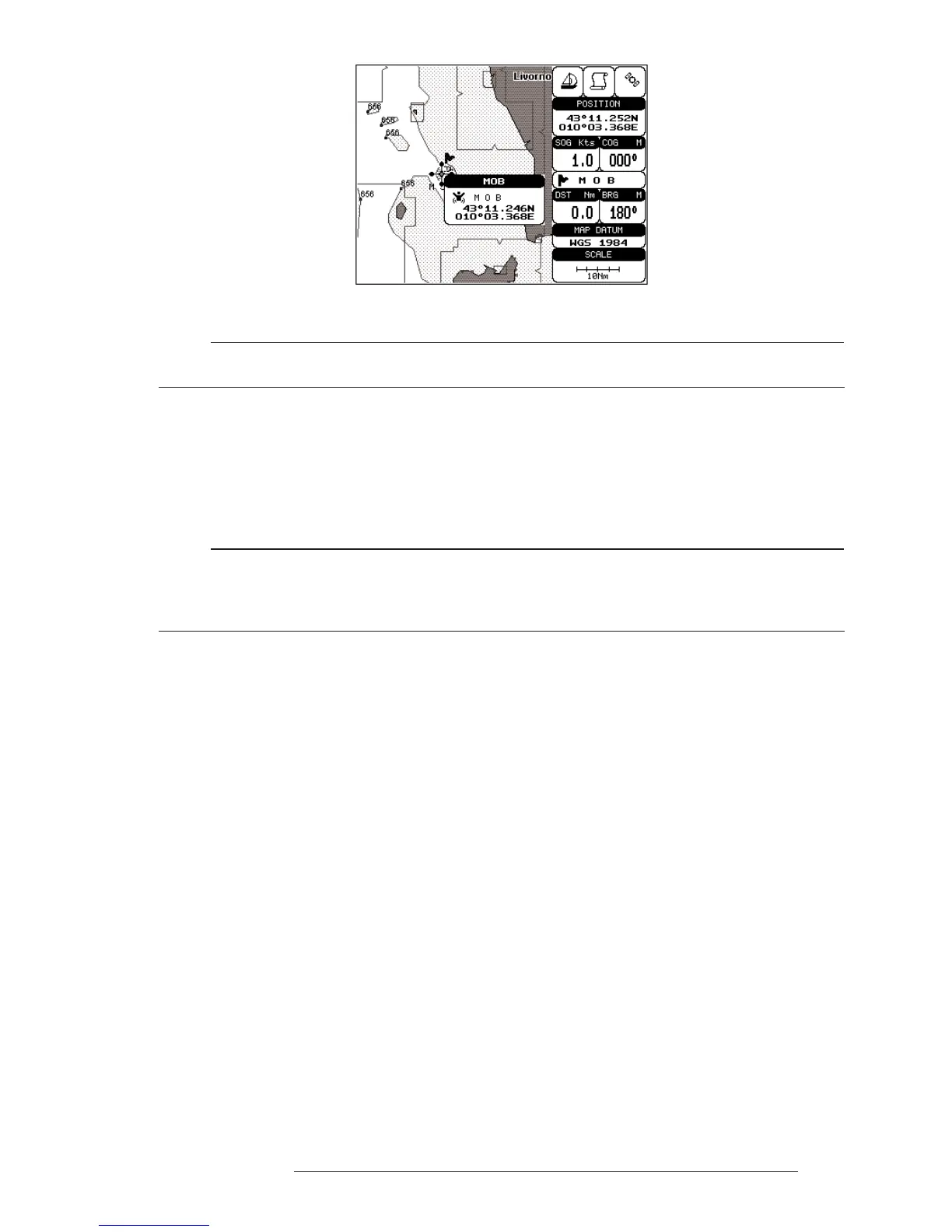
Fig. 3.6.1 - Man Overboard
Note
In the information window the bottom side "ENTER for Options" appears only if the "Advanced
Functions" item in the "Basic Settings" menu is activated (On), see Par. 3.2.4.
3.6.2 DELETING MOB
Press 'MOB', select 'CANCEL" and press 'ENTER' again. The MOB sym-
bol remains on the screen shaded until the next screen redraws.
Note
If the "Advanced Settings" item in the menu "Basic Settings" is activated (On), see Par. 3.2.4,
placing the cursor on MOB the information window appears as shown in the previous Fig. 3.6.1.
Press 'ENTER', select "CANCEL" and press 'ENTER' again: the MOB symbol remains on the
screen shaded until the next screen redraws.



 To Next Page