56 User Manual
Time To Go
When the Target is set the TTG value is displayed in the Graphic Data page (or in
the Navigation Data page):
'PAGE' more times
Note
If SOG value is less than 1.0 knots or the BRG is greater than 90 degrees, the TTg value is not
displayed.
Deleting Target
If in Basic Mode place cursor on Target icon and press 'CLEAR': the symbol that
identifies Target disappears from the screen, but the Waypoint remains.
If in Advanced Mode (see Par. 3.4.3) place cursor on Target icon, press 'ENTER',
select "STOP NAV" and press 'ENTER': the symbol that identifies Target disap-
pears from the screen, but the Waypoint remains.
Note
If you select "NEXT"/"PREV" and press 'ENTER', the Target icon is moved on the next/
previous Waypoint in the route.
Otherwise in both Modes (when the cursor is placed in a generic position on the
chart) press 'GO-TO'. A window appears to advice that the Destinetion point is
present: select "STOP" and press 'ENTER', the symbol that identifies Target disap-
pears from the screen, but the Waypoint remains.
Note
If you select "START" and press 'ENTER', the Target icon is moved on the new cursor position.
4.1.1.6 Moving Waypoint
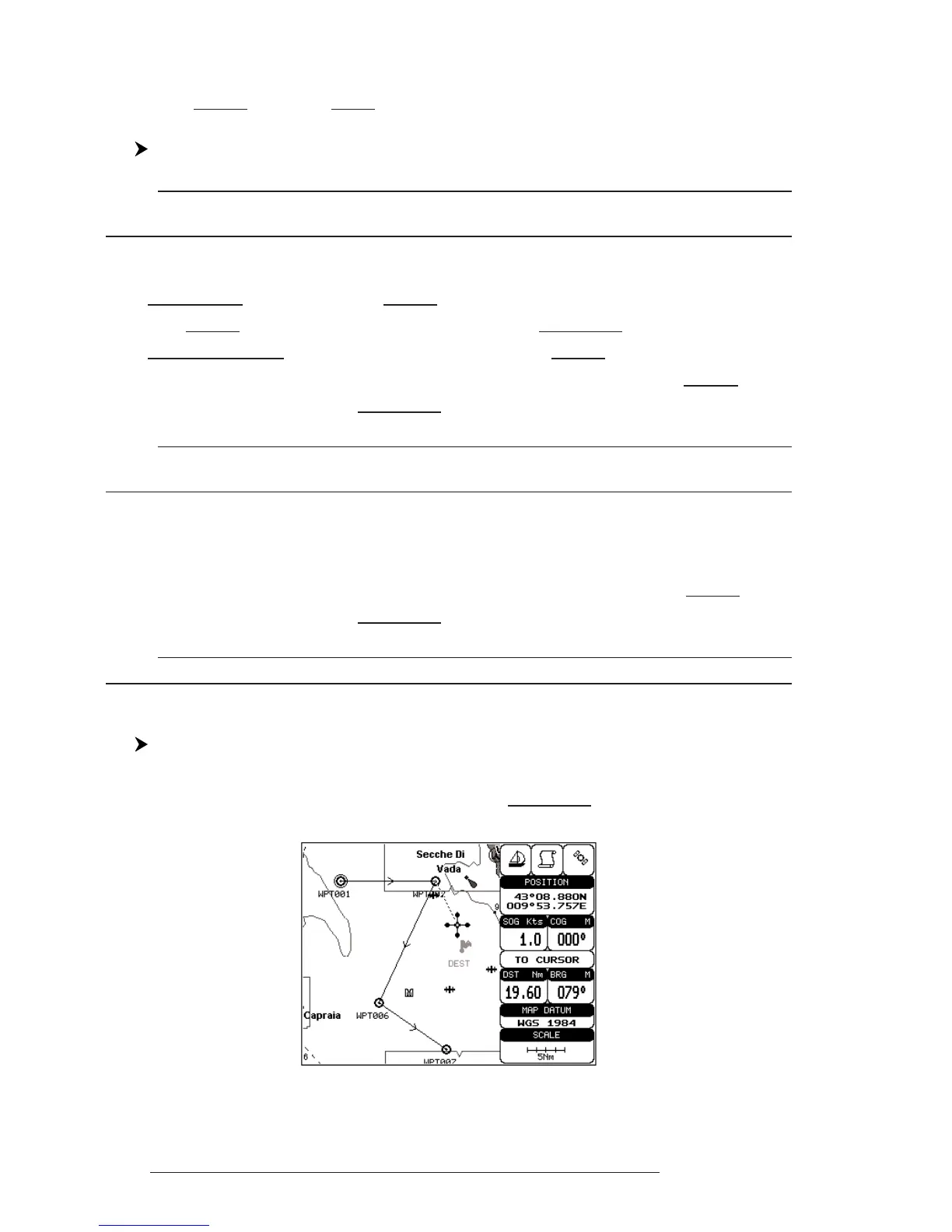
Select Advanced Mode + Place cursor on Waypoint
Press 'ENTER'. Select "MOVE" and press 'ENTER'. Use the cursor key to
move the cursor: a dotted line, connecting the Waypoint to the new position, is
shown:
Fig. 4.1.1.6 - Moving Waypoint function (I)



 To Next Page