54 User Manual
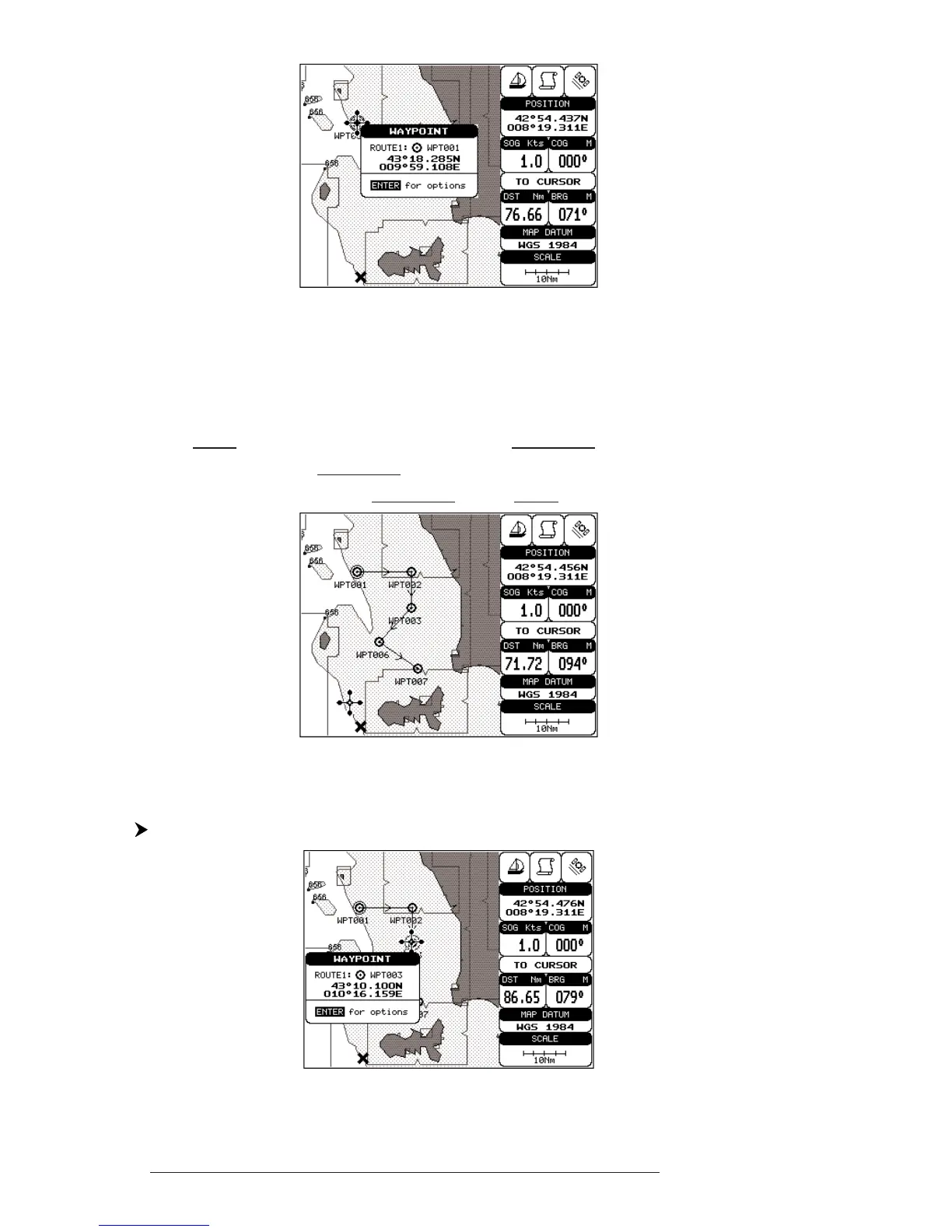
Fig. 4.1.1.1 - Waypoint placing
4.1.1.2 Creating a route
Repeat the "Adding Waypoint" procedure described in the previous Par.
4.1.1.1. The sequence of moving the cursor and pressing 'ENTER' is continued to
create the route, until you have reached the last Waypoint, your final destination.
Segments connecting the Waypoints are shown, and the starting point is identified
by a circle surrounding the first Waypoint of the route:
Fig. 4.1.1.2 - Route planning
4.1.1.3 Deleting Waypoint
Select Advanced Mode + Place cursor on Waypoint
Fig. 4.1.1.3 - Deleting Waypoint (I)



 To Next Page