Part 2
2.1 Guide to first starting of Alpha-Log
Alpha-Log comes with a factory standard configuration. It is made to acquire the atmospheric pressure (the
related sensor is built-in) and the battery level. Use the 3DOM software to change the factory configuration.
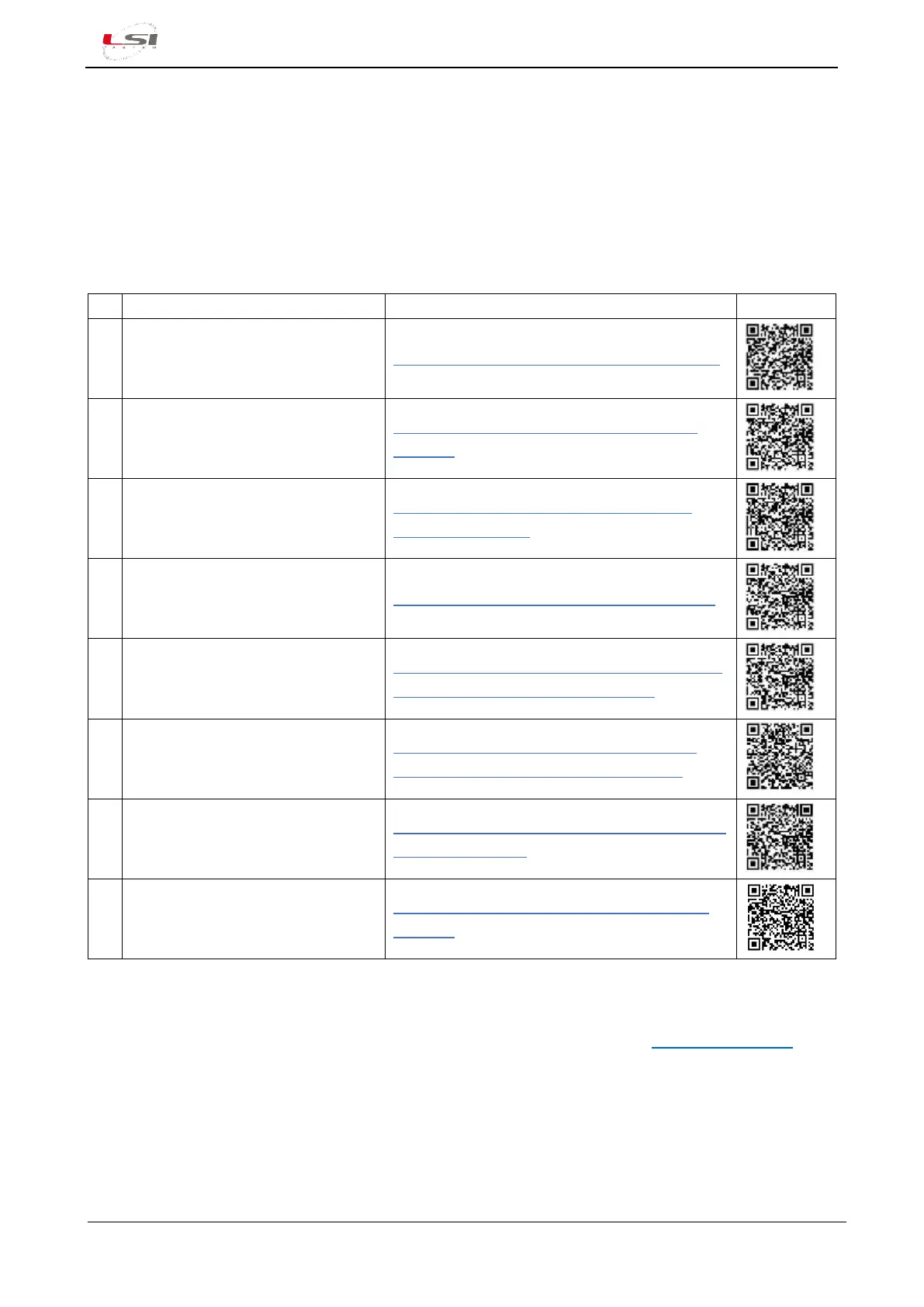
Watch the following video tutorials related to the topics of this chapter.
3DOM: Installation from the LSI
LASTEM web site
3DOM #1 - Installation from website - YouTube
3DOM: Installation from LSI
LASTEM’s USB pen driver
3DOM #2 - Installation from USB pen drive -
YouTube
3DOM: How to change user’s
interface language
3DOM #3 - How to chamge user's interface
language - YouTube
3DOM: Powering the device
Alpha-Log #2 – Powering the device - YouTube
3DOM: How to set Ethernet port to
connect PC to Alpha-Log
Alpha-Log #3 – How to set the PC Ethernet port
to connect PC to Alpha-Log - YouTube
3DOM: Check the settings for the
PC connection using Ethernet port
Alpha-Log #6 - Check the settings for the PC
connection using Ethernet port - YouTube
Alpha-Log: Adding new Alpha-Log
inside 3 DOM
Alpha-Log #11 - Adding new Alpha-Log in 3DOM
program - YouTube
Alpha-Log: Connection to Ethernet
LAN
Alpha-Log #23 - Connection to Ethernet LAN -
YouTube
2.1.1
3DOM software installation
3DOM is located on the USB pen driver - LSI LASTEM products (or on the website www.lsi-lastem.com).
Follow the instructions provided by the Setup program. If the used PC is the same PC used for the data
management, it is recommended to install, at the same time, the other LSI LASTEM’s programs with the
related user licenses file.



 To Next Page