4.2.9 WEB server
Alpha-Log is equipped with an internal WEB server. Through an Internet browser, it’s possible to connect to
the data logger to visualize instant values, diagnostic information and the working state of the instrument.
It’s also possible to download the processed data files.
WEB server is not active by default. To activate it, follow the instructions reported at §2.2.7.1.
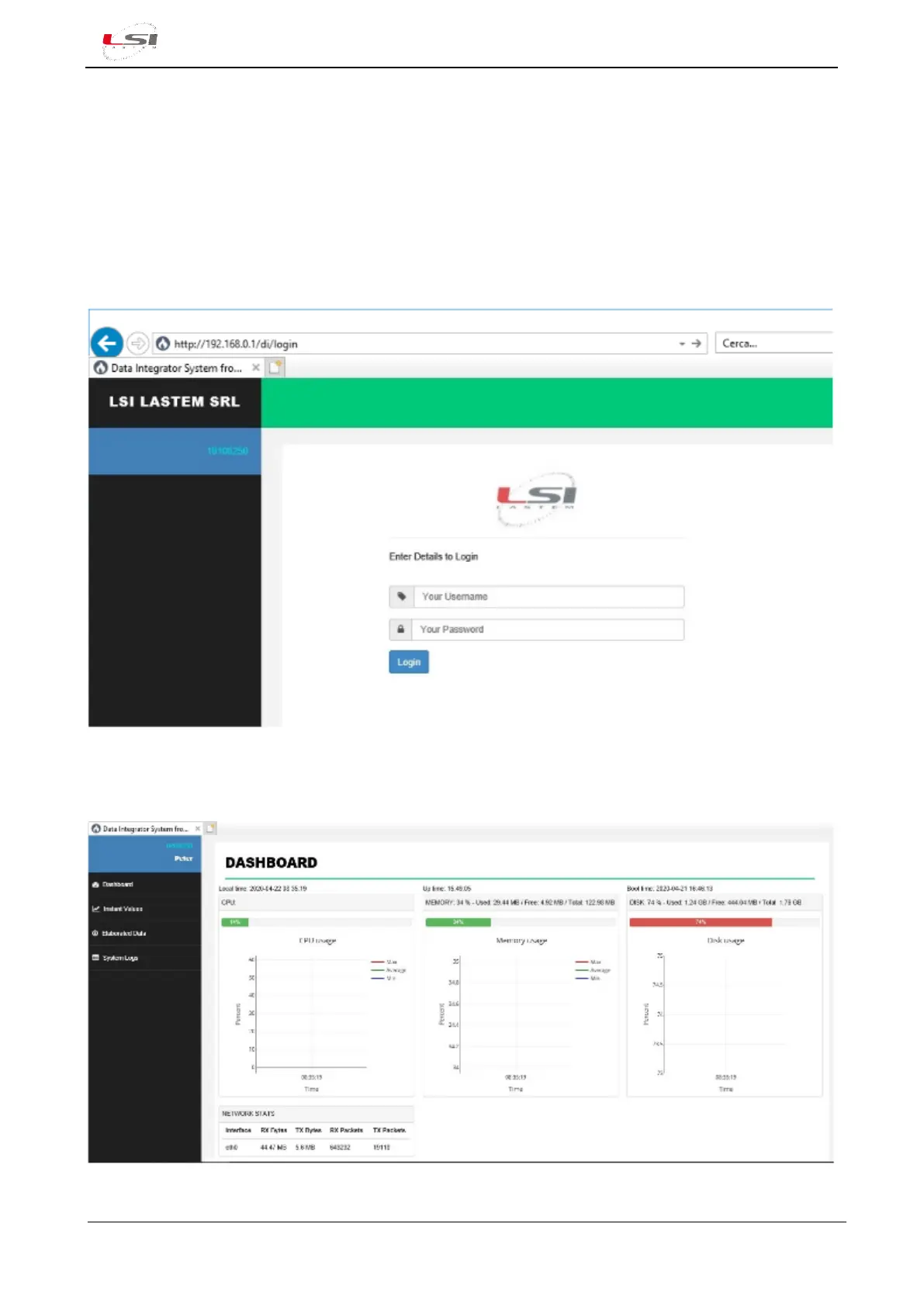
To connect to Alpha-Log, it is sufficient to set the data logger IP address (§2.2.5) in the address bar of the
browser (e.g. http://192.168.0.1) and press Enter.
Fig. 41 – Login page
Once Username and Password (specified in 3DOM §2.2.7.1) have been entered, user has access to the
Dashboard, the main page. In the DASHBOARD are reported Alpha-Log’s working state information.
Fig. 42 – Main page where some information on Alpha-Log’s functioning are displayed



 To Next Page