EasyManua.ls Logo

LSI LASTEM Alpha-Log - Configuring Alpha-Log

LSI LASTEM Alpha-Log
116 pages
Print Icon
To Next Page IconTo Next Page
To Previous Page IconTo Previous Page
Loading...
Alpha-Log User manual
LSI LASTEM SRL
INSTUM_03388
Page 16 / 116
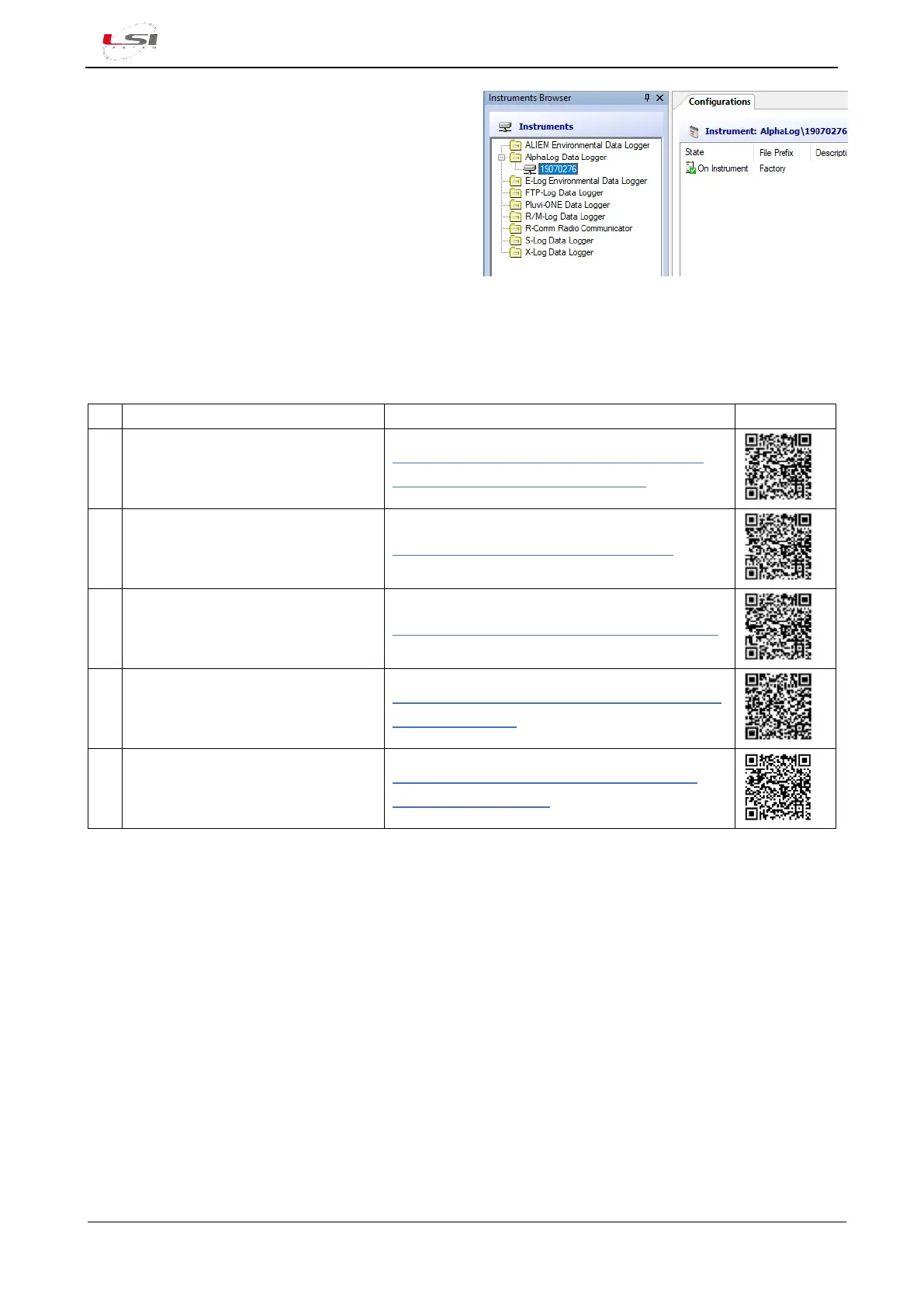
3DOM will update the Instruments list and the
Configurations with the serial of the instrument
and its configuration.
2.2 Configuring Alpha-Log
Watch the following video tutorials related to the topics of this chapter.
#
Title
YouTube link
QR Code
8
Alpha-Log: Sensors configuration
starting from empty configuration
Alpha-Log #8 - Sensors configuration starting
from empty configuration - YouTube
16
Alpha-Log: Clock settings
Alpha-Log #16 - Clock settings - YouTube
17
Alpha-Log: Radio Modem setup
Alpha-Log #17 - Radio modem setup - YouTube
19
Alpha-Log: How to set data
delivery to FTP servers
Alpha-Log #19 - How to set data delivery to FTP
servers - YouTube
4
Alpha-Log: Setting Alpha-Log as
Modbus Slave device
Alpha-Log #4 - Setting Alpha-Log as Modbus
slave device - YouTube
If Alpha-Log is connected to ALIEM modules, start first the ALIEMs configuration 3.3), then configure Alpha-
Log unit by importing the measurements from ALIEM to Alpha-Log.
In addition to the factory configuration, alternative configuration template models are available Alpha-Log
configuration templates). In both cases it is usually necessary to adapt these configurations according to the
specific requirements. When completed, this new configuration will be sent to the instrument, which will
start operating based on the options selected.
Edit the factory configuration model:
1. Select the serial number of the instrument in the Instruments Browser list.
2. Select the saved setting (e. g. “Factory”), choose Configuration->Save as New Configuration…, assign a
name to the setting (e. g. “Custom”) and press [Ok].
3. Open the new configuration by selecting Configuration->Edit…
Edit one of the configuration template model:


Table of Contents

Related product manuals