2.1.2 Alpha-Log entry in 3DOM
At the first use it is necessary to insert Alpha-Log in the list of 3DOM tools and import its factory configuration.
This can be done by connecting to the data logger via Ethernet (4) or using a USB stick.
2.1.2.1 Alpha-Log entry via Ethernet connection
The data logger can be connected to the PC directly or via a local network where the DHCP service is active
(for more information contact your network administrator).
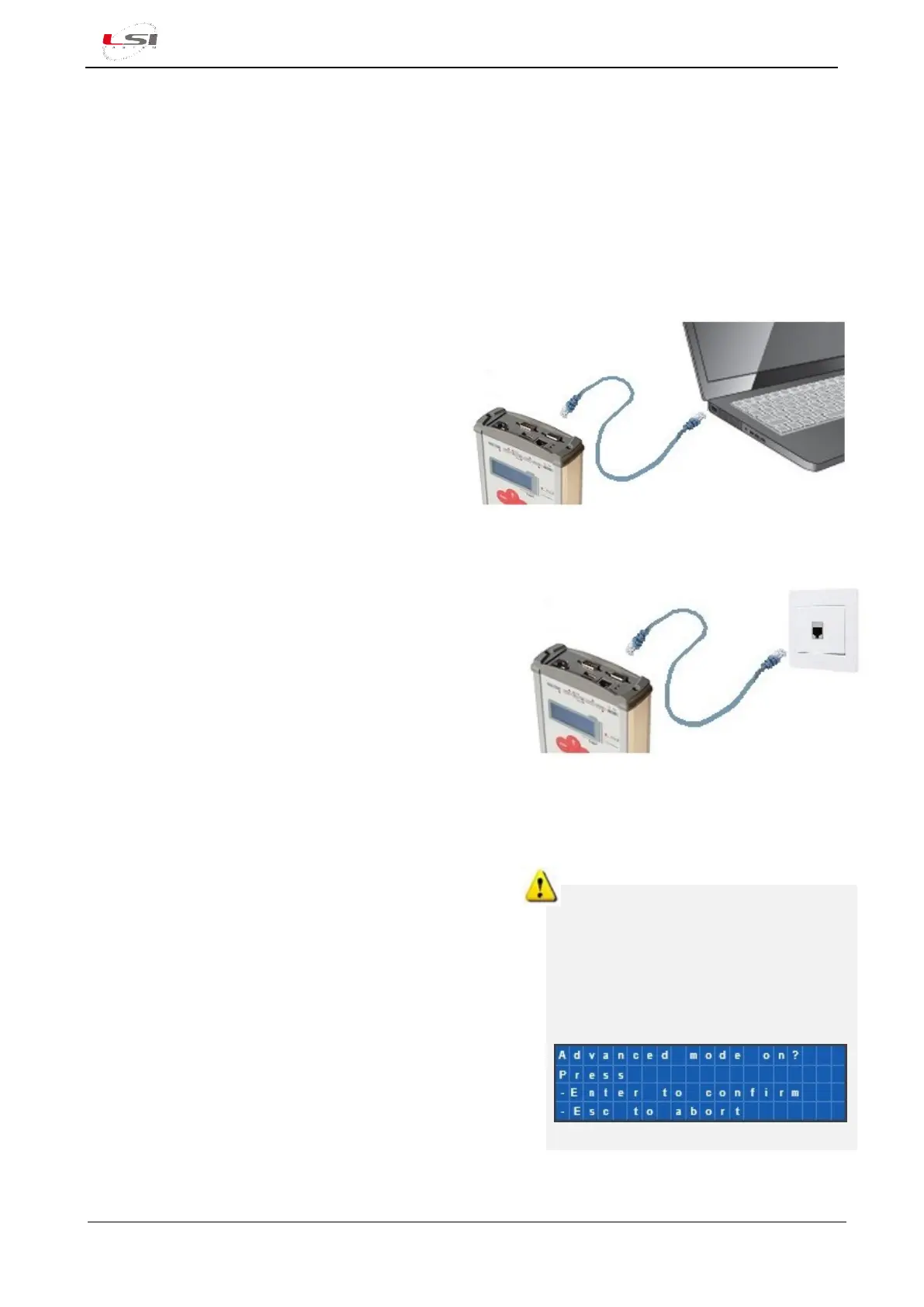
For the direct connection, proceed as follows:
1. Insert the LAN cable into your computer and
Alpha-Log Ethernet ports (4).
2. Connect the 12÷30 Vdc power supply to the
terminal (14+, 16-) in the terminal block (10).
3. Set the computer IP address in the 192.168.0.2
÷ 192.168.0.254 range with 255.255.255.0 as
the netmask.
4. Turn on Alpha-Log with the On/Off switch (1).
For connection via network, instead:
1. Insert the LAN cable into the Alpha-Log Ethernet (4)
port and to the network socket.
2. Connect a 12÷30 Vdc power supply to the terminal
(14+, 16-) of the terminal block (10).
3. Turn on Alpha-Log with the On/Off switch (1).
4. Using the keyboard (8), enable the acquisition of the
IP address from DHCP (for the navigation menu see
§5.1.5, while for the activation see §5.1.4.5.1).
5. Detect the new IP address (§5.1.4.5.1 Ethernet).
Once Alpha-Log is connected, proceed as follows:
1. Start 3DOM.
2. Select Instrument->New…
3. Select Alpha-Log – Pluvi-ONE and press [Continue].
4. Enter Alpha-Log serial number and password indicated
on the label in the back of the instrument and press
[Next].
5. In the Communication Parameters window, enter:
• Connecting using SSH protocol.
• IP address of the instrument: 192.168.0.1 or the
one assigned via DHCP.
6. Press [Save], then [Next], [Next] and [Finish].
Alpha-Log enables the connection only
when it is in advanced mode (default
condition).
To check this condition, enter in the
SYSTEM->Advanced mode using the
instrument keyboard. The activation
requires approximately one minute.



 To Next Page