> Last measures
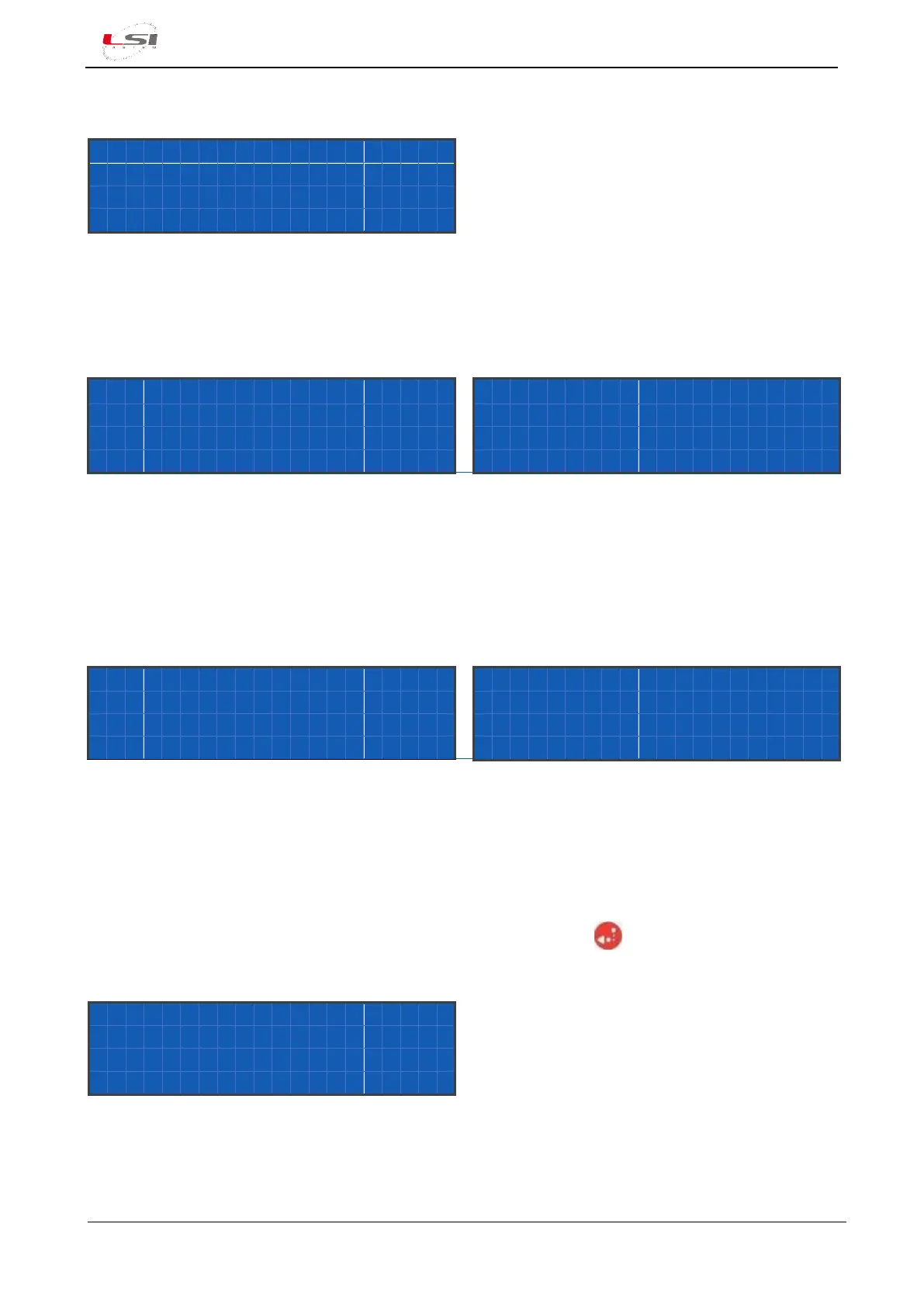
In this screenshot are shown, one per line, the configured measures with their last acquired or calculated
value. If measures are more than four, they will scroll vertically on the display.
In the expanded form, the screenshot shows the complete name of the measure and its value.
where:
- nnnnnnnnnnnnnn: is the name of the measure in expanded format.
- dddddd: is the measure’s value; Err means the measure is in error.
In the compressed form, it shows the short name of the measure, its value and the measurement unit.
where:
- nnnnnnnn: is the name of the measure in reduced format.
- dddddd: is the measure’s value; Err means the measure is in error.
- uuuu: is the measurement unit.
Through LAST MEASURES submenu’s functions, accessible by the button , it’s possible to switch
between the two forms and stop the automatic scroll of the measures.



 To Next Page