Part 6
6.1 Diagnostics
6.1.1 Product identification
Alpha-Log’s serial number and firmware version can be found in ABOUT... from the SYSTEM menu.
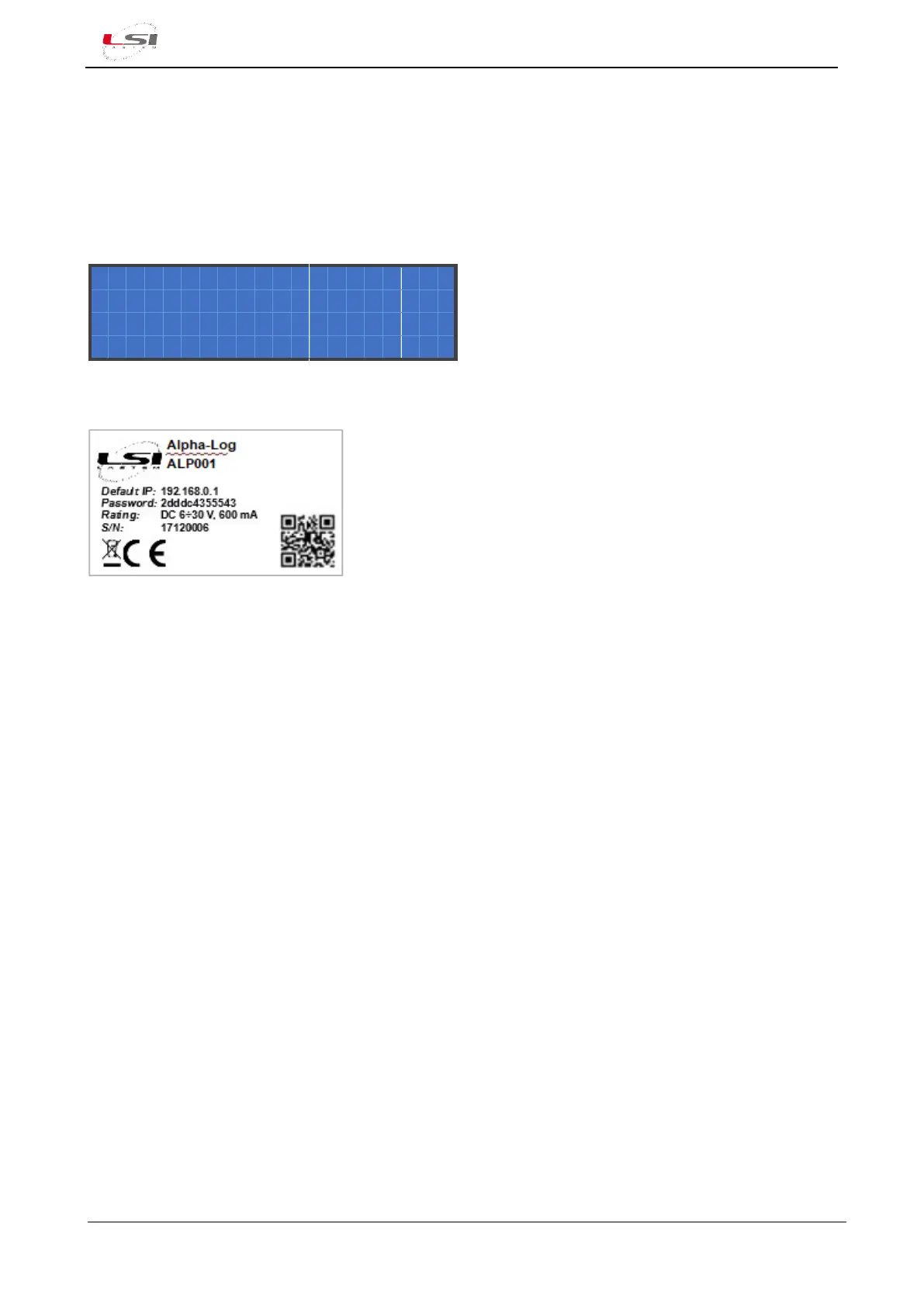
Other identification data are listed on the label placed on the back of the instrument.
6.1.2 Troubleshooting
Below are listed the most common problems found using Alpha-Log.
❖ Alpha-Log won’t turn on
1. Make sure the On/Off button (1) is placed on On. If LED Rdy, green, is on, it means the instrument is
powered up.
2. If powered by power supply or 230/12 V inverter:
a. Make sure the power supply is connected to the Batt/Pwr In input (10) of Alpha-Log’s terminal
block (§1.2).
b. Check the power supply system output voltage by using a Voltmeter. Even though the
instrument turns on with only 6 V, it’s recommended to have a voltage of at least 12 V,
especially if the switched power outputs for the sensors powering are being used.
3. If powered by a battery and photovoltaic panel:
a. Make sure the battery is connected to the Batt/Pwr In input and the photovoltaic module to
the PV In input (10) of Alpha-Log’s terminal block (§1.2).
b. Check the battery power by determining its voltage with a Voltmeter. Refer to the specifics of
the battery in use. If the battery is damaged, replace it. If it’s just low, proceed to the next
point.
c. Check the voltage generated by the photovoltaic panel by using a Voltmeter. Voltage must be
at least 17 V for Alpha-Log to charge the battery.
4. If the previous points didn’t resolve the problem, there might be a hardware failure in Alpha-Log.



 To Next Page