4.1.5.10 Temperature TI
The Temperature TI type is used by Alpha-Log for the acquisition of LSI LASTEM digital temperature sensors.
It is associated with the I
2
C input(2) of the data logger.
This type of input does not require the setting of other parameters.
4.1.5.11 Frequency/Pulse inputs
The Frequency/Pulse inputs type is used by Alpha-Log for the acquisition of sensors measurements with
frequency and pulse outputs such as, for example, the LSI LASTEM taco-anemometers.
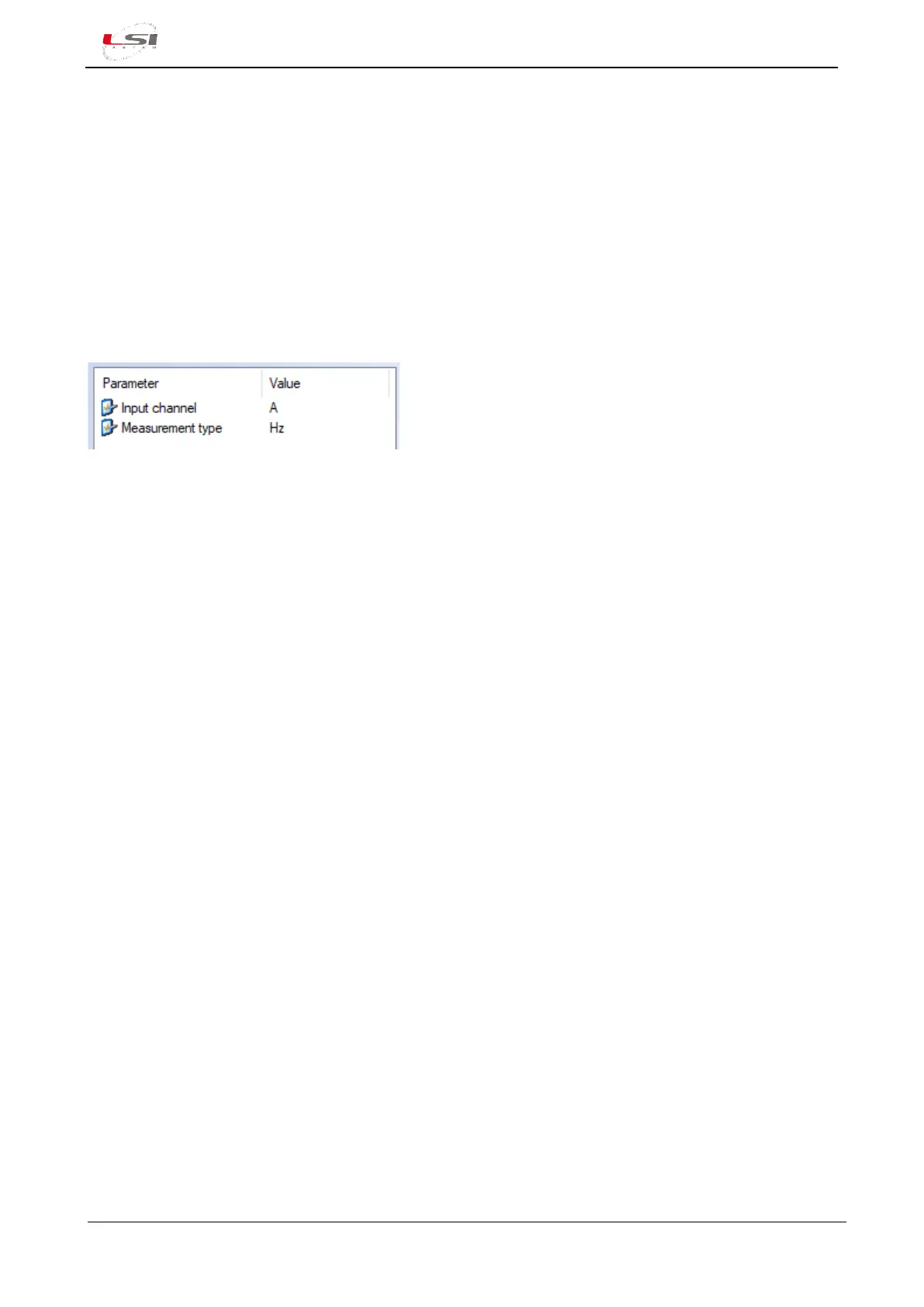
This type is associated with the Pulse/Freq1 and Pulse/Freq2 inputs of the data logger (§Fig. 2).
Parameters to be set:
➢ Input channel: A for input Pulse/Freq1, B for input Pulse/Freq2.
➢ Measurement type:
o Hz: for frequency measurement.
o Total: for the totalization of the pulses.
4.1.5.12 Calculated measure
The Calculated measure type is used by Alpha-Log to manage the calculated quantities (§4.2.3).
This type of input is always present in the data logger and cannot be removed.
4.1.6 Measurements
For further information about the measurements and the input types see the 3DOM – User manual. The
manual is available as 3DOM online help (Help->User’s manual).
4.1.7 Elaboration parameters
Alpha-Log manages the measures elaborations as defined in the elaboration parameters. In the normal
operative condition, the instrument saves data files in its internal memory and sends them to the FTP and
MQTT sites (if they are configured) with the time rate expressed in the Elaboration data delivery time rate
parameter. In case of alarm, Elaboration data delivery time rate in alarm condition parameter will be
considered.
Data files remain in memory for the period of time specified in Days of data storage; after this period the
files are deleted; this is not because of the size of the memory, but because to limit the number of files inside
the instrument's data folders and consequently to optimize the data downloading process. It is possible to
change this value, but it will be better to monitor the data logger memory while it is running and evaluate in
this way if the number of days set is adequate. The memory display function is available from the local
display; it can be used for this purpose, but requires local access to the instrument, it cannot be performed
remotely. The advice is to run the tool for a few days and evaluate the daily consumption by making the
proper proportions.



 To Next Page