2. Configuration->Upload…, then [Ok].
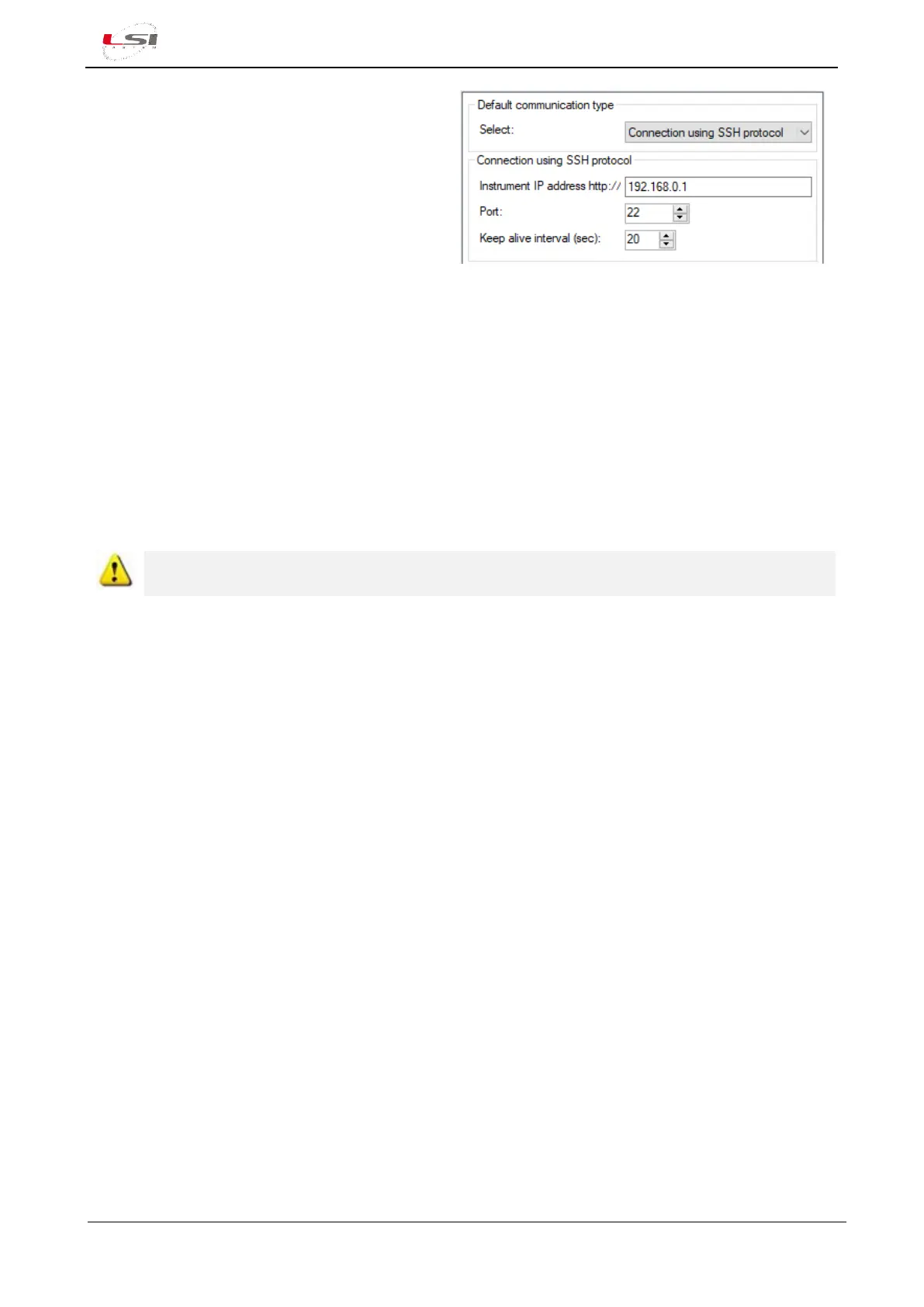
3. Press [Edit], select Connecting using SSH
protocol.
4. Set the parameters shown on the side panel
and press [Save] to start operation.
5. Press [Continue].
6. Once the operation has been completed,
press [Close].
For more information, see §4.1.11.1.
For sending the configuration via USB stick or FTP server, see §4.1.11.2 and §4.1.11.3 respectively.
2.3 Connecting probes to Alpha-Log
The probes must be physically connected to Alpha-Log according to configurations. It is recommended to
create the Configuration Report to identify the physical inputs that are assigned to the programmed probes.
For the generation of the Configuration report, refer to the chapter Configuration Report of 3DOM – User
manual.
Switch off the instrument to connect the probes to the terminal board (10) of Alpha-Log and ALIEM
module. See the instructions of chapter §1.3



 To Next Page