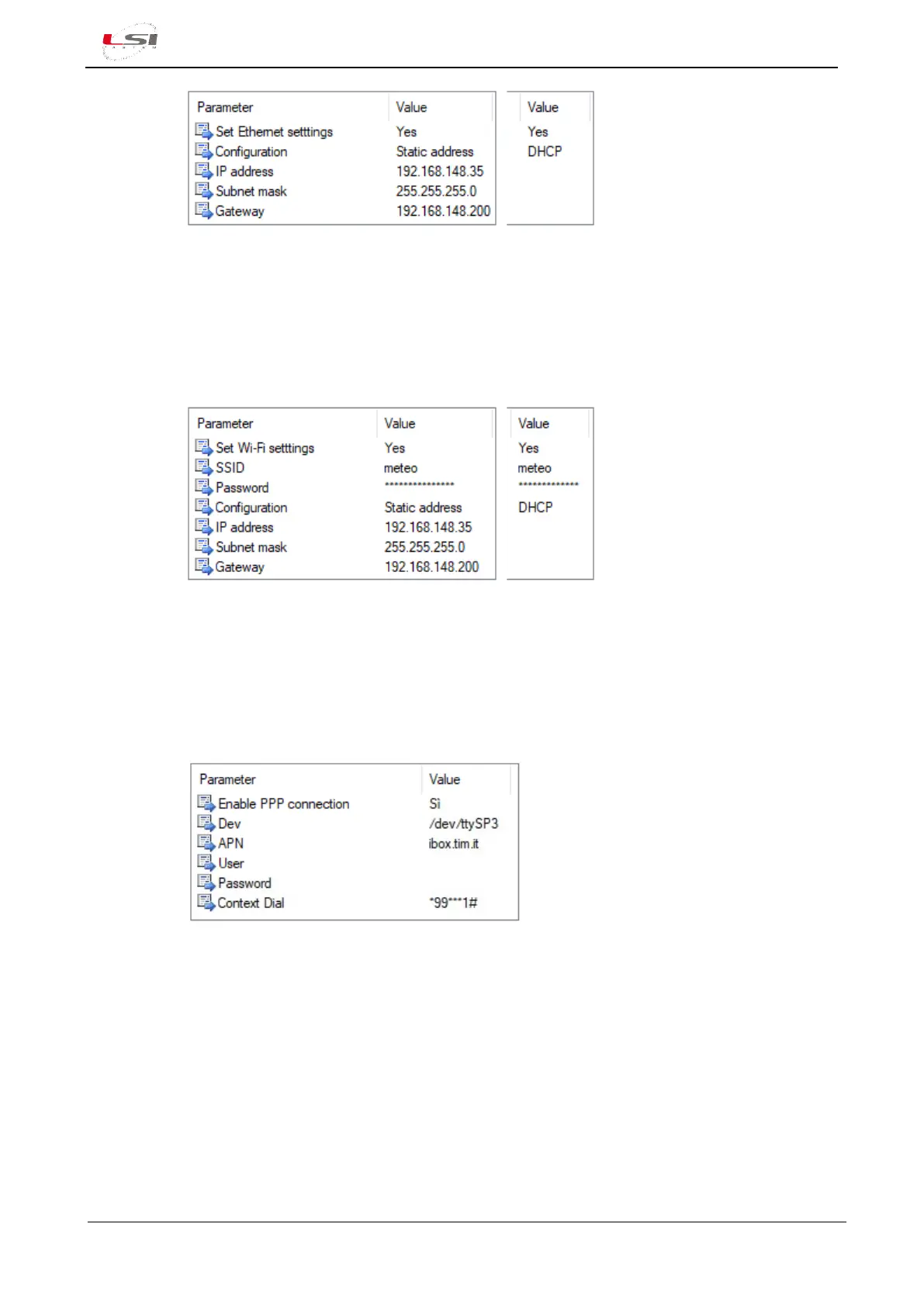
Fig. 8 – Ethernet configuration example
It can be used instead of the Ethernet connection if a Wi-Fi USB pen drive is available. The
connection to the network is made by specifying the name (SSID) and the password of the
Access Point. The assignment of the IP address takes place as for Ethernet connectivity.
ATTENTION! Password is stored not encrypted inside the configuration file.
Default value: not configured.
Fig. 9 – Wi-Fi configuration example
To be configured in case of 3G/4G modem use. Same features as the Ethernet connectivity.
The modem must be configured on the COM1 (5) serial port (§4.1.4). Parameter Dev must be
set to /dev/tty/SP3. Other parameters are those related to the telephone operator.
ATTENTION! Password is stored not encrypted inside the configuration file.
Default value: not configured.
Fig. 10 – PPP configuration for a TIM SIM example
If Alpha-Log has connected to more than one device for its Internet connection, for example a 3G / 4G modem
and satellite modem, the respective gateways (routes) for Internet connection must be specified as Preferred
gateways. The insertion order defines its priority.
The first gateway used is the specific one of the network interface in use. When Alpha-Log must make an
Internet connection, for example for sending data, it verifies the connection via the configured network
interfaces. In the event of failure, the second gateways in the list are taken into consideration.
Here are some insights on the supported protocols:



 To Next Page