1234567890123456789012345678901212345678901234567890123456
1234567890123456789012345678901212345678901234567890123456
1234567890123456789012345678901212345678901234567890123456
1234567890123456789012345678901212345678901234567890123456
1234567890123456789012345678901212345678901234567890123456
1234567890123456789012345678901212345678901234567890123456
1234567890123456789012345678901212345678901234567890123456
1234567890123456789012345678901212345678901234567890123456
1234567890123456789012345678901212345678901234567890123456
1234567890123456789012345678901212345678901234567890123456
1234567890123456789012345678901212345678901234567890123456
1234567890123456789012345678901212345678901234567890123456
1234567890123456789012345678901212345678901234567890123456
1234567890123456789012345678901212345678901234567890123456
1234567890123456789012345678901212345678901234567890123456
1234567890123456789012345678901212345678901234567890123456
1234567890123456789012345678901212345678901234567890123456
1234567890123456789012345678901212345678901234567890123456
1234567890123456789012345678901212345678901234567890123456
1234567890123456789012345678901212345678901234567890123456
1234567890123456789012345678901212345678901234567890123456
1234567890123456789012345678901212345678901234567890123456
1234567890123456789012345678901212345678901234567890123456
1234567890123456789012345678901212345678901234567890123456
1234567890123456789012345678901212345678901234567890123456
1234567890123456789012345678901212345678901234567890123456
1234567890123456789012345678901212345678901234567890123456
1234567890123456789012345678901212345678901234567890123456
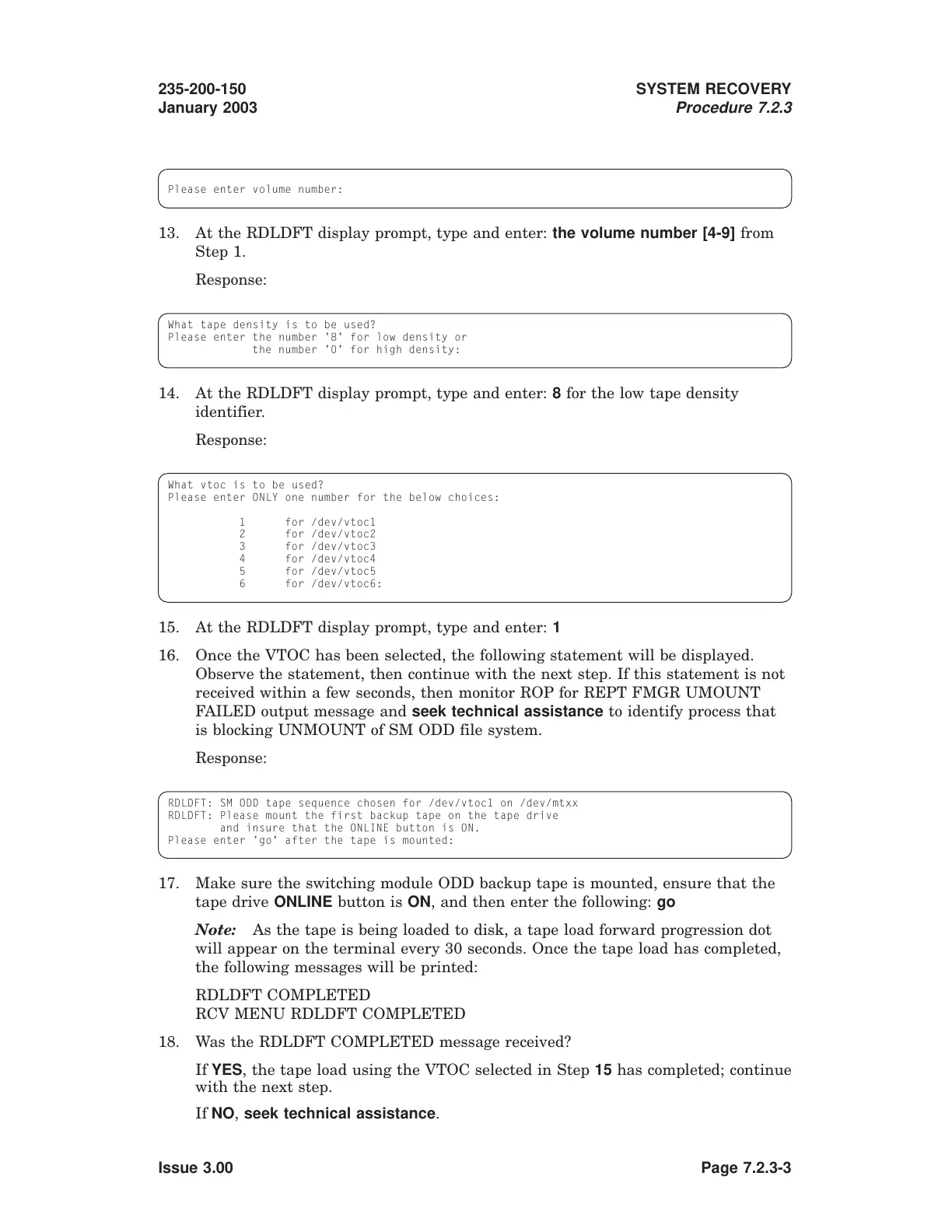
Please enter volume number:
13. At the RDLDFT display prompt, type and enter: the volume number [4-9] from
Step 1.
Response:
What tape density is to be used?
Please enter the number ’8’ for low density or
the number ’0’ for high density:
14. At the RDLDFT display prompt, type and enter: 8 for the low tape density
identifier.
Response:
What vtoc is to be used?
Please enter ONLY one number for the below choices:
1 for /dev/vtoc1
2 for /dev/vtoc2
3 for /dev/vtoc3
4 for /dev/vtoc4
5 for /dev/vtoc5
6 for /dev/vtoc6:
15. At the RDLDFT display prompt, type and enter: 1
16. Once the VTOC has been selected, the following statement will be displayed.
Observe the statement, then continue with the next step. If this statement is not
received within a few seconds, then monitor ROP for REPT FMGR UMOUNT
FAILED output message and seek technical assistance to identify process that
is blocking UNMOUNT of SM ODD file system.
Response:
RDLDFT: SM ODD tape sequence chosen for /dev/vtoc1 on /dev/mtxx
RDLDFT: Please mount the first backup tape on the tape drive
and insure that the ONLINE button is ON.
Please enter ’go’ after the tape is mounted:
17. Make sure the switching module ODD backup tape is mounted, ensure that the
tape drive ONLINE button is ON, and then enter the following: go
Note: As the tape is being loaded to disk, a tape load forward progression dot
will appear on the terminal every 30 seconds. Once the tape load has completed,
the following messages will be printed:
RDLDFT COMPLETED
RCV MENU RDLDFT COMPLETED
18. Was the RDLDFT COMPLETED message received?
If YES, the tape load using the VTOC selected in Step 15 has completed; continue
with the next step.
If NO, seek technical assistance.
235-200-150
January 2003
SYSTEM RECOVERY
Procedure 7.2.3
Issue 3.00 Page 7.2.3-3



 To Next Page