Selecta
PBL200051, Rev J
44 Operation
Turning on the system
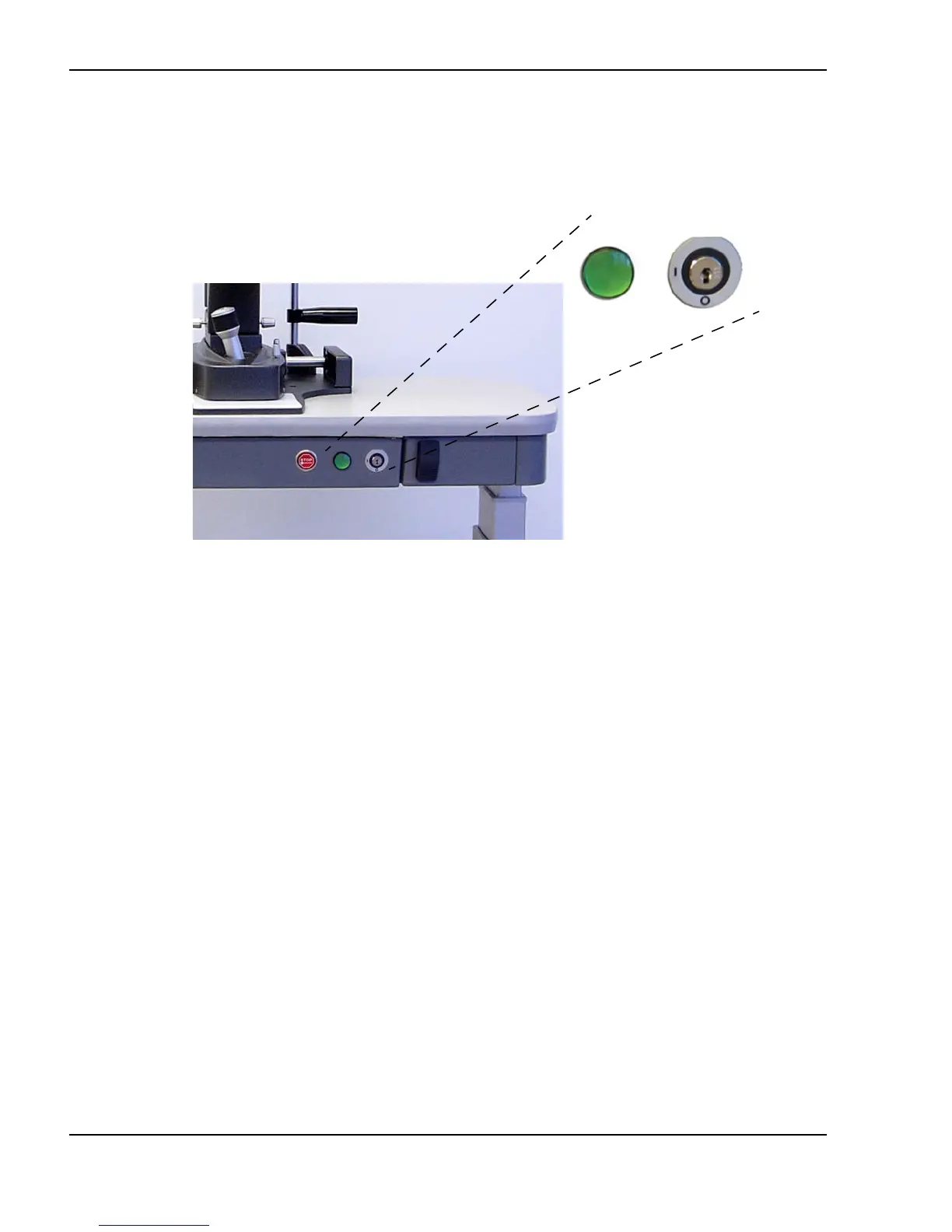
Insert the key into the keyswitch and turn it to the (on) position.
Keyswitch and power on light
The power on indicator lights up and the system initiates a self-test. During
self-test, the initialization screen on the remote control displays progress and
status messages. Upon successful completion of the self-test , the system beeps,
and the remote control changes to the laser mode screen. The standby icon on
the remote control illuminates, and the laser is in standby mode. The system
will default to minimum settings.
Turning off the system
Under normal operating conditions, turn the keyswitch to the (off)
position.
I
O



 To Next Page