Remote Control System Options 61
Selecta
PBL200051, Rev J
Language
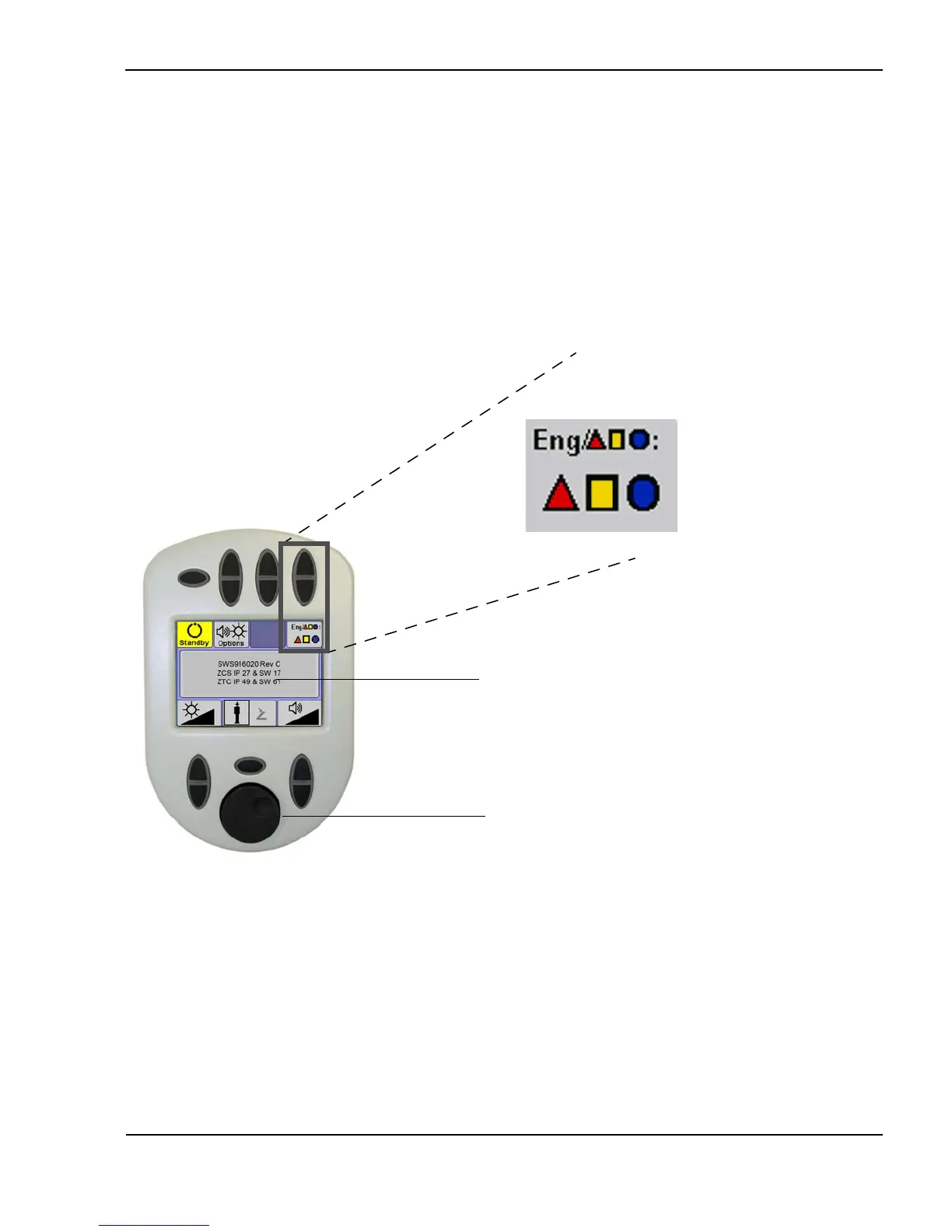
The Selecta system interface can be displayed in either English or icon mode.
The language interface button is located on the options screen. In English
mode, any informational or error messages are displayed in English and with
an error code, such as “E109”. In icon mode, any informational or error
messages are displayed only with an error code. To toggle between the two
modes, press the language interface button on the remote control options
screen.
Choosing the system interface language
(Options screen shown)
Language display
Icons selected
Message display
Message scroll wheel



 To Next Page