Selecta
PBL200051, Rev J
58 Operation
Laser mode
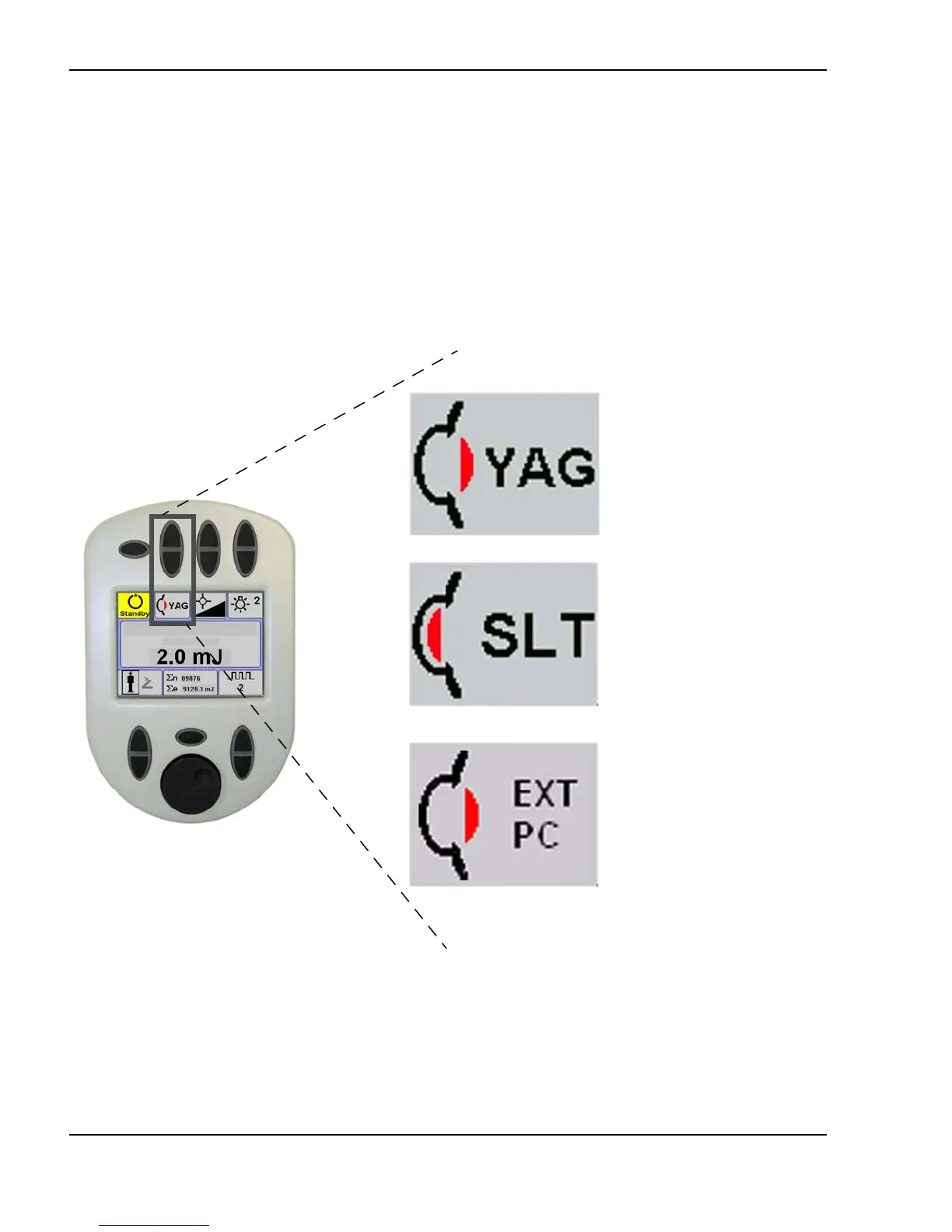
If you’ve purchased the Selecta Duo, the laser mode pushbutton lets you select
either the YAG or SLT laser mode. The remote control screen will change to
reflect all of the treatment settings available in the selected laser mode.
PC mode is used in the Selecta Trio configuration, which utilizes a
LaserLink S delivery device and a Novus Spectra 532 nm photocoagulator. In
PC mode, laser standby/ready, aiming beam intensity, treatment settings, and
treatment delivery are all controlled by the Novus Spectra laser.
Selecting the laser mode
(Photodisruptor laser screen shown)
SLT mode
Photodisruptor
mode
PC mode



 To Next Page