Selecta
PBL200051, Rev J
62 Operation
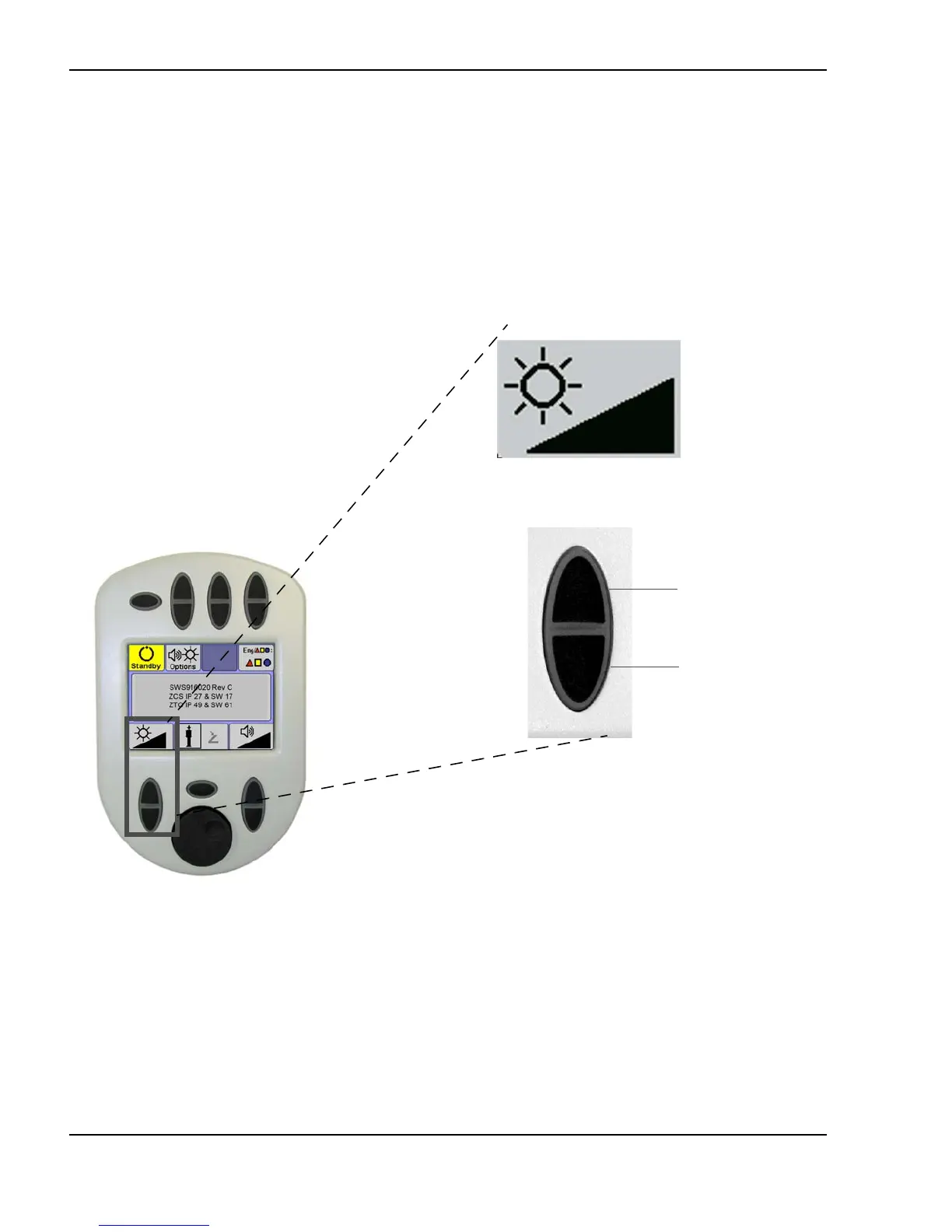
LCD screen brightness
The brightness of the remote control LCD screen can be adjusted to suit
treatment room light conditions by using the remote control LCD brightness
pushbutton. The LCD screen brightness pushbutton is located on the remote
control options screen. To decrease the brightness of the LCD screen, press the
lower portion of the button. To increase the brightness, press the upper
portion of the button.
Adjusting the remote control screen brightness
(Options screen shown)
Increase brightness
Decrease brightness
LCD brightness
display



 To Next Page